INTRODUCTION
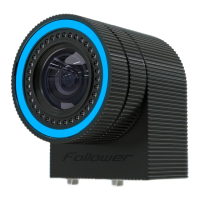
Follower is a revolutionary system that integrates camera, people and object tracking. It brings virtual
graphics to the real world by turning them almost into physical objects and resolves the long-lasting
problem of natural interference between the talent and graphics. Follower allows presenters to interact with
the graphics in various ways. The presenter can stand in front of the object by combining a people tracking
system with a greenscreen. More dynamic shots can be created by pushing, rotating, or changing the
position of the graphics in real time, live on set by using object tracking. It works by attaching LED beacons,
smaller than a fingernail, to objects or people whose position and orientation to be tracked or by attaching
hardware add-on called Spyder to your camera.
It is possible to use this system indoors as well as in bright sunshine outdoors which makes it perfectly
reliable in all of its many unique options.
© 2022 STYPE; ALL RIGHTS RESERVED.
01
Acronyms:
Get familiar with the short forms we use in the manual:
FLW - Follower
TPR - Tilt, Pan, Roll
ZP - Zero point
RS - RedSpy
FOV - Field of View
MS - Main Server
PN - Part number
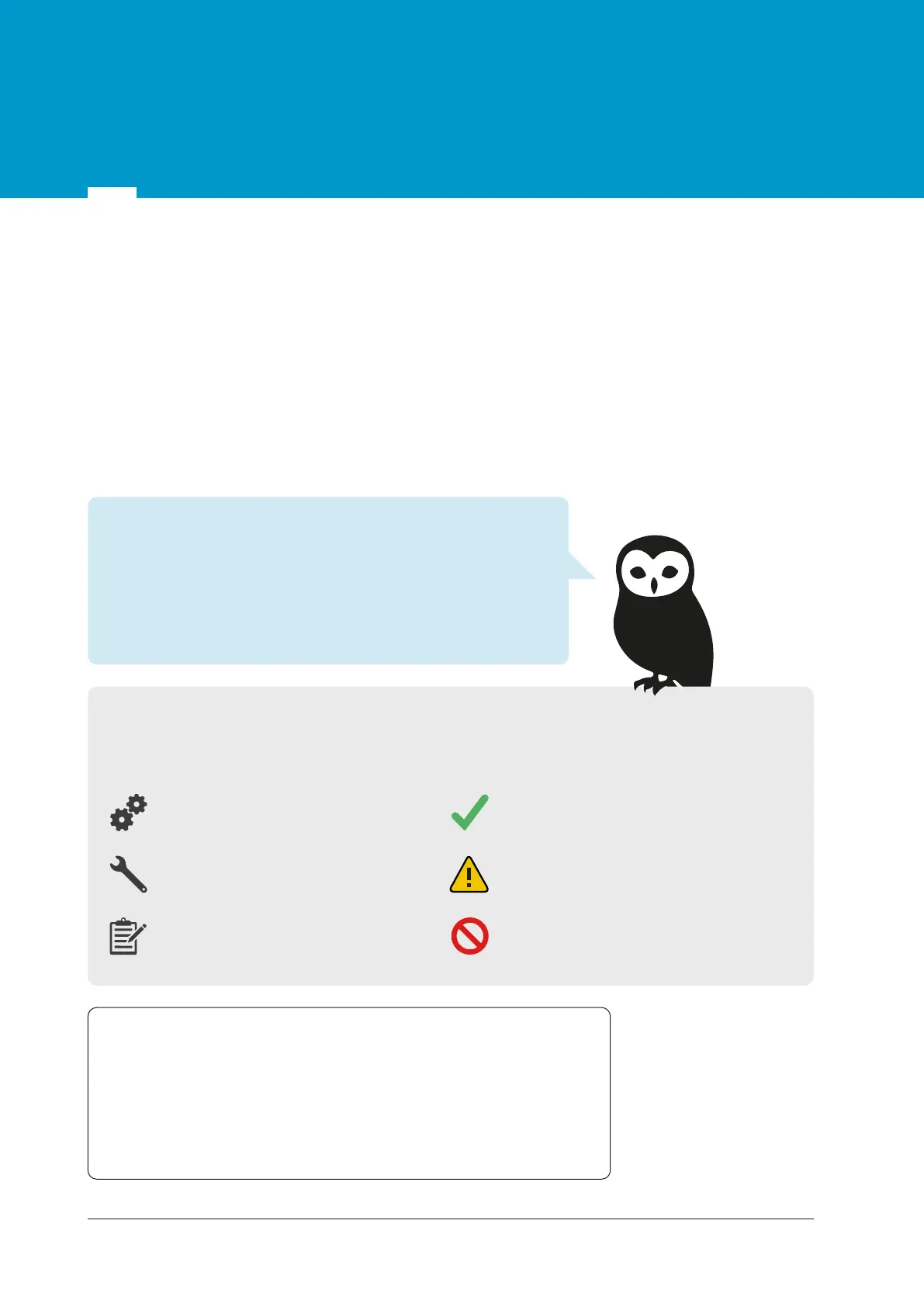
Icons:
These symbols will draw your attention to key pieces of information which will assist you in installing
and configuring the Follower correctly.
PART(s) - FOLLOWER PARTS
TOOL(s) - TOOLS REQUIRED
FOR THIS STEP
NOTE - SPECIAL INSTRUCTION
OR INFORMATION
ADVICE - TIPS, HINTS OR
CONDENSED PROCEDURE
CAUTION - THINGS TO AVOID OR
BE AWARE OF
DO NOT - MUST NOT DO
Hi, I’m the stYpe Expert, here to help you learn how to use the
Follower more effectively. I’ll appear from time to time to
explain the key concepts and remind you which steps are most
important for tracking performance. While I’m away please pay
special attention to the Icons I’ve added for you.
For additional support, contact our team at: support@stype.tv


 To Next Page