© 2022 STYPE; ALL RIGHTS RESERVED.
33
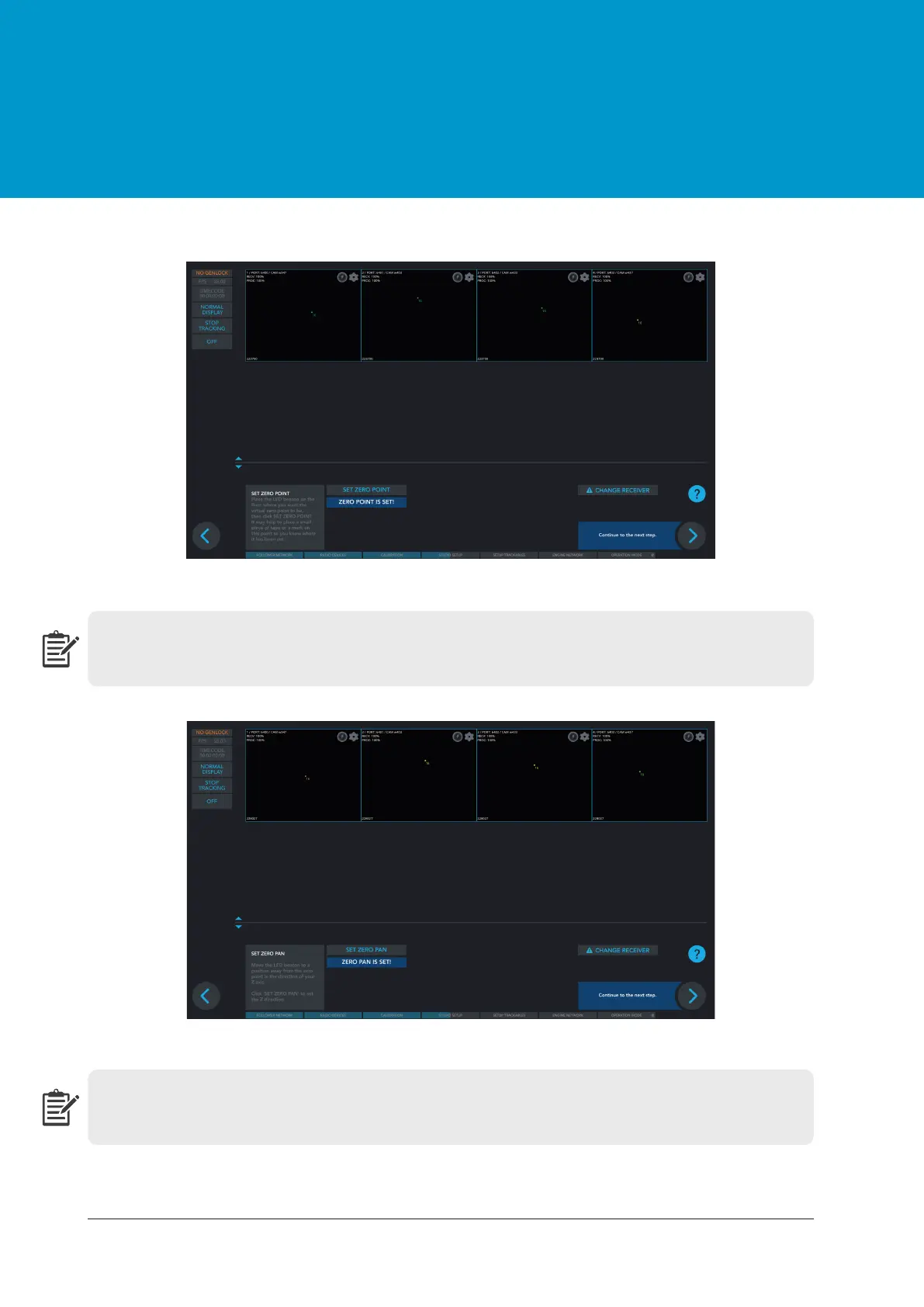
Place the LED beacon on the floor where you want the virtual zero point to be, then click SET ZERO
POINT. It may help to place a small pieace of tape or a mark on this point so you know it has been set.
Figure 12.6 Regular setup - SET ZERO POINT
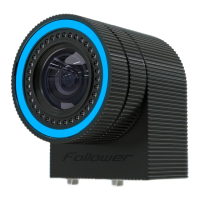
Move the LED beacon to a position away from the zero point in the direction of your Z axis. Click
SET ZERO PAN
to see the Z direction.
Figure 12.7 Regular setup - SET ZERO PAN


 To Next Page