Navigation 107
Navigation
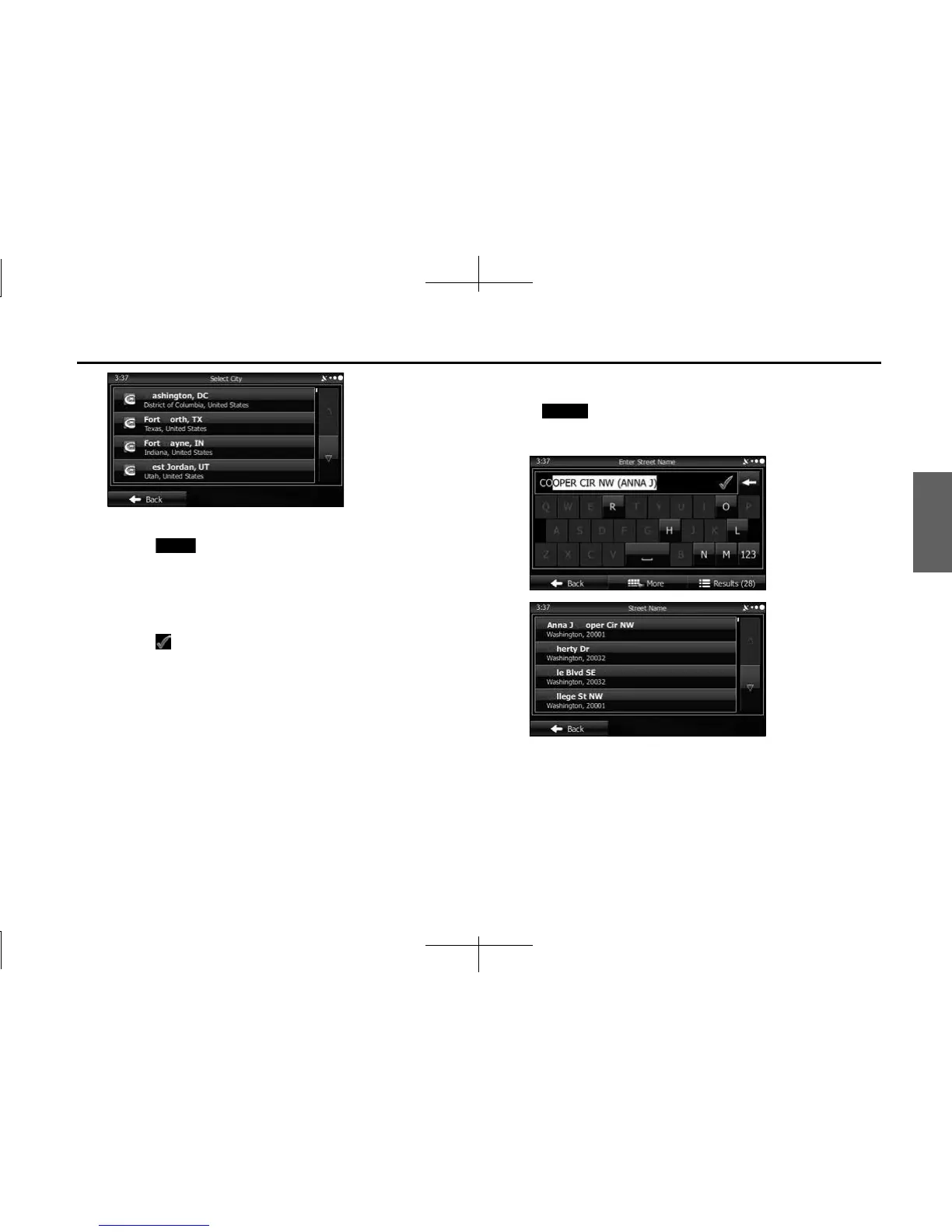
6 Enter the street name as follows.
(1) Touch (Street).
(2) Use the keyboard to enter the start of the street name.
• For the keyboard, see “Using the Keyboard” on Page 88.
(3) Find the street name to enter as follows.
• The most likely street name is displayed in the entry field.
Touch to use the name displayed.
• If the name you want is not automatically entered, enter a few
more letters from the name until it is displayed in the list (touch
(Results) to open the results list before the search
results are automatically displayed). Select the street from the
list.
Street
Results














 To Next Page