108 Navigation
Navigation
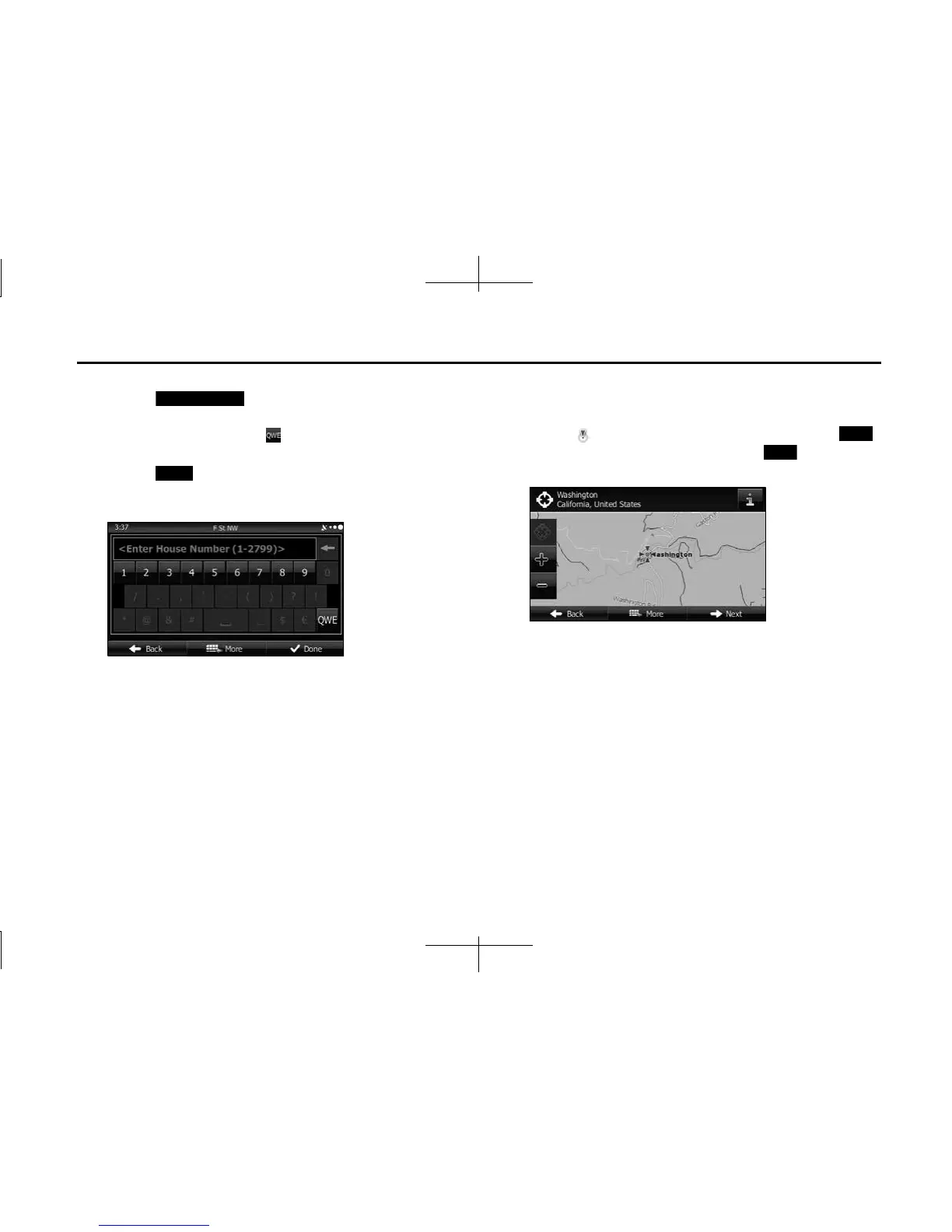
7 Enter the house number as follows.
(1) Touch (House Number).
(2) Enter the house number with the keyboard. (Enter the
number(s), and then touch .)
• For the keyboard, see “Using the Keyboard” on Page 88.
(3) Touch (Done) to finish entering the address. (If the
house number is not found, the center of the street is selected
as the destination.)
8 The map is displayed in full-screen mode with the
selected point at the center. If necessary, you can touch
another point on the map to change the destination. The
cursor ( ) is displayed at the new position. Touch
(Next) to set the destination, or touch (Back) to
select another destination.
House Number
Done
Next
Back














 To Next Page