132 Navigation
Navigation
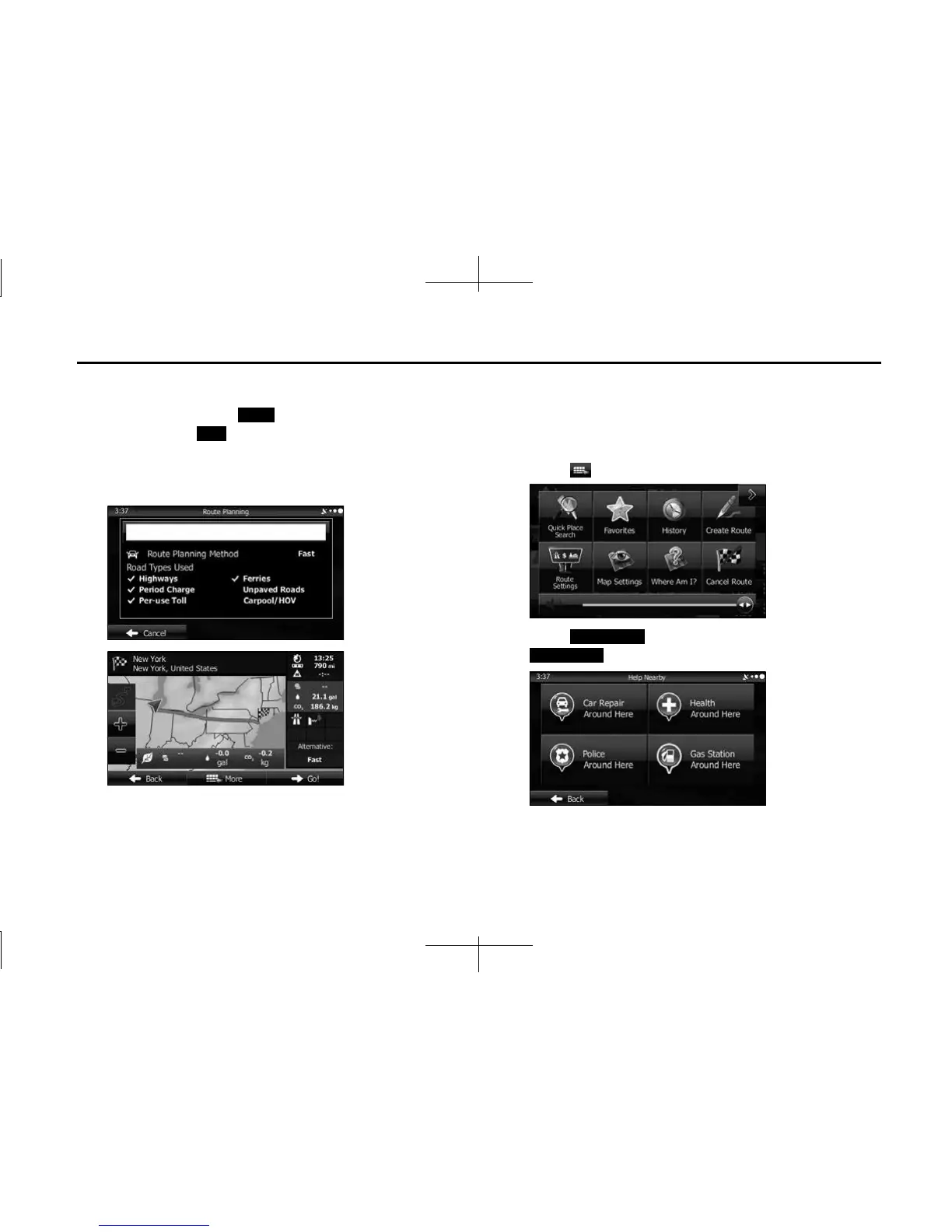
14 After a summary of the route plan is displayed, the entire
route is displayed on the map. The route is researched
automatically. Touch (More) to change the route
plan, or touch (Go!) to start navigation. (When the
countdown is displayed in the “Go!” button, guidance
begins automatically after 10 seconds even if you do not
touch the button.)
■ Using “Where Am I?” to select the closest assistance
service
You can search for the closest assistance service by using the “Where
Am I?” screen.
1
Touch on the Map screen to open the Quick menu.
2 Touch (Where Am I?), and then touch
(Help Nearby).
More
Go!
Where Am I?
Help Nearby














 To Next Page