Navigation 133
Navigation
3 The preset search categories are displayed. This button
searches for everything around your current position (or
the latest confirmed position if it is unavailable).
• (Car Repair Around Here)
Vehicle repairs / Road-side assistance services
• (Health Around Here):
Hospitals / Emergency services
• (Police Around Here):
Police stations
• (Gas Station Around Here):
Gas stations
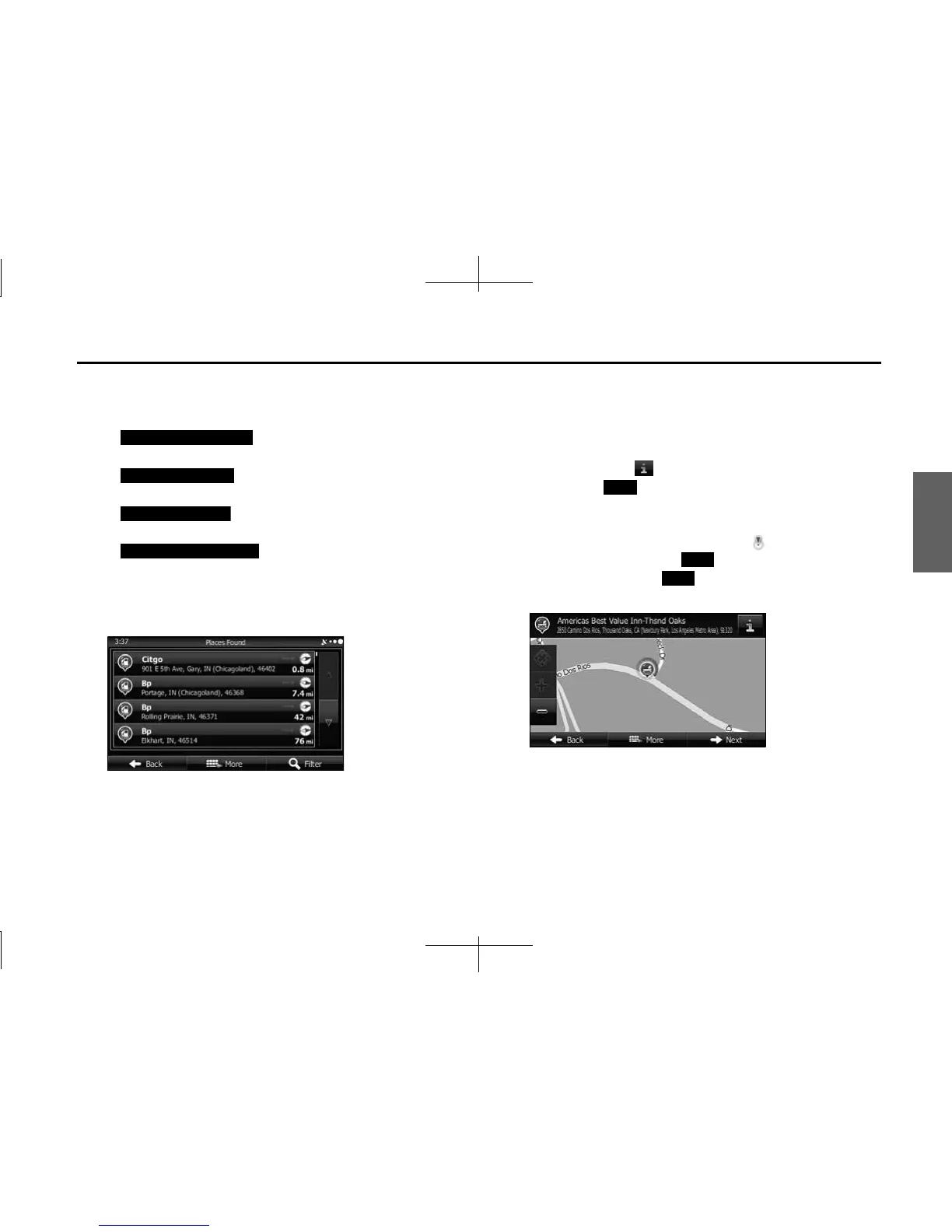
4 Press any of the quick search buttons to display a basic
list for the service you selected.
5 Find the item you want on the list, and then touch that
item. The map is displayed in full-screen mode with the
selected point at the center. The name and address of
the spot are displayed at the top of the screen.
6 (Optional) Touch to display details about the selected
spot. Touch (Back) to return to the map.
7 If necessary, you can touch another point on the map to
change the destination. The cursor ( ) is displayed at
the new position. Touch (Next) to set the
destination, or touch (Back) to select another
destination.
Car Repair Around Here
Health Around Here
Police Around Here
Gas Station Around Here
Back
Next
Back














 To Next Page