Audio and Visual 217
Audio Operations
■ Selecting a channel
Manual selection
1 Touch or .
•:
Select 1 channel higher.
:
Select 1 channel lower.
NOTE
Invalid channels and non-subscribed channels are skipped.
Manual tuning (continuous)
1 Touch or for 1 second or more.
•:
Moves up the channels continuously until you release your
finger from the button.
:
Moves down the channels continuously until you release your
finger from the button.
NOTE
Invalid channels, non-subscribed channels and channels set with the parental
lock are skipped.
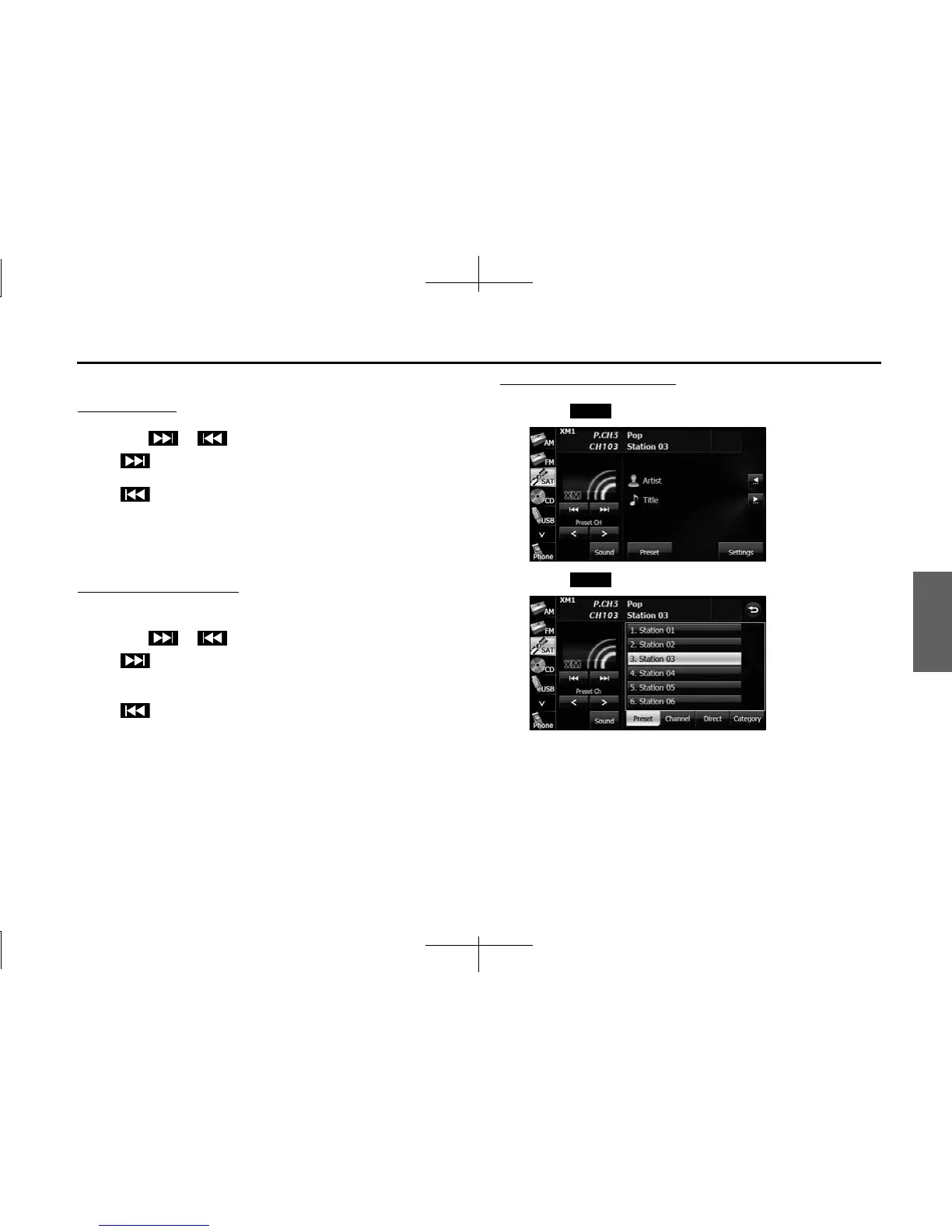
Selecting from a preset button
1 Touch (Preset).
2 Touch (Preset).
3 Touch one of the preset buttons on the display from [1]
to [6].
• When selecting an item being Parental Locked in the list, the
screen for code input is displayed.
Preset
Preset














 To Next Page