218 Audio and Visual
Audio Operations
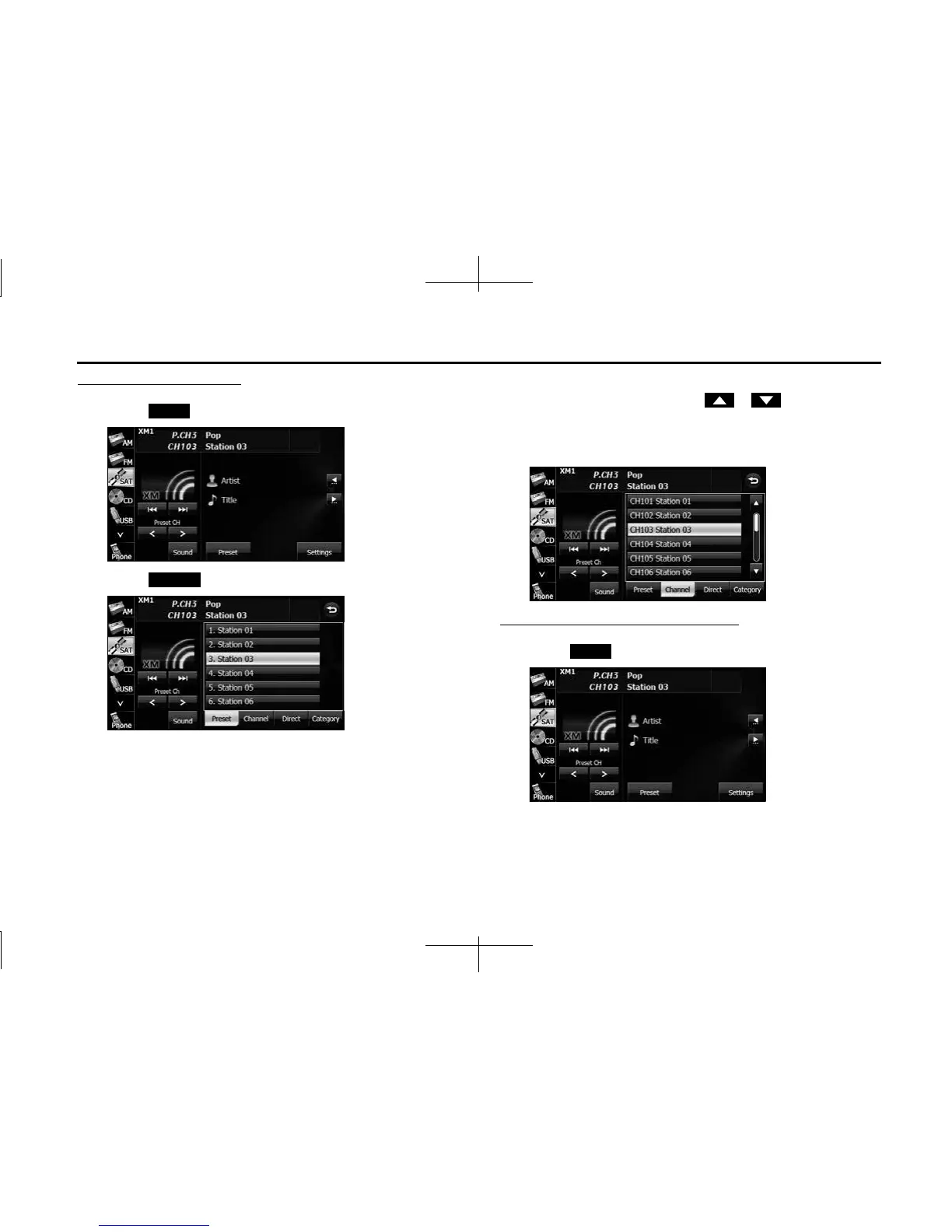
Selecting from a channel list
1 Touch (Preset).
2 Touch (Channel).
3 Touch the channel to which you want to listen.
• If there are more pages, touch or to scroll the
pages.
• When selecting an item being Parental Locked in the channel,
the screen for code input is displayed.
Selecting a channel by entering it directly
1 Touch (Preset).
Preset
Channel
Preset














 To Next Page