Other 283
Other Operations
•:
Display the Audio/Multi screen. To display the picture
operations screen again, touch .
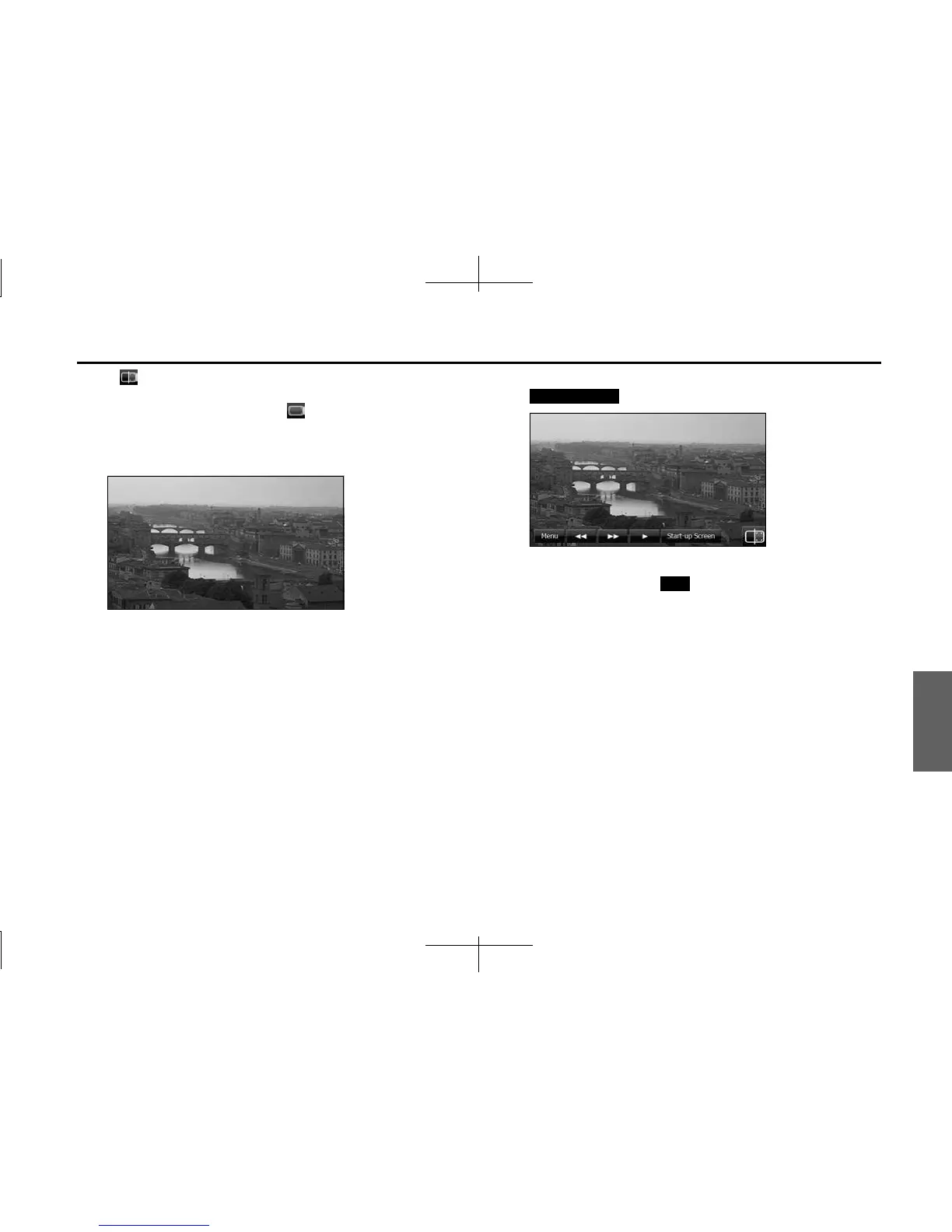
• Touch the screen to show only the image on the display. To
display the picture operations screen again, touch the screen.
<Picture screen display>
■ Replacing the Opening screen with your own image
data
You can register image data (1 picture only) imported from an SD
memory card as the “Customized” opening screen setting.
1 Insert an SD memory card that contains the image data.
(See Page 16.)
2 Display the image that you want to set and touch
(Start-up Screen).
3 “Are you sure to overwrite the start-up screen?” appears
on the screen. Touch (Yes).
• The picture is registered as the “Customized” opening screen
setting.
Start-up Screen
Yes














 To Next Page