284 Other
Other Operations
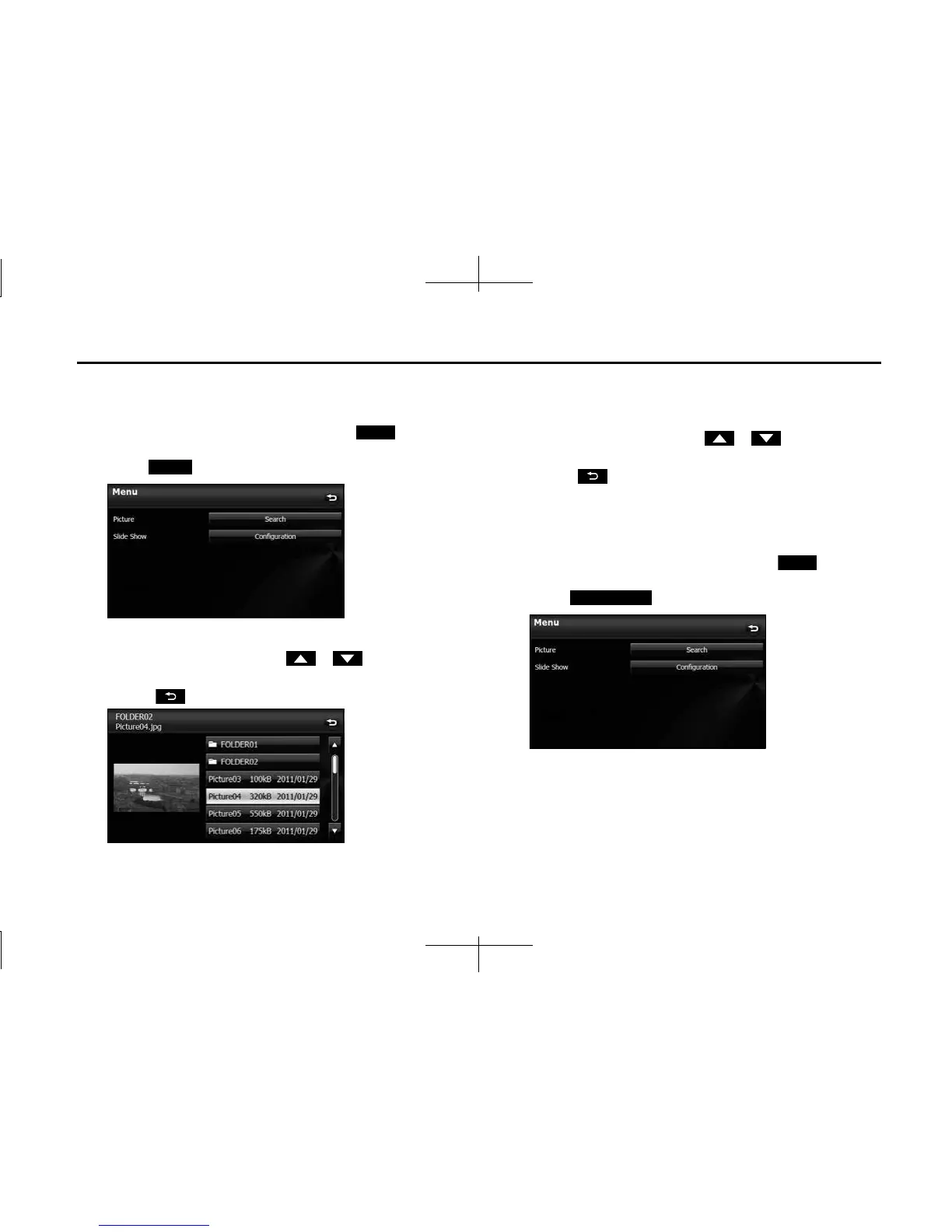
■ Selecting an image file from the picture list
You can select the image file that you want to view from a folder.
1 On the picture operations screen, touch (Menu).
2 Touch (Search) in Picture.
3 Touch the folder that you want to use.
• If there are more pages, touch or to scroll the
pages.
• Touch to return to the previous screen.
4 Touch the file that you want to view.
• The selected file is displayed. Touch the displayed image to
show it in a Picture screen display.
• If there are more pages, touch or to scroll the
pages.
• Touch to return to the previous screen.
■ Slide show setting
On the Slide Show Configuration screen, you can set a slide show.
1 On the picture operations screen, touch (Menu).
2 Touch (Configuration) in Slide Show.
Menu
Search
Menu
Conguration














 To Next Page