Introduction 45
Before Use
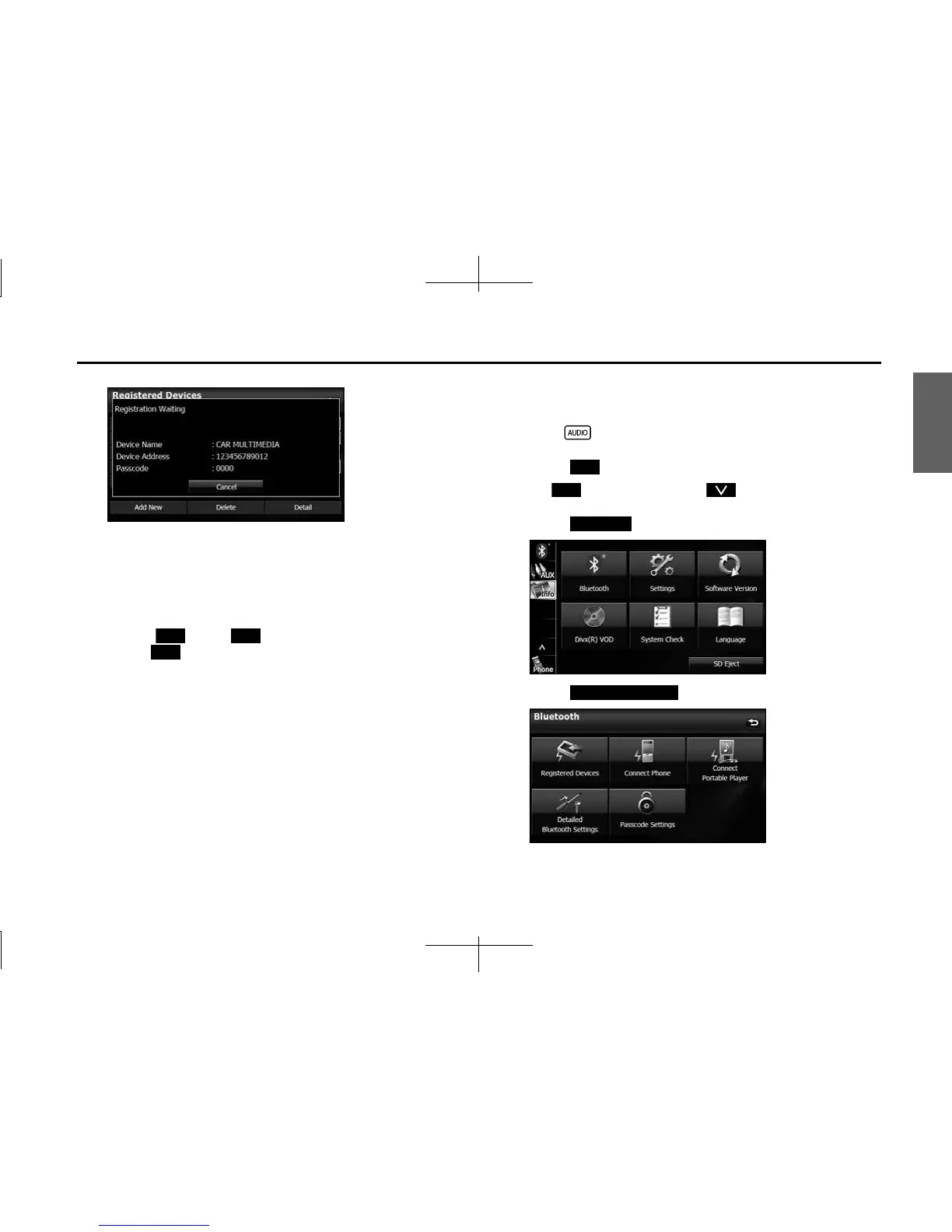
<Registered Devices screen>
7 When the registration is complete, “Connection
Completed” appears.
• The cell phone registration is complete.
• After the registration completed message is displayed, “Do you
want to transfer the phonebook from your mobile?” appears.
Touch (Yes) or (No). For the procedure when you
press (Yes), see step 4 in “Transferring the phone book
data from a cell phone” on Page 59.
NOTE
• If the registration fails, “Connection failed” appears on the screen. If this
happens, perform the registration operation again.
• For details of operations on the cell phone, see the cell phone's instruction
manual.
• When processing a Bluetooth connection, the Bluetooth Audio may skip.
■ Deleting a cell phone registration
You can delete cell phones that are registered on the unit.
1 Press .
2 Touch .
• If is not displayed, touch .
3
Touch .
4 Touch (Registered Devices).
Yes No
Yes
Info
Info
Bluetooth
Registered Devices














 To Next Page