46 Introduction
Before Use
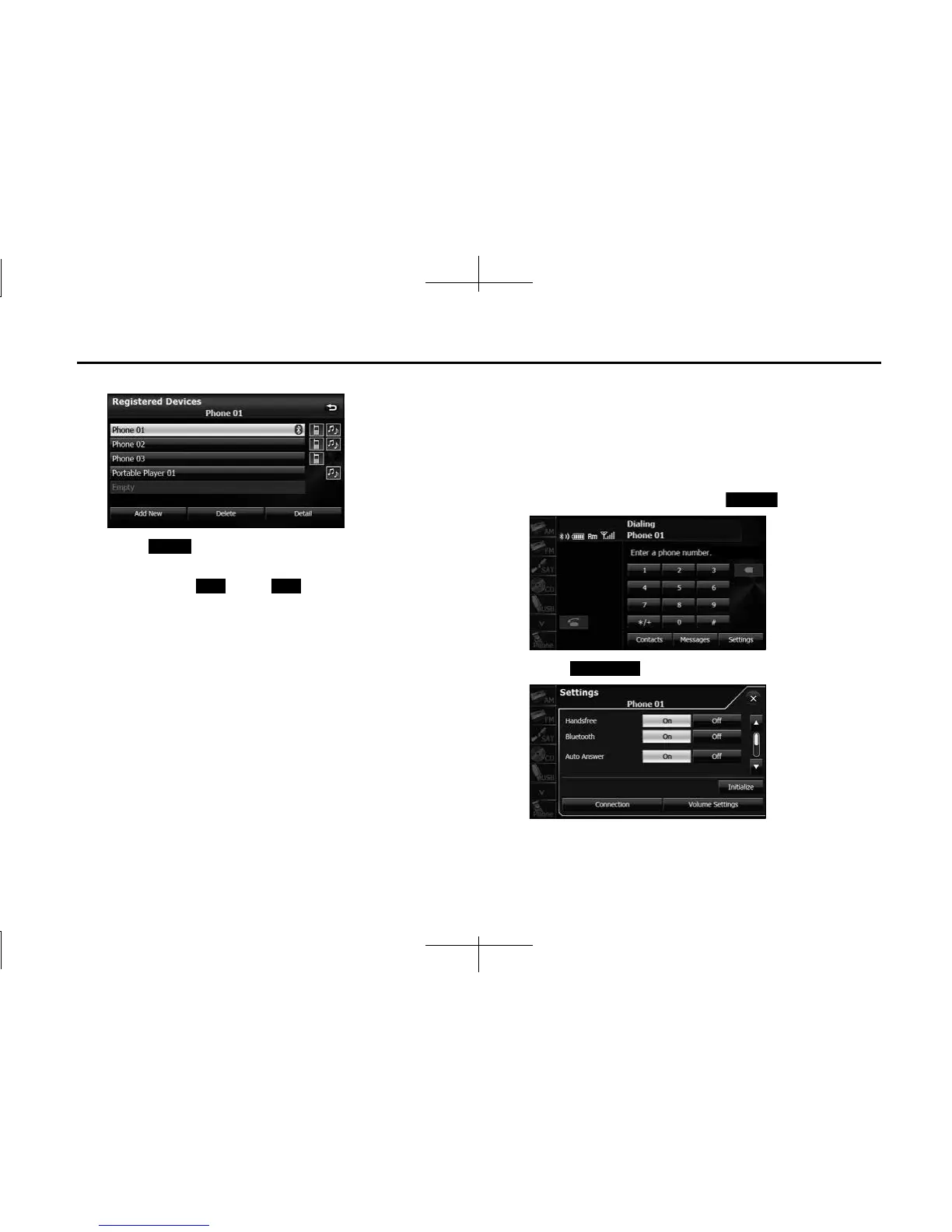
5 Select the cell phone that you want to delete.
6 Touch (Delete).
• “Are you sure you want to delete this device?” appears on the
screen. Touch (Yes) or (No).
• After touching “Yes”, when the deletion is complete,
“Completed” appears.
• The cell phone deletion is complete.
NOTE
When a cell phone registration is deleted, the outgoing call history, incoming
call history and phone book data that are saved in the unit are also deleted.
■ Connecting a cell phone
You can connect a cell phone that is registered on the unit.
• Make the preparations necessary for connecting to the unit, for
example by setting the cell phone's Bluetooth standby to “On”.
• For details of operations on the cell phone, see the cell phone's
instruction manual.
1 On the handsfree screen, touch (Settings).
2 Touch (Connection).
Delete
Yes No
Settings
Connection














 To Next Page