Introduction 53
Before Use
NOTE
For details on “Speed Dial” registration, see “Registering a Speed Dial number” on
Page 62.
■ Receiving a call
You can receive incoming calls when any source mode is selected.
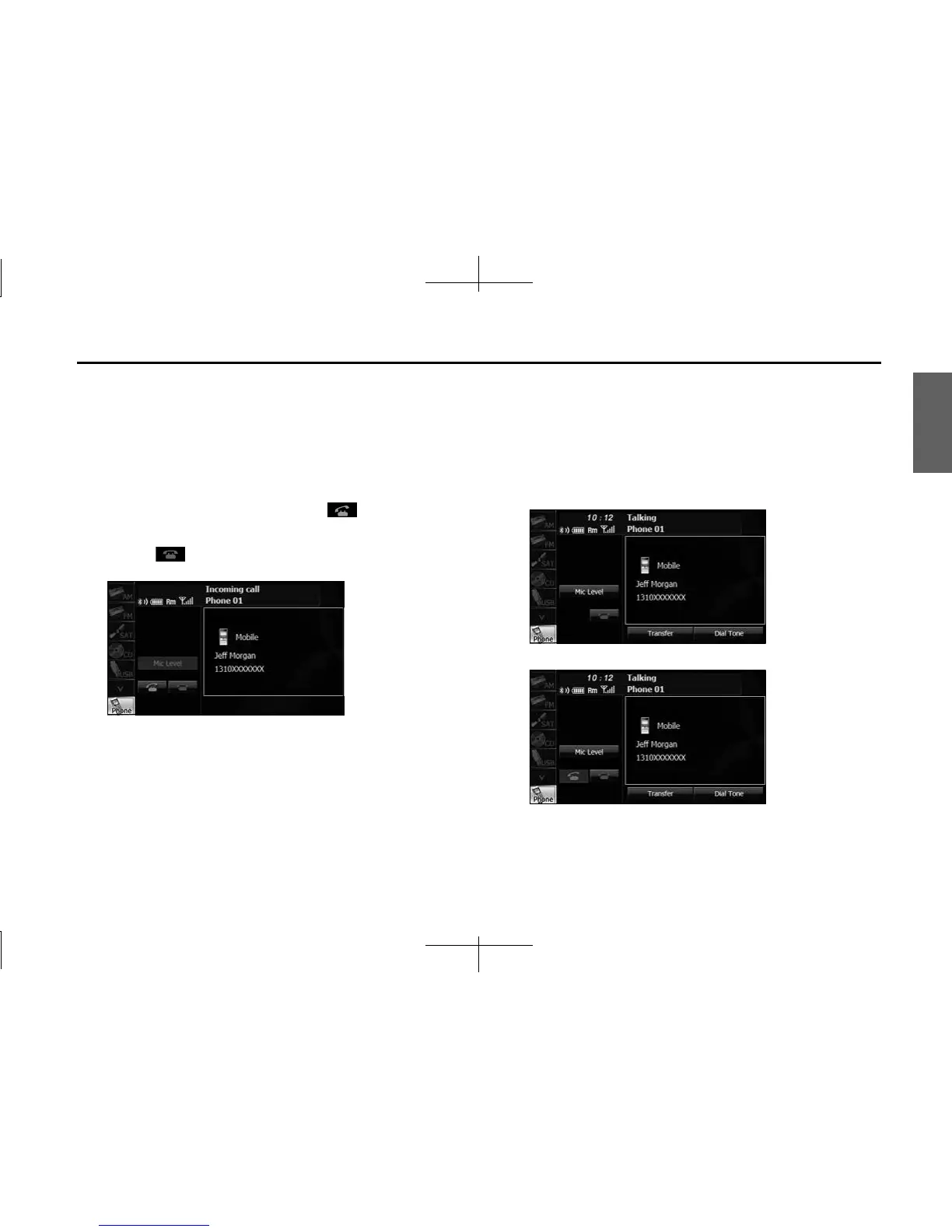
When a call arrives, the Incoming call screen appears automatically.
1
When you hear the ringtone, touch .
• You are connected and able to talk.
• Touch to hang up and refuse the incoming call.
<Incoming call screen>
NOTE
You can also receiving calls automatically. See “Auto Answer setting” on Page 57.
■ Operations during a call
During a call, the outgoing call or incoming call Talking screen is
displayed, and you can perform the following operations.
• Adjust the volume for phone calls
• End the call
• Enter numeric keys
• Perform call waiting
<Talking screen for outgoing calls>
<Talking screen for incoming calls>














 To Next Page