Introduction 59
Before Use
Ring Tone Type setting
You can set the ringtone.
1 Touch or .
•Tone 1 Q Tone 2 Q Tone 3 Q Tone 1 Q ...
Initializing the settings
Touch (Initialize) to return the sound settings (handsfree) to
their initial values.
■ Editing the phone book
You can register telephone numbers in the phone book of the unit by
transferring the phone book that is registered in the cell phone.
Transferring the phone book data from a cell phone
You can transfer the telephone numbers (phone book data) that are
registered in the cell phone to the unit. In the phone book of this unit,
you can register up to 4 telephone numbers for each person in each
registered cell phone, and you can register data for up to 1000 persons.
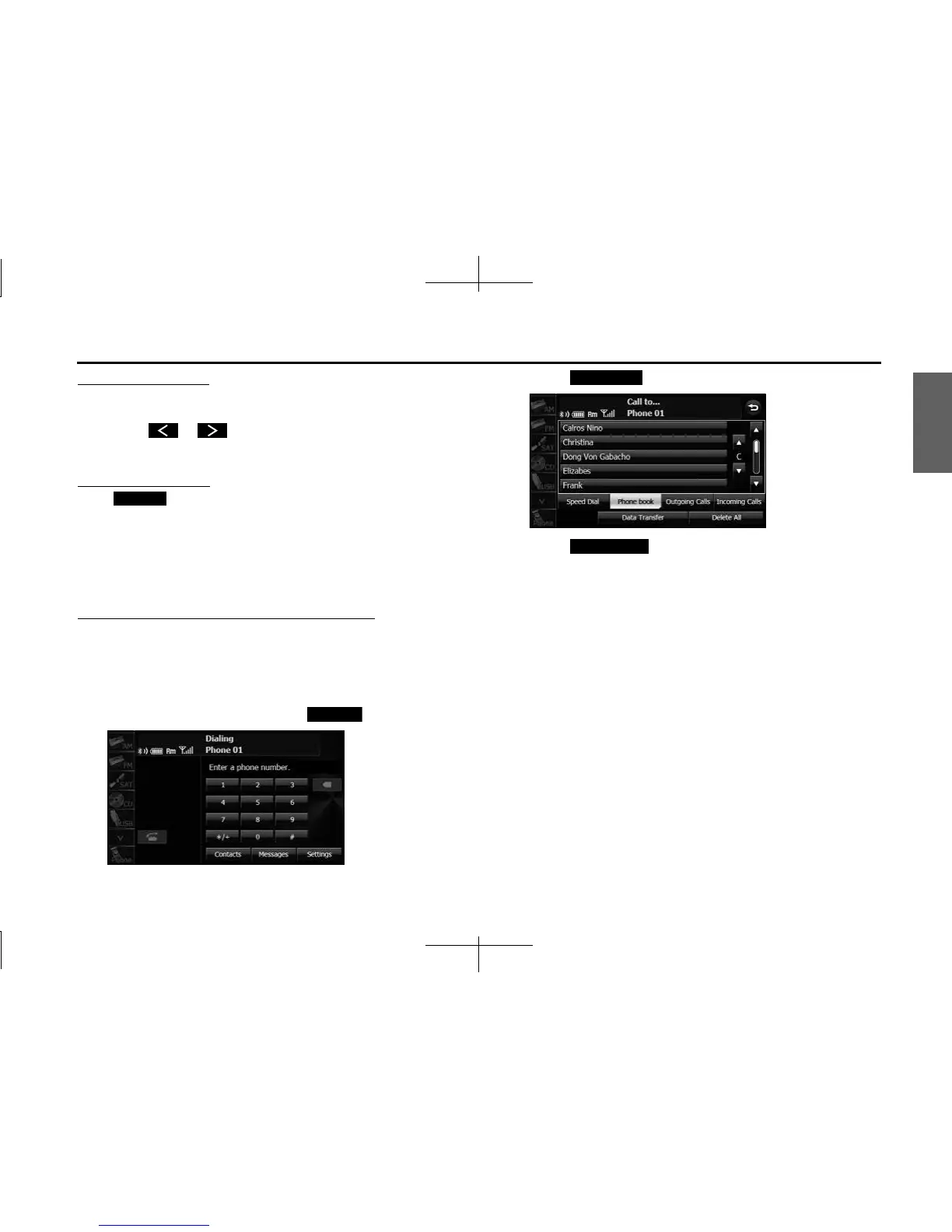
1 On the handsfree screen, touch (Contacts).
2 Touch (Phone book).
3 Touch (Data Transfer).
4 When the phone book transfer screen appears, operate
the cell phone to transfer the phone book data.
• Perform the transfer operation on the cell phone while the
phone book transfer screen is displayed.
• When the transfer is in progress, wait until the transfer
completed message appears.
• When the transfer is complete, the transfer completed message
appears.
Initialize
Contacts
Phone book
Data Transfer














 To Next Page