Introduction 71
Before Use
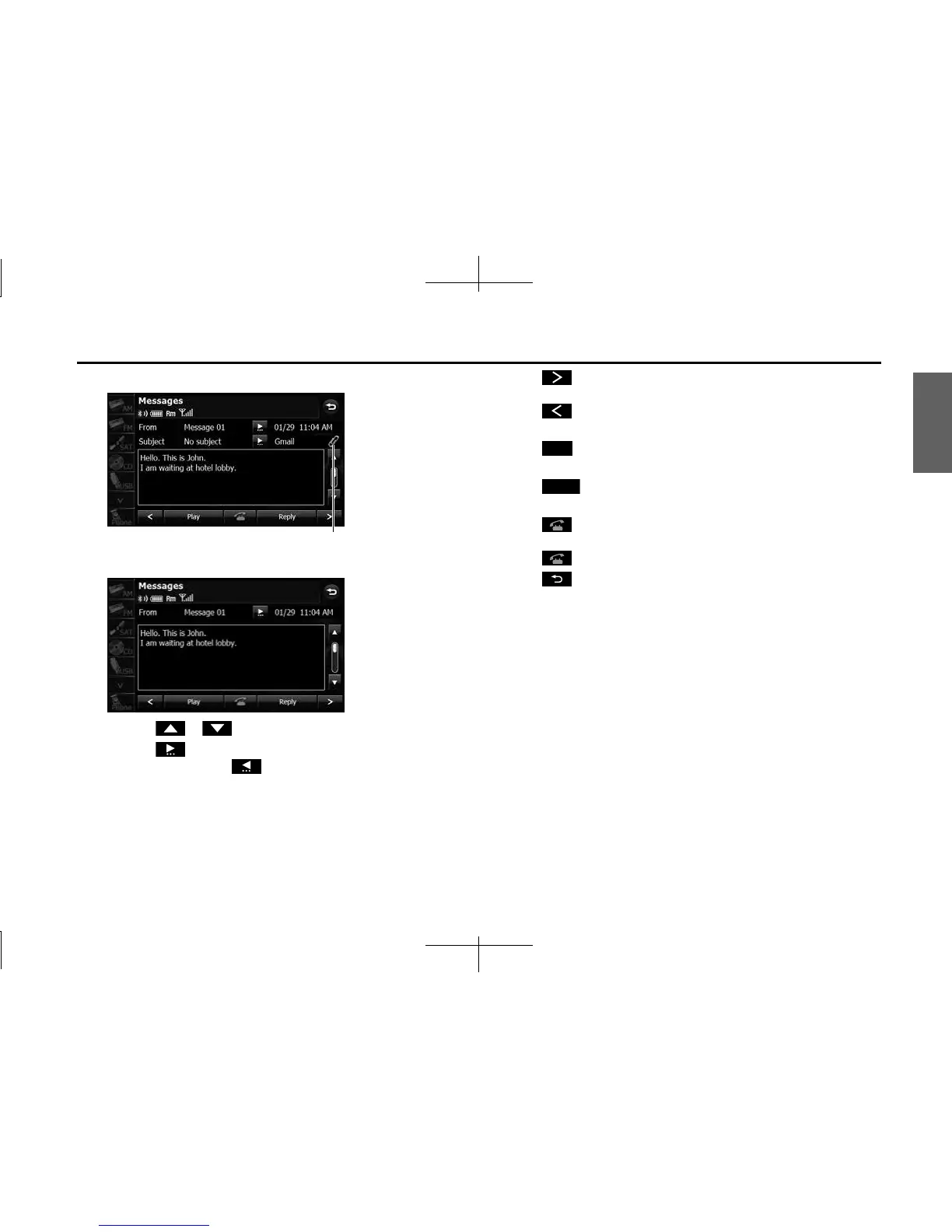
<MMS and e-mail details screen>
<SMS details screen>
• Touch or to scroll the pages in the message list.
• Touch to scroll the addresses and title data. During or
after scrolling, touch to return to the beginning of the
data.
•:
Advance to the next message.
:
Return to the previous message.
• (Play):
Perform audio playback of the message.
• (Reply):
Display the message reply screen.
•:
If there is telephone number data in the address, you can touch
to call the number.
•:
Return to the Messages screen.
NOTE
When a file is attached, an icon is displayed in the message details screen. The
contents of the attached file are not displayed. Check them with the cell phone.
Attached file icon
Play
Reply














 To Next Page