74 Introduction
Before Use
2 Enter a message.
• For details on entering the characters, see “Entering characters”
on Page 74.
3 Touch (Send).
• The message is sent.
NOTE
You can enter up to 160 single-byte characters in a free message.
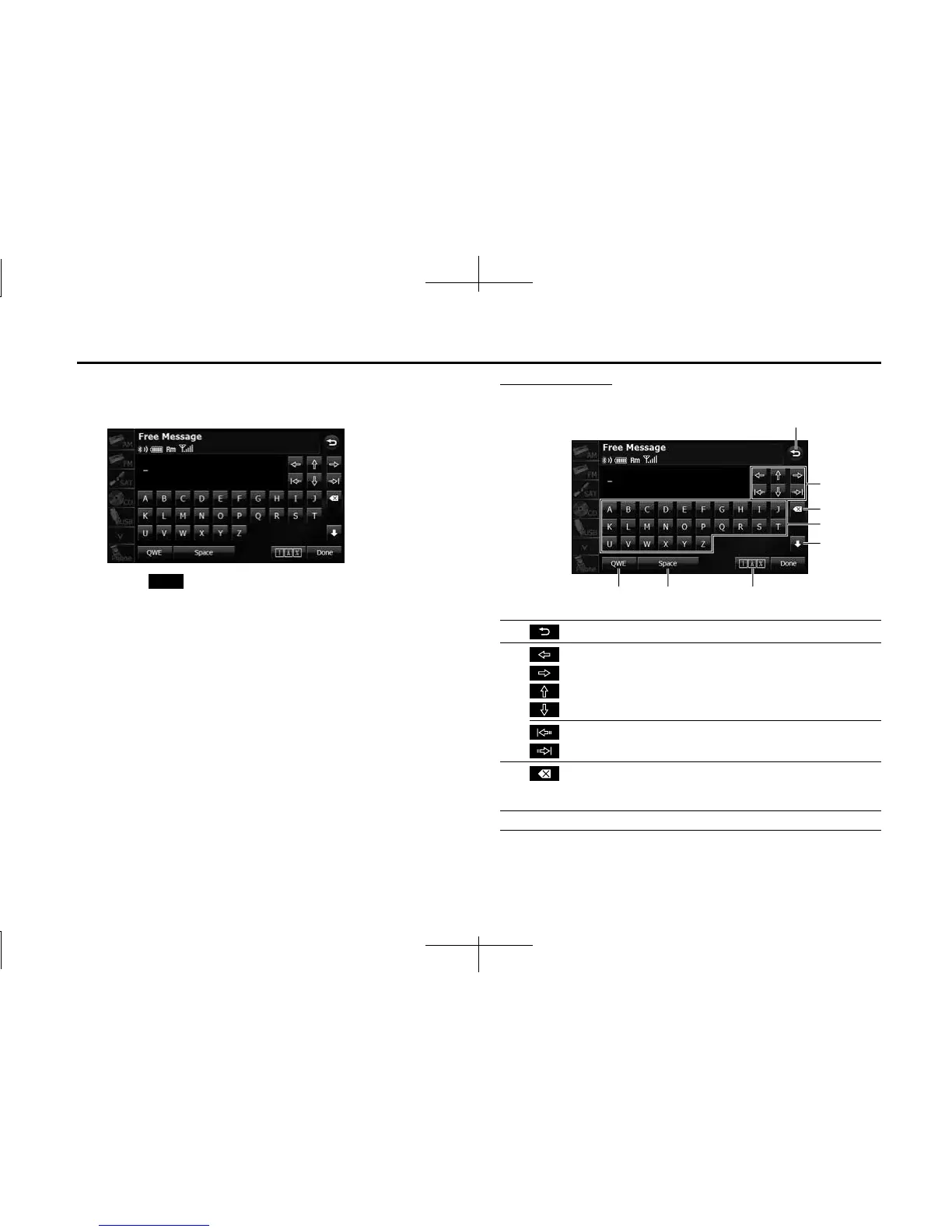
Entering characters
Touch the following buttons to enter characters.
Send
(1) Return to the previous screen.
(2) Move the cursor. (Previous, next, up, down)
Move the cursor. (Top, end)
(3) Delete 1 character.
• Touch for 1 second or more to delete the characters
continuously.
(4) Input buttons Touch a button to enter the corresponding character.
(1)
(8) (7) (6)
(4)
(5)
(3)
(2)














 To Next Page