Introduction 73
Before Use
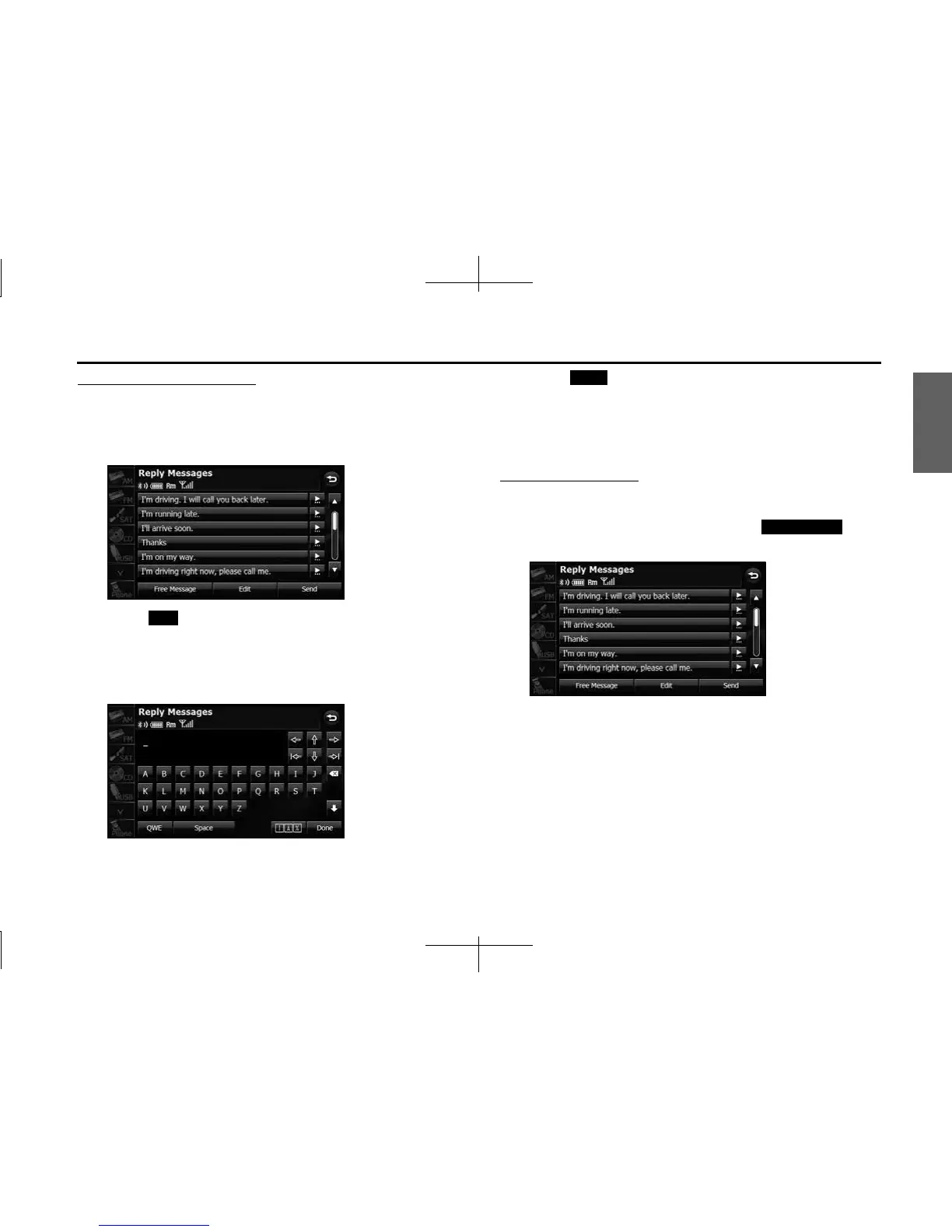
Editing the Reply Messages list
You can edit the messages that are registered in the list.
1 On the Reply Messages screen, touch the message that
you want to change.
2
Touch (Edit).
3 Touch the keyboard and enter any message.
• For details on entering the characters, see “Entering characters”
on Page 74.
4 Touch (Done).
• The message is registered.
NOTE
You can enter up to 160 single-byte characters in a reply message.
Sending a Free Message
You can create any message and use it as the reply.
1 On the Reply Messages screen, touch (Free
Message).
Edit
Done
Free Message














 To Next Page