46
Setting DVD/Audio/Subtitle Language
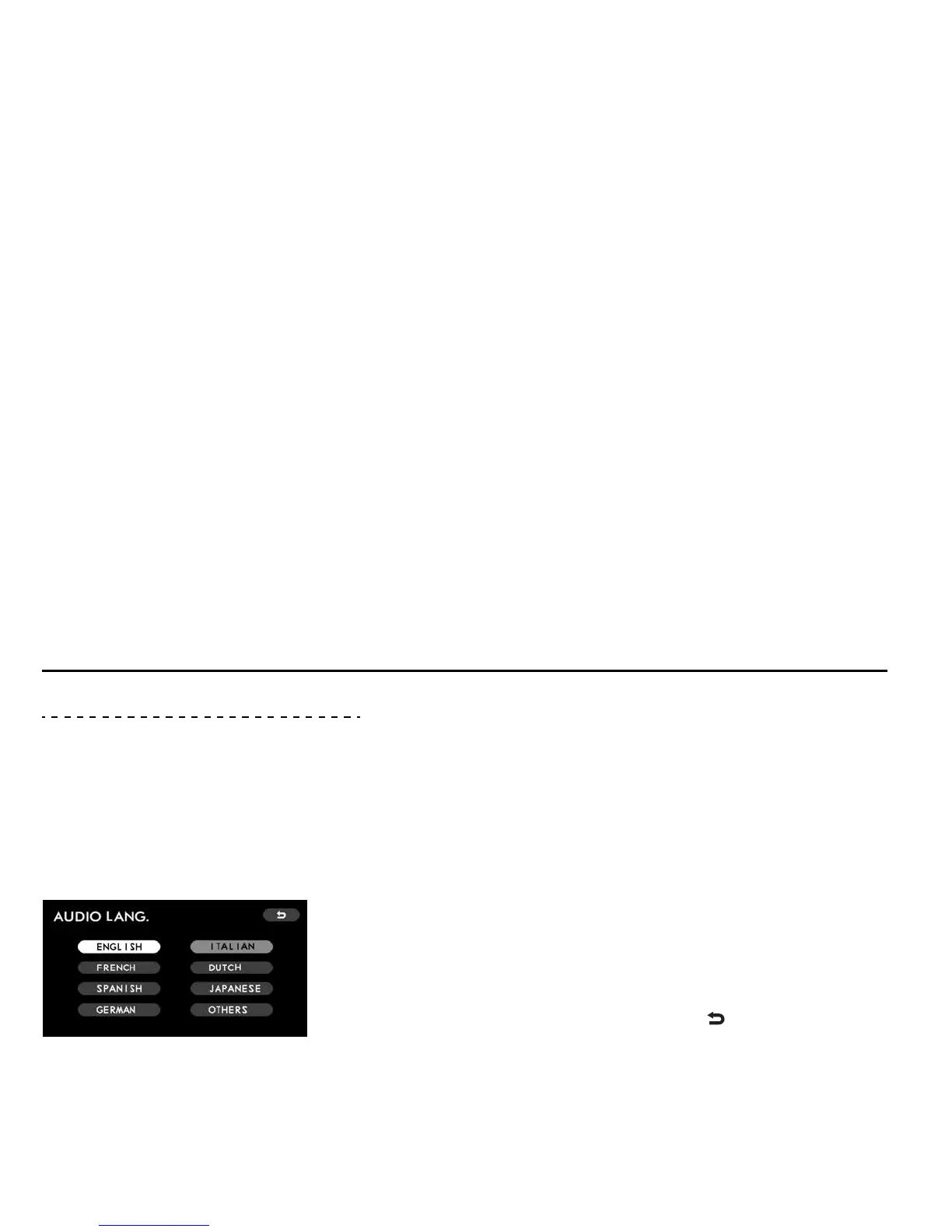
The following languages are available for setting:
y ENGLISH
y FRENCH
y SPANISH
y GERMAN
y ITALIAN
y DUTCH
y JAPANESE
y OTHERS
On the SETUP MENU screen, highlight a language mode (DVD, Audio, or Subtitle
mode) for which you wish to set a language using the remote control joystick and
then press the “ENTER” button. Once the language mode has been selected, you
can now set the desired language by highlighting it with the joystick and then press-
ing the “ENTER” button. The switch color of the set language changes from white to
gray.
Do the same for the remaining language modes.
To revert to the SETUP MENU screen, highlight the “ ” switch with the joystick,
and then press the “ENTER” button.
* This figure shows the screen for setting the
audio language.
Initial Settings













 To Next Page