43
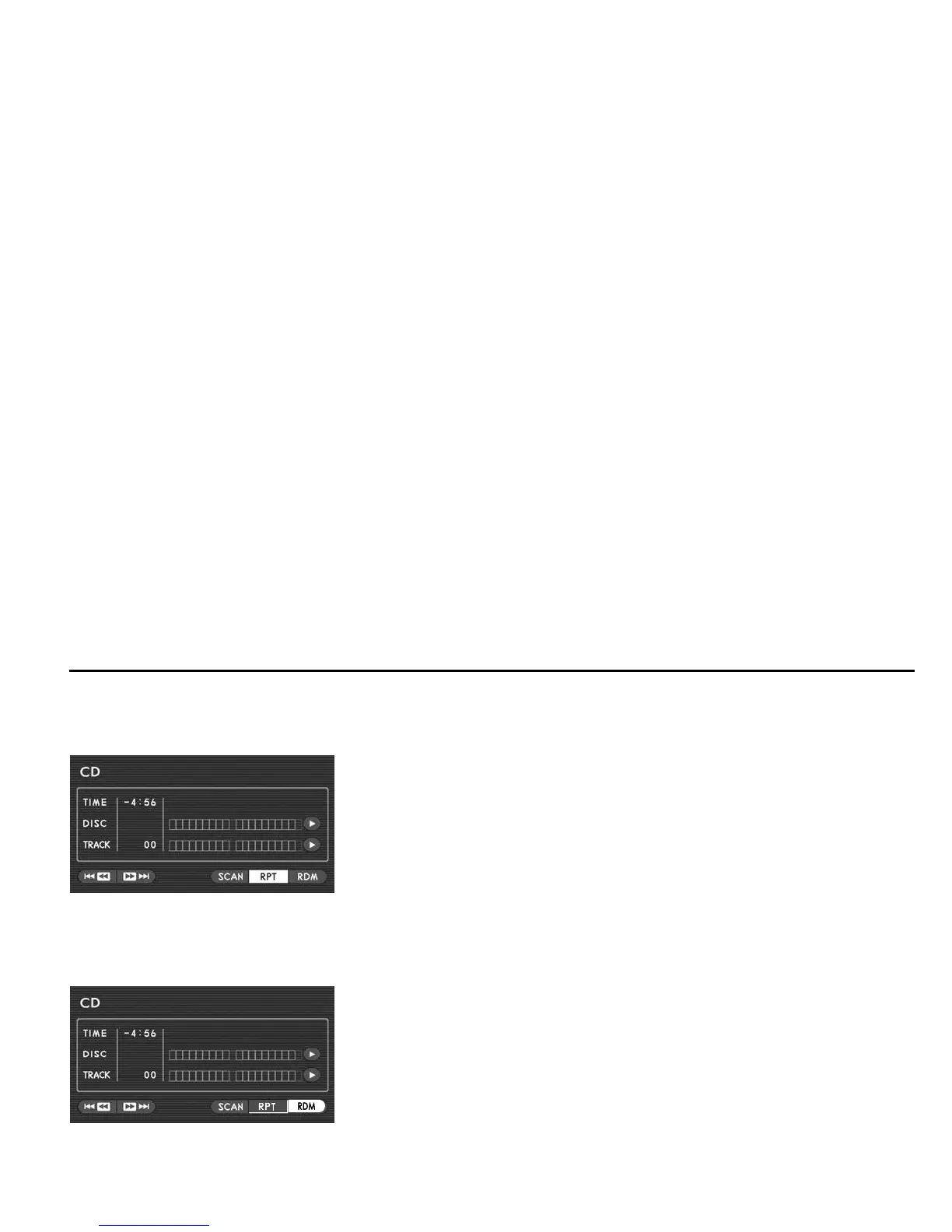
Repeat playback
If you want to listen to the currently playing track again, perform the following:
Highlight the “RTP” switch on the screen with the remote control joystick, then press
the “ENTER” button.
The repeat-play mode will be cancelled if you press the “ENTER” button again.
Random playback
You can play all of the tracks on the disc currently in the player in a random order by doing the following:
Highlight the “RDM” switch on the screen with the remote control joystick, then press
the “ENTER” button.
The random playback will be cancelled if you press the “ENTER” button again.
Playing Discs













 To Next Page