Black plate (151,1)
北米Model "A3170BE-A" EDITED: 2011/ 7/ 12
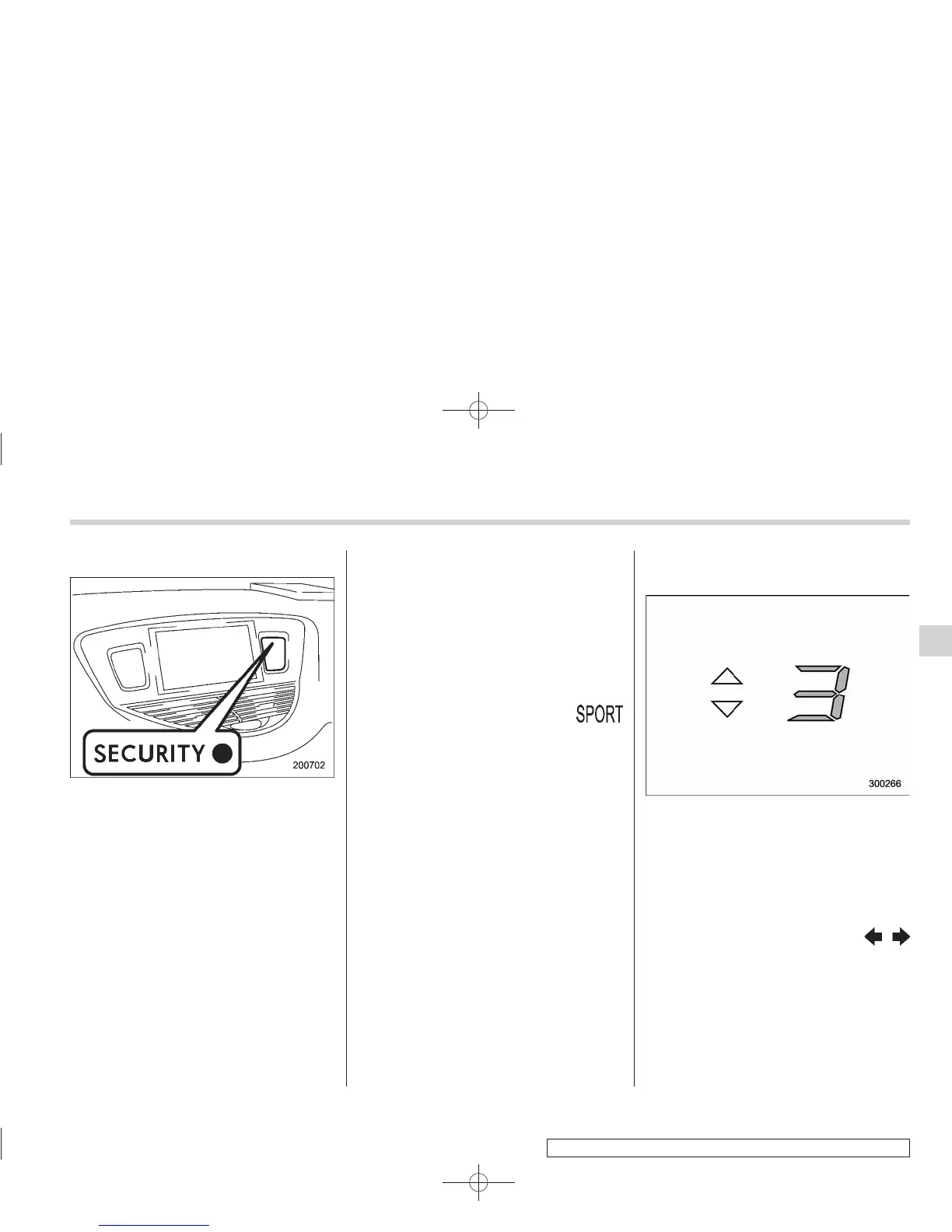
& Security indicator light
The indicators are located in the center
portion of the dashboard.
This indicator light shows the status of the
alarm system. It also indicates operation
of the immobilizer system.
! Alarm system
It blinks to show the driver the operational
status of the alarm system. For detailed
information, refer to “Alarm system” F2-
16.
! Immobilizer system
This light blinks approximately 60 seconds
after the ignition switch is turned from
“ON” position to the “Acc” or “LOCK”
position or immediately after the key is
pulled out. Refer to “Immobilizer” F 2-3.
If the indicator light does not flash, it may
indicate that immobilizer system may be
malfunctioning . Contact your n earest
SUBARU dealer immediately.
In the event that an unauthorized key (for
example, an unauthorized duplicate) is
used, the security indicator light illumi-
nates.
& SPORT mode indicator
light
When the select lever is moved to the
manual gate, the SPORT mode is se-
lected and the indicator light illuminates.
Refer to “SPORT mode” F7-18.
& Select lever/Gear position in-
dicator
The select lever/gear position indicator
shows the position of the select lever.
When manual mode is selected, the gear
position indicator shows the current gear
position and the upshift/downshift indica-
tor illuminates. Refer to “Automatic trans-
mission” F7-12.
& Turn signal indicator
lights
These lights show the operation of the turn
signal or lane change signal.
If the indicator lights do not blink or blink
rapidly, the turn signal bulb may be burned
out. Replace the bulb as soon as possible.
Refer to “Replacing bulbs” F11-36.
Instruments and controls 3-21
– CONTINUED –
3













 To Next Page