49
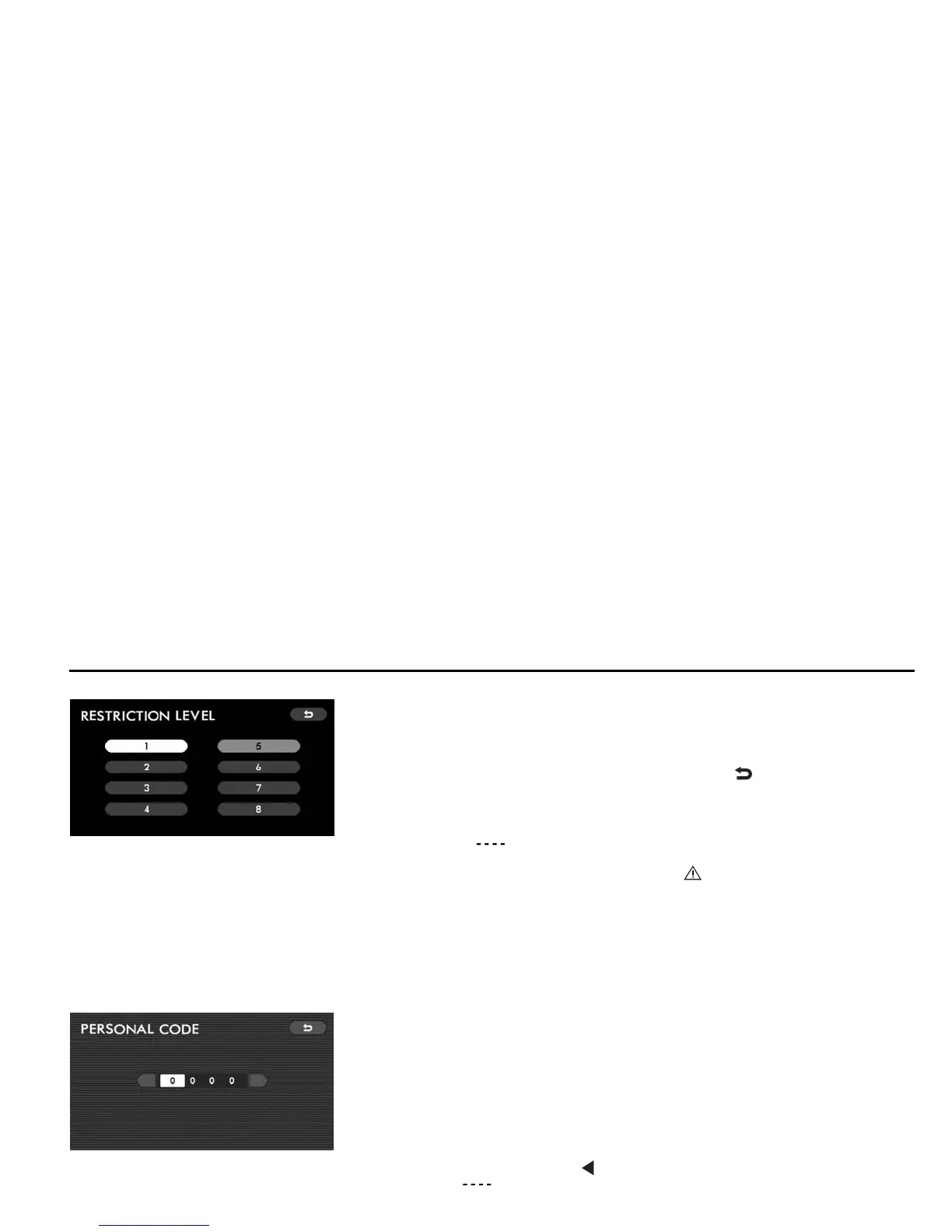
Enter your four-digit password using the joystick, then press the “ENTER” button.
The display will change to the “RESTRICTION LEVEL” screen.
Select a restriction level number (1 – 8) with the joystick, then press the “ENTER”
button. The switch color of the set number changes from white to gray.
To return to the SETUP MENU screen, highlight the “ ” switch with the joystick,
and then press the “ENTER” button.
NOTE
y No default has been set for the password. The “PERSONAL CODE” screen
will show “ ”. Register your password as instructed in “Password regis-
tration” below.
y Entry of a wrong password results in an “ INCORRECT CODE” message.
If this message appears, you cannot continue the viewer restriction setting
operation unless you re-enter the correct password. (Refer to Page 54.)
y If you forget your password, return the system to the state before register-
ing the password. The method for doing this is described in NOTE of “Pass-
word registration” below. Next, register a new password.
Password registration
Use this method to register your password, which is necessary when setting the viewer restriction level.
With a DVD video disc loaded in the player, access the SETUP MENU screen. High-
light the “PARENTAL LOCK” with the remote control joystick, then press the “EN-
TER” button. The display will change to the “PERSONAL CODE” screen.
Enter a numerical four-digit password using the joystick, then press the “ENTER”
button.
NOTE
If necessary, you can return the system to the state before registration of the
password by doing the following:
On the “PERSONAL CODE” screen, highlight the first digit position with the
joystick, and then click the “ ” mark end of the joystick 10 times. The screen
will show “ ”, indicating that no password has been set.
Initial Settings













 To Next Page