28
Fast-forwarding
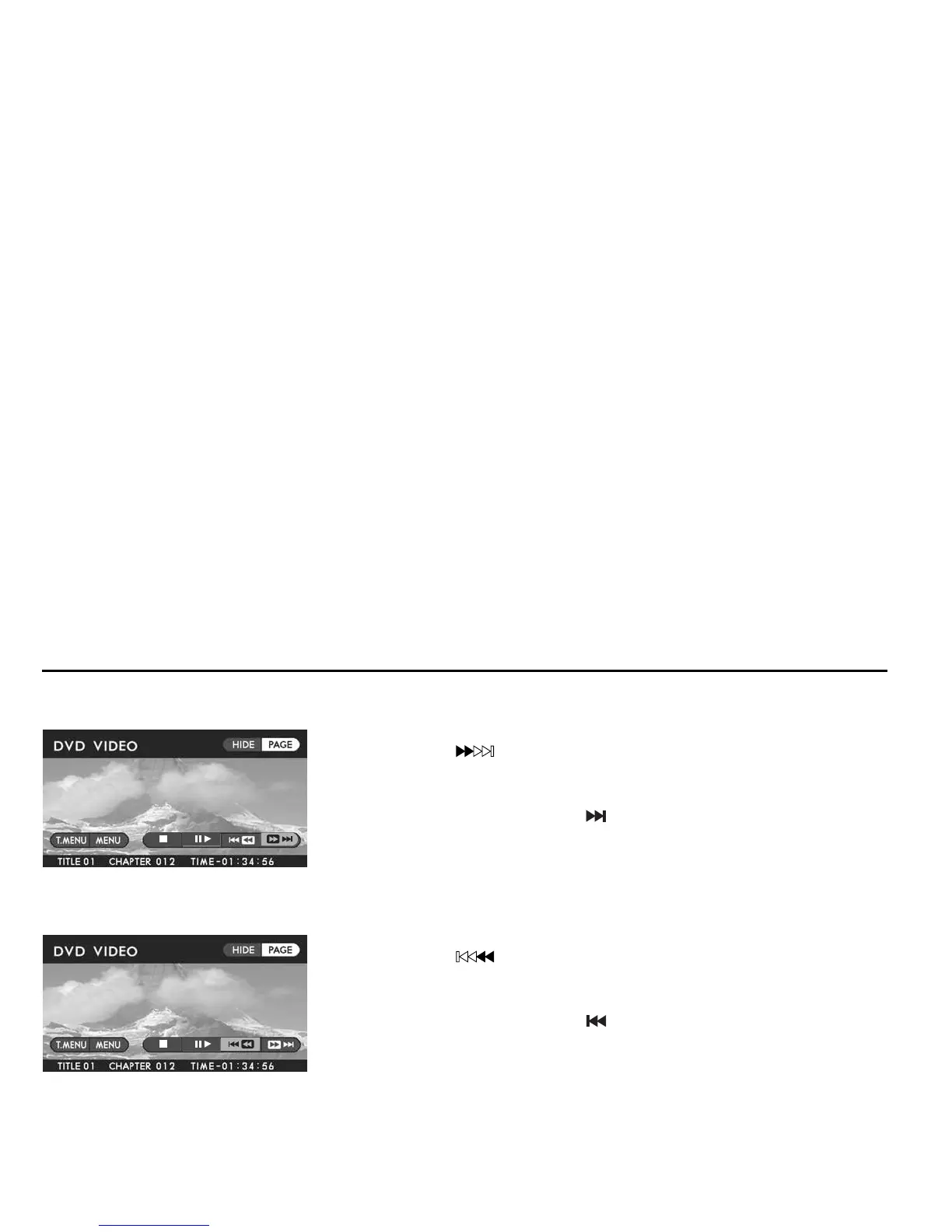
Method using screen and remote control:
Highlight the “ ” switch on the screen with the remote control joystick, then
press the “ENTER” button continuously until reaching the desired scene.
Method using remote control alone:
Press the remote control “TRACK ( )” button continuously until reaching the de-
sired scene.
When you perform either of the above operations while the player is in pause mode,
the disc will advance slowly.
Fast-reversing
Method using screen and remote control:
Highlight the “ ” switch on the screen with the remote control joystick, then
press the “ENTER” button continuously until reaching the desired scene.
Method using remote control alone:
Press the remote control “TRACK ( )” button continuously until reaching the de-
sired scene.
When you perform either of the above operations while the player is in pause mode,
the disc will reverse slowly.
Playing Discs













 To Next Page