53
Selecting method
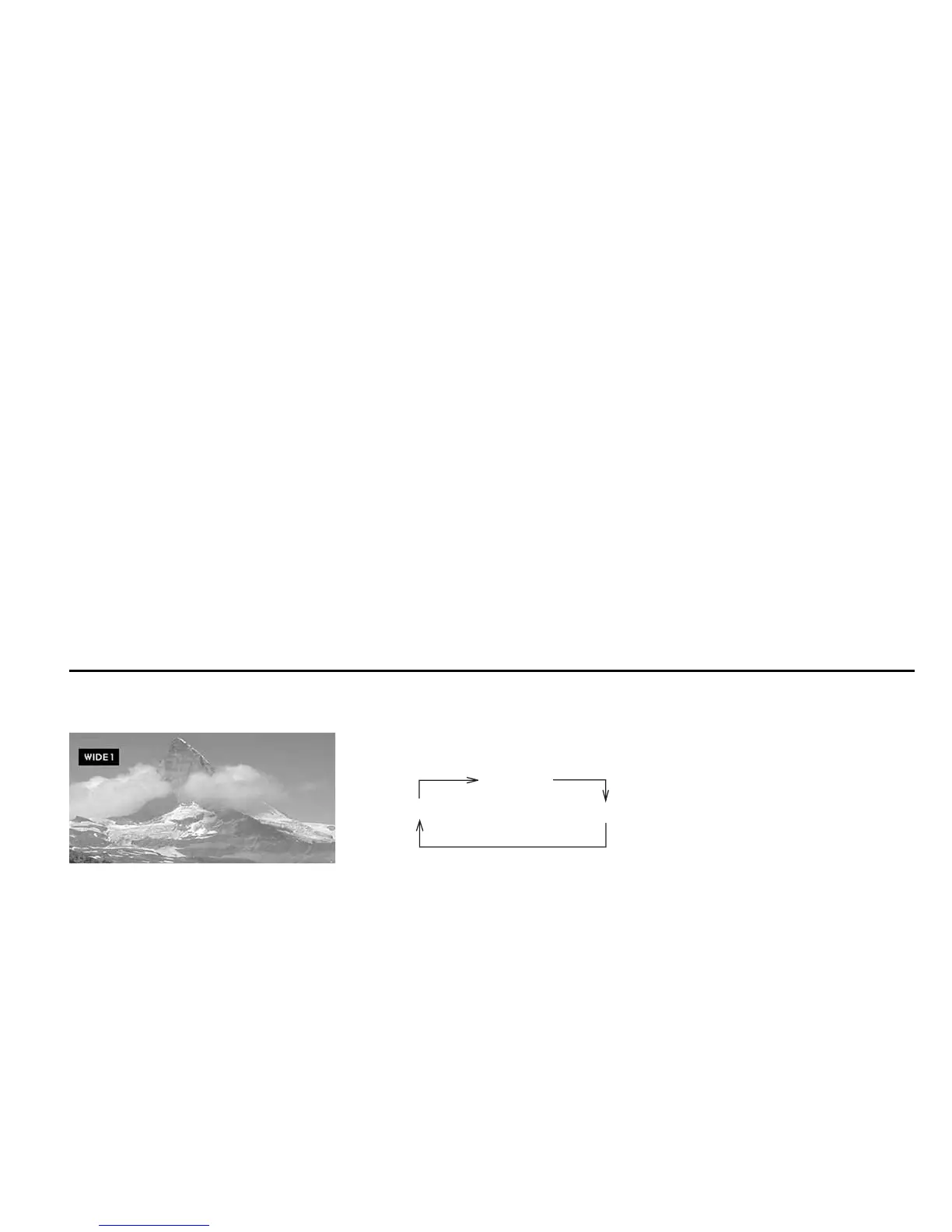
* This figure shows a screen image when the
“WIDE 1” mode is selected.
Each time you press the remote control “DISPLAY MODE” button, the mode chang-
es in the following sequence:
Release the “DISPLAY MODE” button; 6 seconds later, a full screen will be dis-
played in the selected mode.
NORMAL
WIDE2
WIDE1
Adjusting Display Conditions and Selecting Display Mode













 To Next Page