42
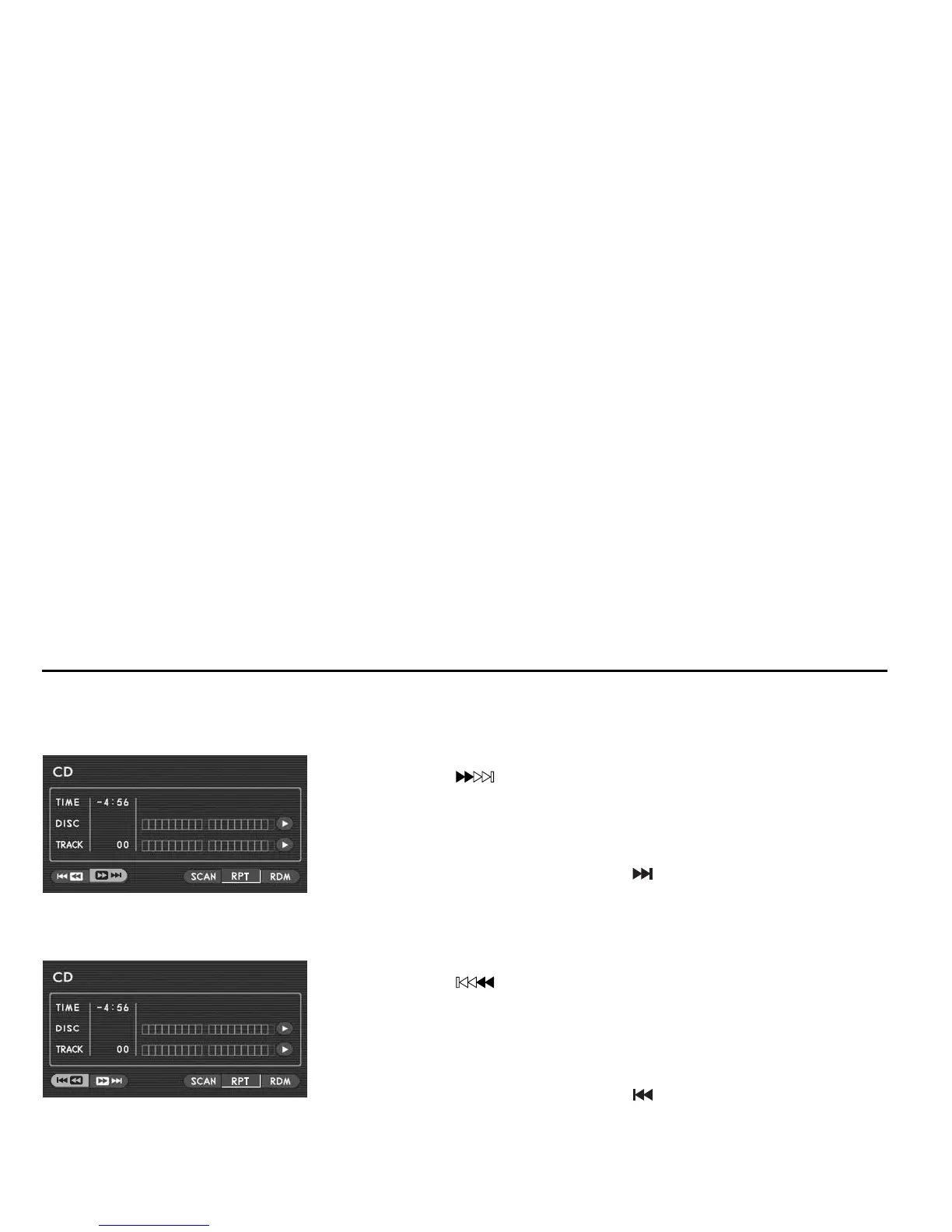
Skipping tracks forward
You can advance the disc skipping one or more tracks as follows:
Method using screen and remote control:
Highlight the “ ” switch on the screen with the remote control joystick, then
briefly press the “ENTER” button. The disc skips the current track and advances to
the beginning of the next track. Repeat this operation as many times as necessary
to reach the desired track.
Method using remote control alone:
Briefly press the remote control “TRACK ( )” button. Refer to the above for the
subsequent process and operation.
Skipping tracks backward
Method using screen and remote control:
Highlight the “ ” switch on the screen with the remote control joystick, then
press the “ENTER” button. The disc reverses to the beginning of the current track.
If you briefly press the button again, the disc reverses to the beginning of the pre-
ceding track. Repeat this operation as many times as necessary to reach the desired
track.
Method using remote control alone:
Briefly press the remote control “TRACK ( )” button. Refer to the above for the
subsequent process and operation.













 To Next Page