Black plate (199,1)
北米Model "A3170BE-A" EDITED: 2011/ 7/ 12
button is pressed briefly, the preceding
selection will remain in memory.
NOTE
If the connection between the radio and
battery is broken for any reason such
as vehicle maintenance or radio re-
moval, all channels stored in the preset
buttons are cleared. If this occurs, it is
necessary to reset the preset buttons.
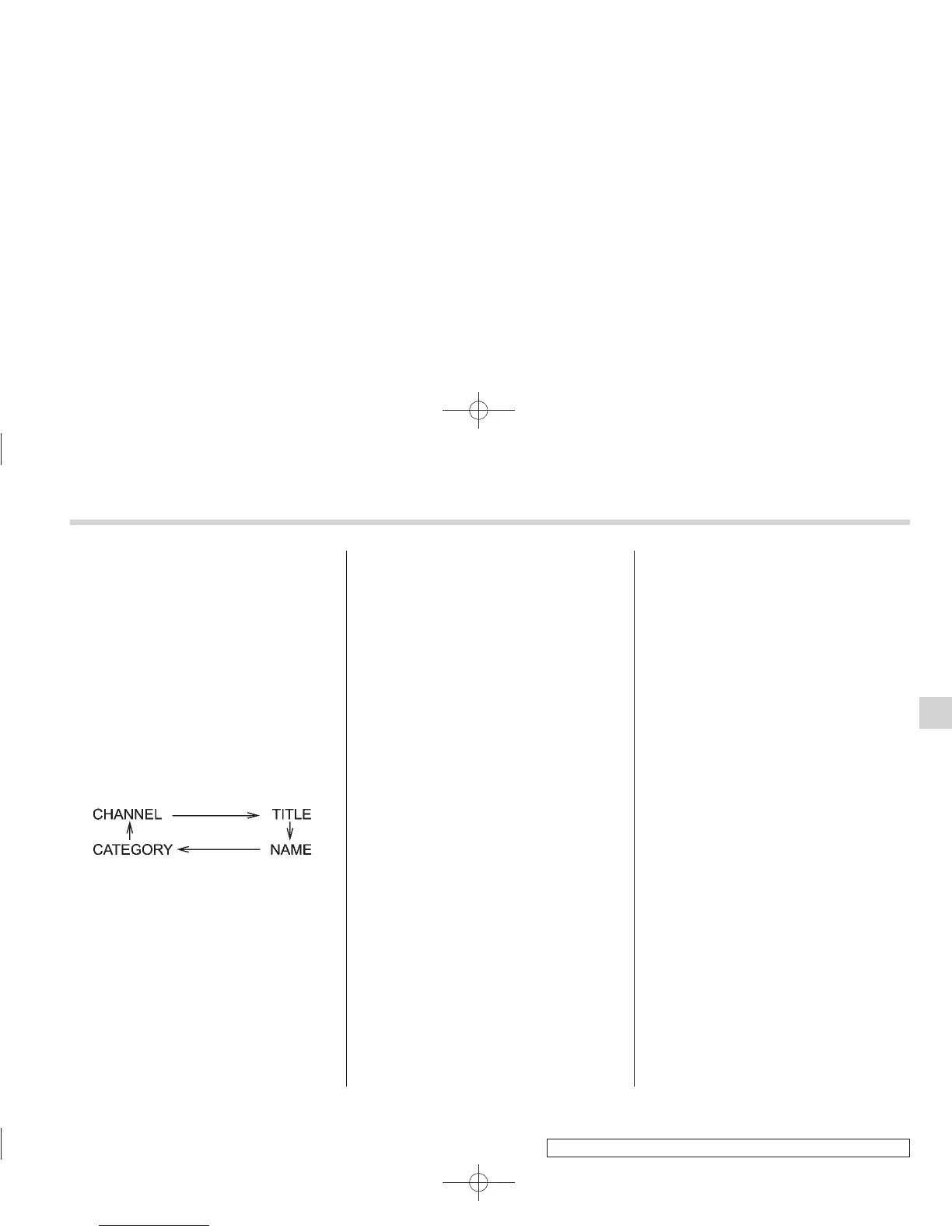
! Display selection
Press the “AUDIO” button (5) while receiv-
ing satellite radio to change the display as
follows.
! Rear seat entertainment
If your vehicle is equipped with a Rear
Seat Entertainment System, y ou can
enjoy audio outputs from the system
through the vehicle’s speakers by press-
ing the “RSE AUX” button (3). Press the
button again to return to the audio set
sound.
NOTE
If your vehicle is equipped with a Rear
Seat Entertainment System, refer to the
Owner’s Manual supplement for the
Rear Seat Entertainment System for
further details.
Audio 5-9
– CONTINUED –
5













 To Next Page