Black plate (203,1)
北米Model "A3170BE-A" EDITED: 2011/ 7/ 12
. Press the “SCAN” button.
. Press the “
” button.
. Select the radio mode.
. Press the “RSE AUX” button.
. Press the “
” or “ ” side of the
“SEEK FLDR” button.
. Turn off the power of the audio
equipment.
. Turn the ignition switch to the
“LOCK” position.
! MP3 disc
Press the “RDM” button (5) during disc
playback to play all of the tracks in the
folder currently being played in random
order. Press the “RDM” button again to
play all of the tracks on the disc in random
order. The display will show “RDM” during
the random mode.
To cancel the random mode, press the
“RDM” button durin g “in-disc” rand om
playback. The “RDM” indication will turn
off, and the normal playback mode will be
resumed.
NOTE
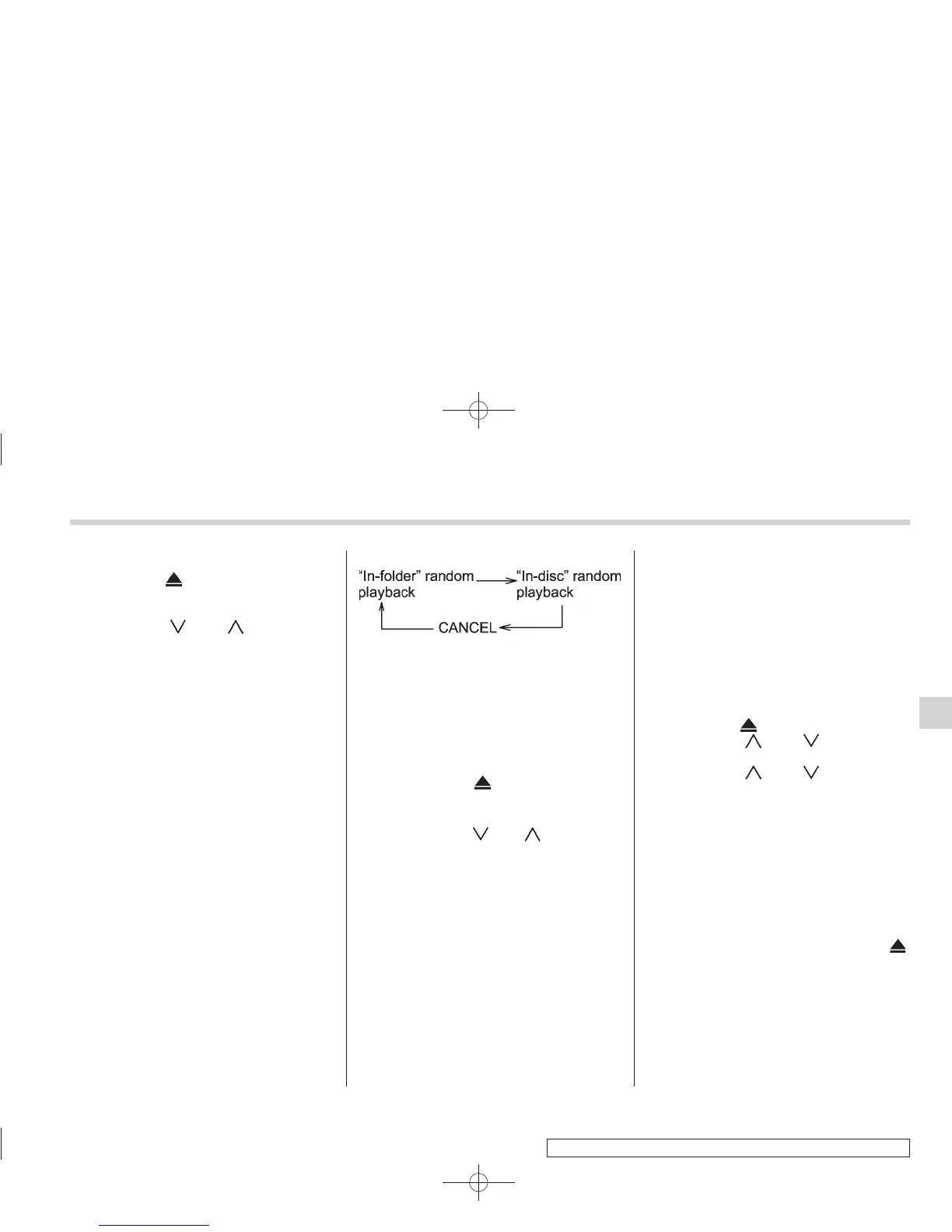
. Each time you briefly press the
button, the mode will change to the
next one in the following sequence.
If you accidentally press the button and
cancel the random mode, press it again
to reselect the random mode.
. Random playback will be cancelled
if you perform any of the following
steps.
– Press the “RPT” button.
– Press the “SCAN” button.
– Press the “
” button.
– Select the radio mode.
– Press the “RSE AUX ” button.
– Press the “
” or “ ” side of the
“SEEK FLDR” button.
– Turn off the power of the audio
equipment.
– Turn the ignition switch to the
“LOCK” position.
! Scan
The scan mode lets you listen to the first
10 seconds of each track on the disc/
folder in succession. Press the “SCAN”
button (7) to start scanning through all
tracks upward beginning with the track
following the currently selected one. After
all tracks on the disc/folder has been
scanned, normal playback mode is re-
stored.
To cancel a scan, press the button again.
NOTE
The scan mode will be cancelled if you
perform any of the following opera-
tions.
. Press the “RPT” button.
. Press the “RDM” button.
. Press the “
” button.
. Press the “
” or “ ” side of the
“TUNE TRACK” button.
. Press the “
” or “ ” side of the
“SEEK FLDR” button (MP3 disc).
. Select the radio mode.
. Press the “RSE AUX” button.
. Turn off the power of the audio
equipment.
. Turntheignitionswitchtothe
“LOCK” position.
! To eject a disc from the player
When a disc is being played back or when
a disc is in the player, press the “
”
button (8). The disc will be ejected.
NOTE
. Avoid driving the vehicle with a CD
sticking out, because vibration might
make it fall out.
. If the disc is left ejected for more
Audio 5-13
– CONTINUED –
5













 To Next Page