10
System and operation
2. SYSTEM AND OPERATION
2.1 System description
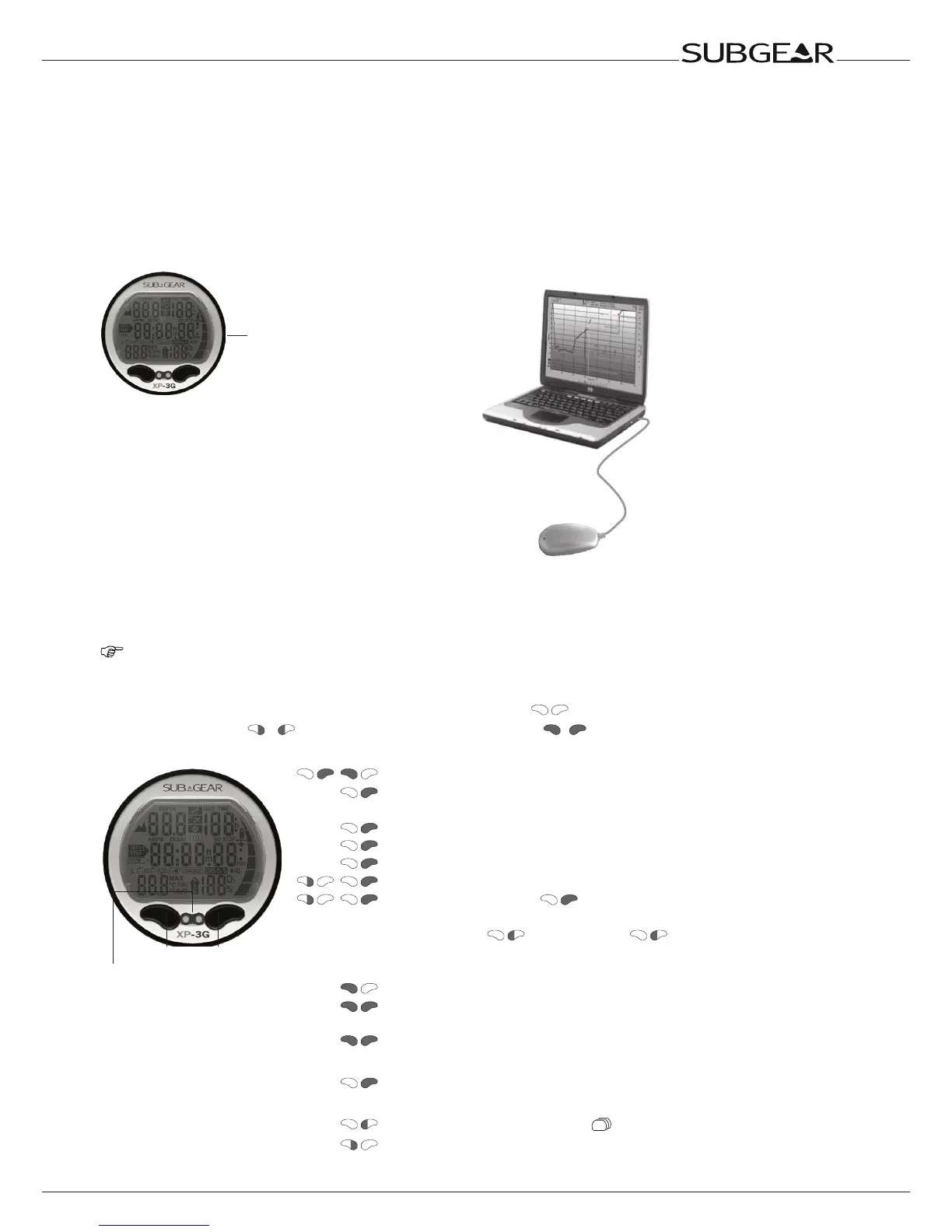
Subgear XP-3G displays all important dive and decompression data and has a memory which stores
the full dive data. The data can be transmitted with an infrared interface (IrDA) and Dive.Log software to
a Windows
®
personal computer.
Dive.Log software CD is included with the Subgear XP-3G package.
Infrared port
Dive.Log
Infrared Interface
(option)
Subgear XP-3G
2.2 Operation
NOTE: On page 8 and 16 you will nd an operating schematic.
2.2.1 Push buttons
Subgear XP-3G can be operated with two push buttons (
). Operation of the push buttons is
divided into “press” ( / ) and “press and hold (1 second)” ( / .
At the surface:
Push buttons
Water contacts
(one on front and one on
back, inaccessible)
/
•SwitchonSubgearXP-3G(timeofdaydisplay)
•ComparabletotheENTERorRETURNkeyof
akeyboard
•Enterintothedisplayedsubmenu
•Openthedisplayedsetting
•Confirmorenterthedisplayedvalueorsetting
/
•Scrollthroughamenu
/
•Onceenteredwith intoasubmenuor
setting:
•Increase(
)ordecrease( )the
indicatedvalue
•Changethesetting
•Operatethebacklight
•Exitthecurrentfunctionormenuandswitchto
thetimeof day display
•SwitchoffSubgearXP-3G
Apnea mode:
•Startdivemanually
Underwater dive mode (Algo):
•Accessalternatedisplays
•Setbookmark



 To Next Page