49
English
Diving with microbubble (MB) levels
6.3 Preparation for a dive with MB levels
6.3.1 Setting the MB level
To change the MB level Subgear XP-3G must be in user mode (time of day display).
or until
1. Push or until the symbol for MB levels appears.
2. Confirm that you wish to change the displayed MB level by pushing .
3. Change MB level by pushing or .
4.
Confirm the selected MB level with .
Without confirmation the display will disappear after 3 minutes and your entries will not be
accepted.
Subgear XP-3G will display the
symbol to confirm that an MB level beyond L0 (L1-L5)
has been chosen. During the dive the MB level is shown by pressing 2x . If however a
level stop is ignored, the new MB level is shown (->51).
NOTE:
MB levels have an inuence on the dive planner.
6.4 Functions during the dive with MB levels
6.4.1 Level stop information
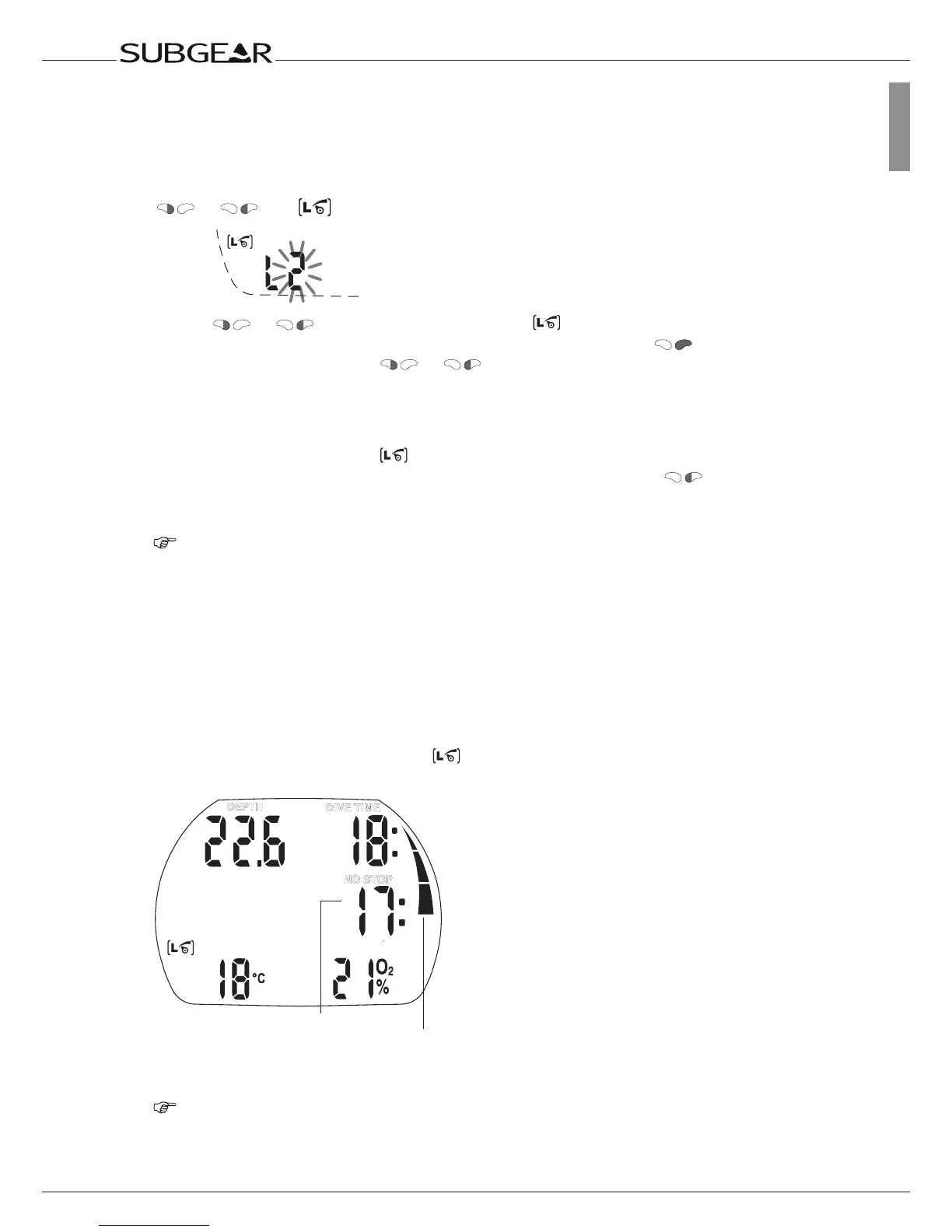
MB no-stop time
While diving with MB levels L1 to L5 Subgear XP-3G will display the MB no-stop time
instead of the ordinary no-stop time. Within the MB no-stop time no level stops are required.
“NO STOP” and the MB level symbol
are visible. The remaining MB no-stop time is
shown in minutes.



 To Next Page