11
System and operation
English
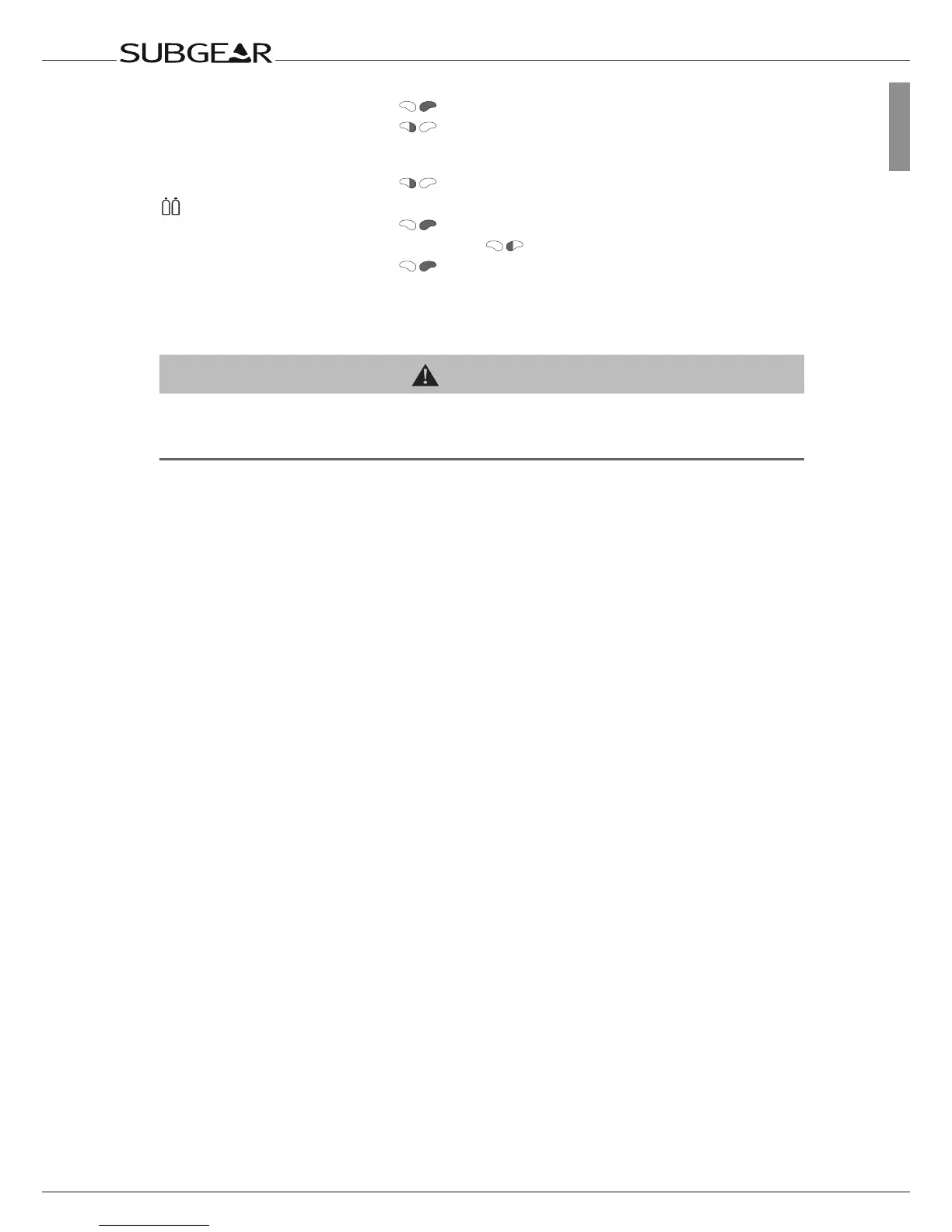
•Operatethebacklight
•Activatethesafetystoptimer(divemodeonly,
indepths<6.5m/20ft)
Gauge mode (stopwatch):
•Restart
Diving with 2 or 3 mixtures:
•Initiateswitchtogasd,gas1orgas2
• Interruptswitchingprocess
•Confirmswitchtogasd,gas1orgas2
2.2.2 Water contacts
On submerging in water the water contacts switch on Subgear XP-3G automatically.
WARNING
If you have chosen the option “Water contacts off” (“set 1”, ->84), Subgear XP-3G will turn on with
a delay of up to 1 minute into the dive. This will affect functioning of the computer. Make sure that
the computer is on before starting the dive.



 To Next Page