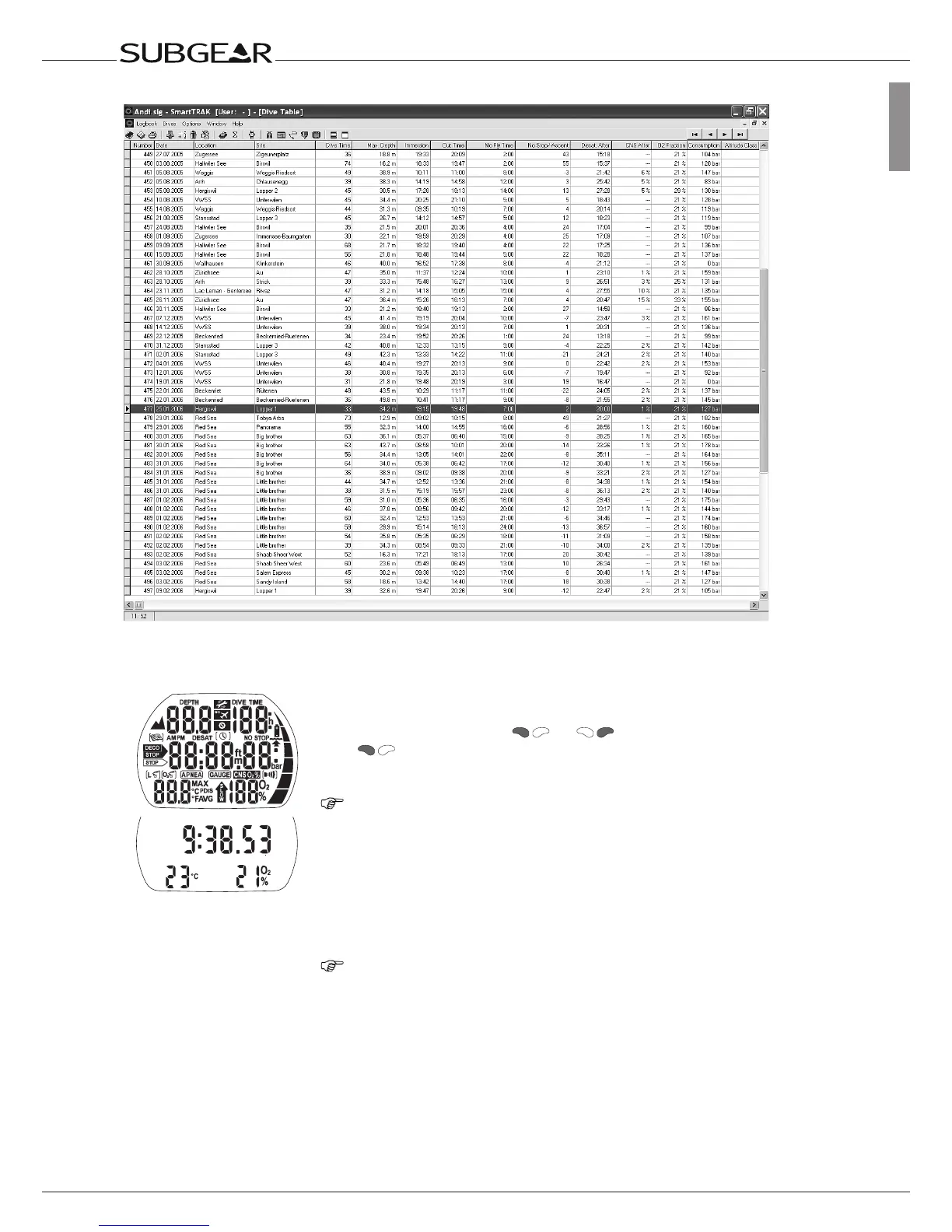
Time of day display
•automatically,onsubmerginginwater*orwhen
adaptationtoatmosphericpressureisnecessary;
•manually,bypushing
or .Ifswitchedonwith
allsegmentslightupfor5seconds.
•Afterwardsthedisplayshowsthetimeoftheday,theO
2
mixandthetemperature.
NOTE: This display is called time of day display. Most
navigation descriptions start from this display. At the
surface Subgear XP-3G returns automatically to this
display.
If there is a remaining saturation from the last dive or from
a change of altitude, Subgear XP-3G also displays the
“do not fly” time, the “do not fly” icon, the current altitude
range and the prohibited altitude range (->38).
NOTE: When Subgear XP-3G is in state of rest no
information is displayed but the atmospheric pressure
is continuously monitored. If a change in altitude range
is detected, Subgear XP-3G switches on for 3 minutes
automatically ->38.
*
Only if the option
“
Water contacts on
”
(
“
set 1
”
, ->90) is chosen. See
warning ->11.



 To Next Page