95
Settings
English
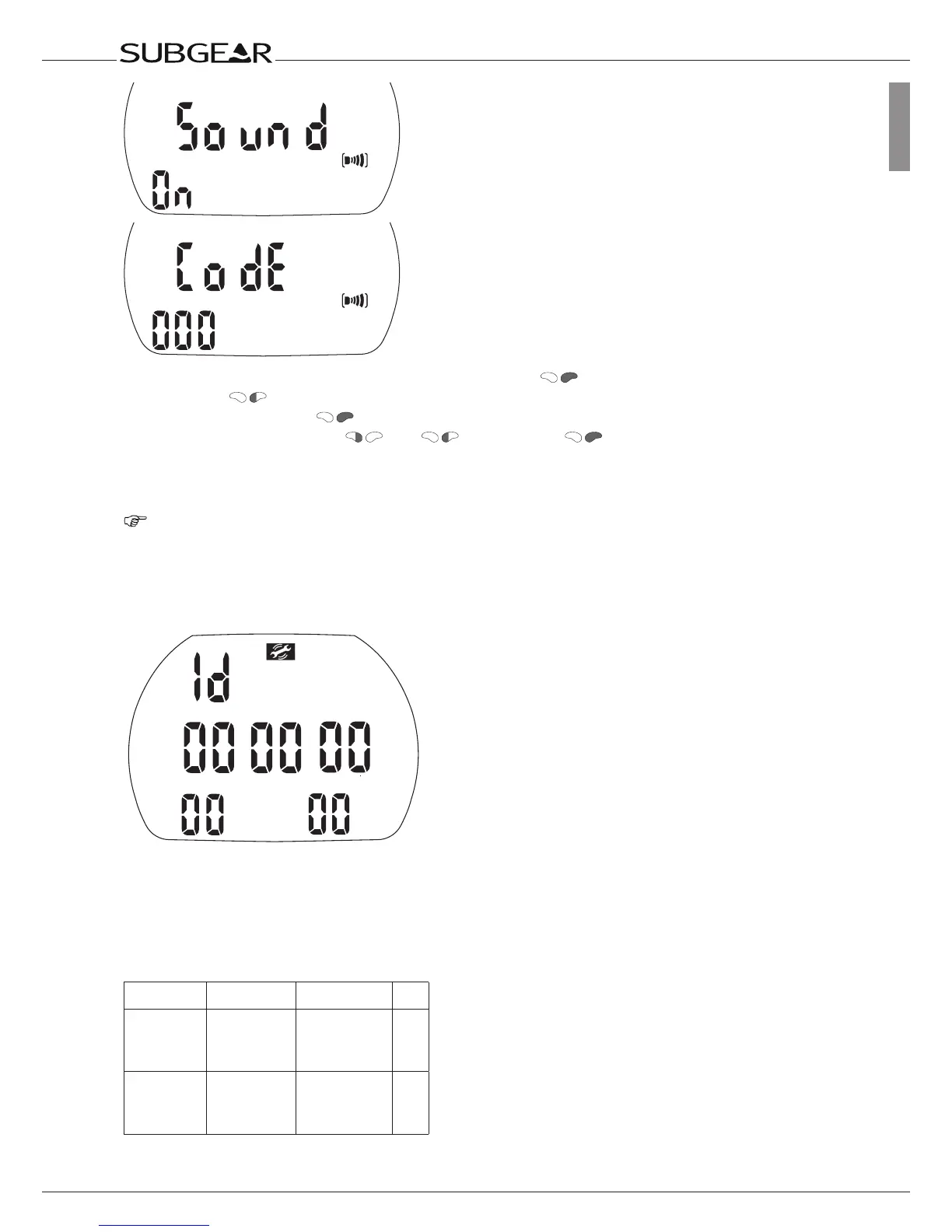
1. Confirm that you wish to change the setting by pushing . “On” or “off” starts to flash.
2. Switch with between “on” and “off”.
3. Confirm the setting with . If you have selected “off”, “Code” and “000” appear.
4. Set the first digit by pushing and . Confirm with .
Repeat point 4 for the next 2 digits. If you entered the right code the sound will be turned off.
Code: 313
NOTE:
Setting the “sound” to “off” applies also to surface functions (mountain alarm, wake-up alarm,
change of altitude range).
Showing the hardware electronic ID of Subgear XP-3G
ID Number
This number is needed when reporting problems or for other maintenance related issues.
11.4 Menu “set 3” (Apnea)
With menu “set 3” or SmartTrak you can configure the following items:
Setting Range Default Page
Dual Depth
alarm
5-100m,
5-100m,
on/off
10m (35ft), off
20m (65ft), off
96
Incremental
depth alarm
5-100m,
dn(down)/ up/
bth(both)/off
5.0m (20ft), off 96



 To Next Page