96
Settings
Dive time
interval
warning
15s-10min,
on/off
30s, off 97
Surface
interval
warning
15s-10min,
on/off
1 min, off 97
Ascent
speed alarm
0.1-5 m/s,
(1-15 ft/s)
on/off
1 m/s (3 ft/s),
off
98
Water
density
1.000-1.050
kg/l
(Fresh water
~1.000,
Ocean
~1.035)
1.025 kg/l 98
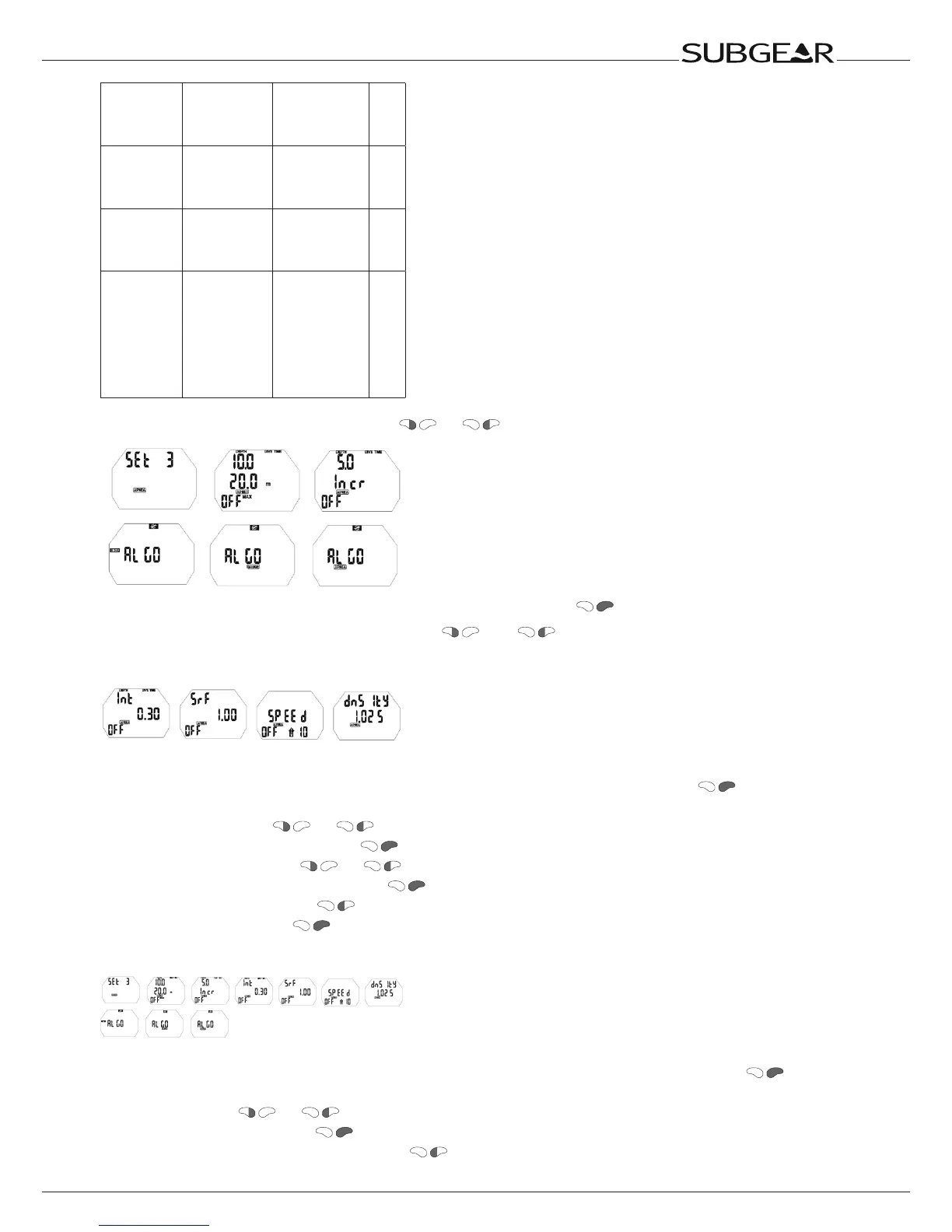
Starting from the time of the display push or until “set 3” appears.
Confirm that you wish to enter into the menu of “set 3” by pushing .
Once entered into the menu you can scroll with
and through the menu.
Setting the Dual Depth alarm
With this alarm you can set two independent depth alarms.
1. Confirm that you wish to change the settings of the Dual Depth alarm by pushing
. First depth
value starts to flash.
2. Scroll first depth with or .
3. Confirm the first depth alarm with . Second depth alarm starts to flash.
4. Scroll second depth with or .
5. Confirm the second depth alarm with . On/off starts to flash.
6. Switch between on/off with .
7. Confirm the setting with .
Setting the incremental depth alarm
With this alarm you can set repetitive depth alarms at given depth increments.
1. Confirm that you wish to change the settings of the incremental depth alarm by pushing .
Increment value starts to flash.
2. Scroll value with or .
3. Confirm the increment with . Up/Down/Both/Off starts to flash.
4. Switch between Up/Down/Both/Off with .



 To Next Page