84
Settings
11. SETTINGS
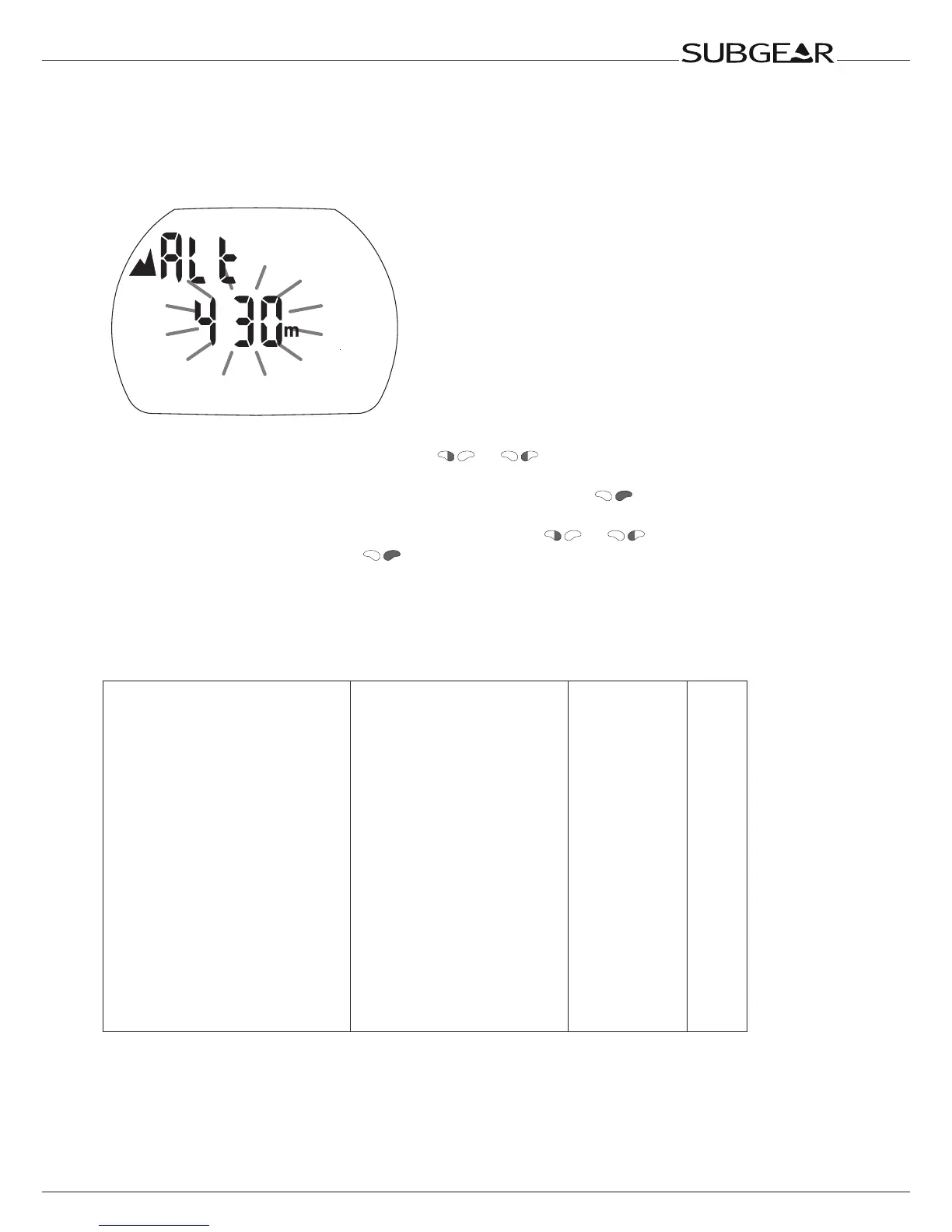
11.1 Altitude adjustment
The altitude adjustment does not affect altitude ranges nor any calculations.
Adjust the altitude indication to your current altitude.
1. Starting from the time of day display push or until the mountain symbol and the
altitude appear.
2. Confirm that you wish to change the displayed altitude by pushing .
The altitude starts to flash.
3. Change the altitude in increments of 10m / 50ft by pushing or .
4. Confirm the selected altitude with .
11.2 Menu “set 1”
With menu “set 1” or Dive.Log you can configure the following items (dive functions):
Setting Range Default Page
•CCRmode on/off off 85
•Depthalarm 5-100m(20-330ft)on/off 40m(130ft),off 85
•Divetimealarm 5-195min,on/off 40m(130ft),off 86
•Safetystopduration 1-5min 3minutes 86
•Maximumpartialpressureof
oxygen(ppO
2
max) 1.2-1.6bar 1.4bar 86
•TimelimittoresettheO
2
%mix
toair
noreset/1-48hrs noreset 86
•Decogas on/off off 87
•PDIS(ProfileDependent
IntermediateStop)
on/off off 87
•Unitsystem metric/imperial 87
•Watertype on(saltwater)/off(fresh
water)
on(saltwater) 88
•Backlightilluminationduration 2-12s;pushon/pushoff 6s 88
•Audibleattentionsignals on/off(Dive.Log:selective) on 89
•Watercontacts on/off on 89
•Resetdesaturation on/off noreset 90



 To Next Page