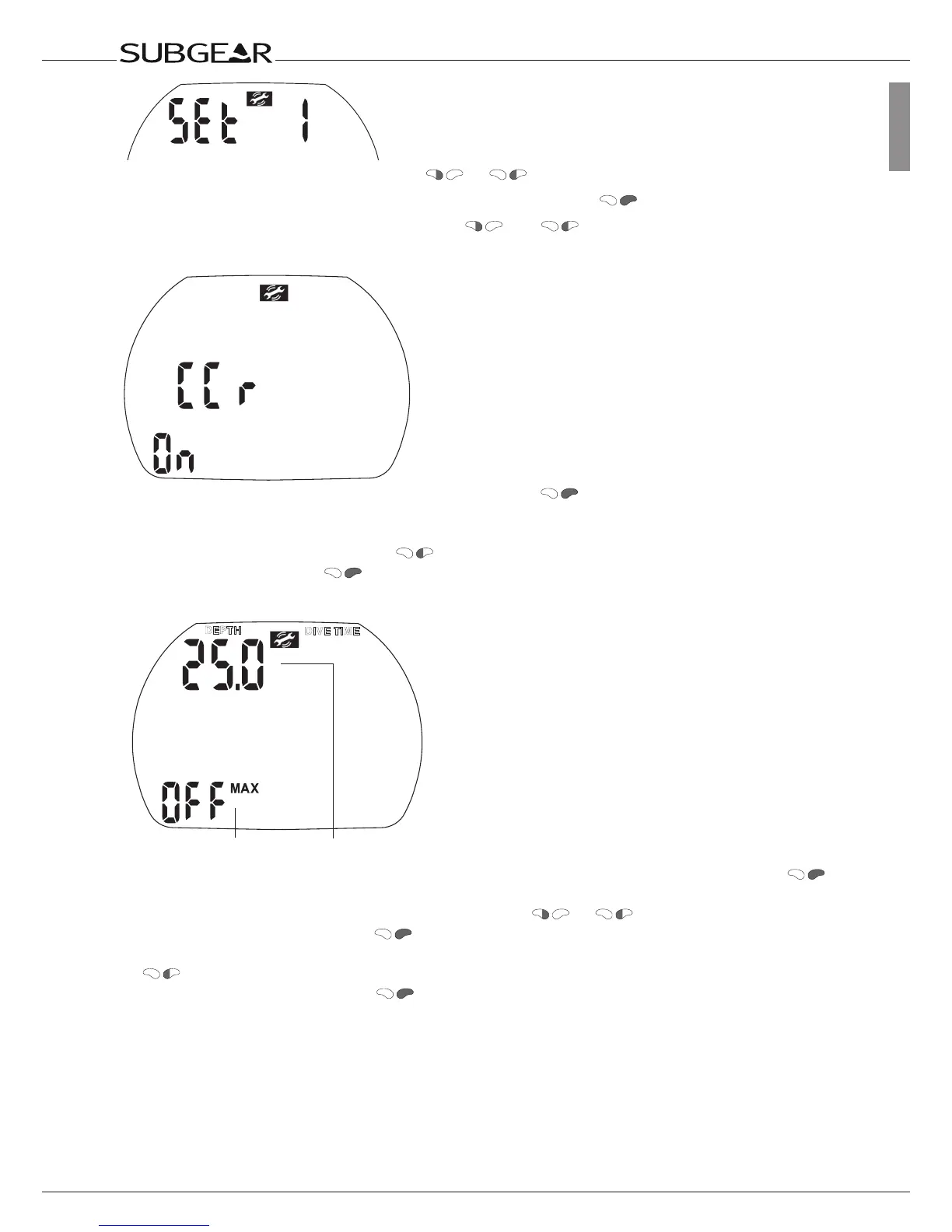
Starting from the time of day display push or until “set 1” appears.
Confirm that you wish to enter into the menu of “set 1” by pushing
.
Once entered into the menu you can scroll with
and through the menu.
Enabling CCR
1. Confirm that you wish to enable CCR diving by pushing . “On” or “off” starts to flash.
“On” indicates the deco gas is active, “off” indicates that only gas 1 will be used for decompression
calculations.
2. Switch between “on” and “off” with .
3. Confirm your choice with .
Setting the depth alarm
Alarm depth
Status
1. Confirm that you wish to change the depth of the alarm or to switch it on or off by pushing .
The depth starts to flash.
2. Change the depth in increments of 1 m/5 ft by pushing
or .
3. Confirm the selected depth with
. “On” or “Off” starts to flash.
4. “On” indicates “activated”, “Off” indicates “deactivated”.
switches between “On” and “Off”.
Confirm the selected status with .
See also page 28.



 To Next Page