66
CCR Diving
9. CCR DIVING
Closed Cricuit Diving
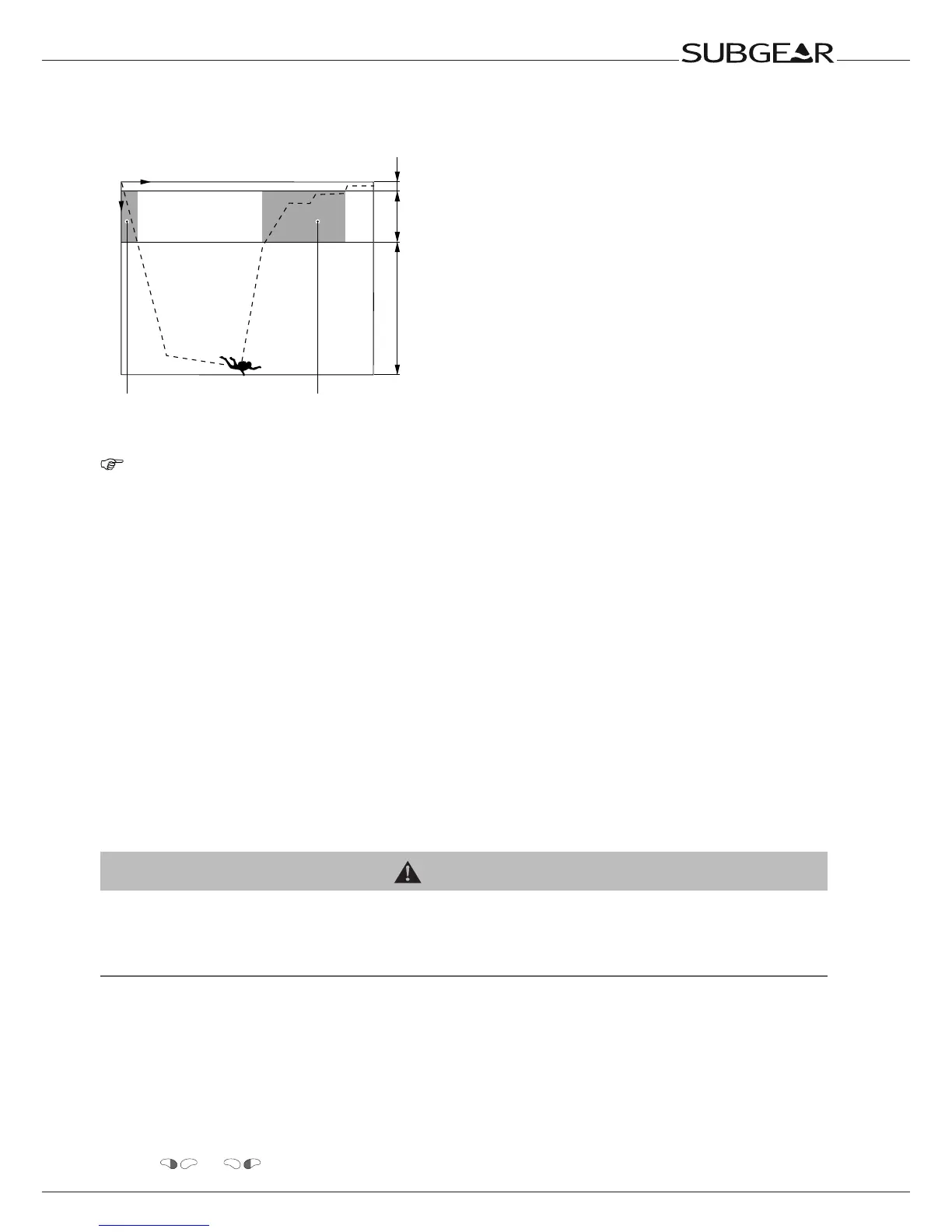
Switching range
SP1 to SP2
Switching range
SP2 to SP1
Time
Depth
SP2 SP1/2 SP1
NOTE:
The following chapter deals with the characteristics of CCR diving.
Subgear XP-3G enables you to switch between 2 different ppO2 settings during the same CCR dive
(setpoints SP1 and SP2).
In addition a Bail-Out gas mixture can be used which allows to switch from CCR diving to open circuit
diving.
Preparation for the CCR dive
You have to check the settings of Subgear XP-3G especially before the first dive. All settings can be
checked and changed directly at Subgear XP-3G or via Dive.Log.
Switching the CCR option on and off
In order to enable CCR diving you must turn on the CCR option in the SET 1 menu ->87.
Setting the ppO
2
and gas mixture
WARNING
Beforeeverydiveandafterchangingthetank,makesurethatthesettingsforthegasmixturecorrespondwith
the current mixture used. An incorrect setting causes Subgear XP-3G to miscalculate this particular dive. If the
fraction of oxygen is set too low this can lead to oxygen poisoning without warning. If the value is set too high
decompression sickness may occur. Inaccuracies in the calculations are carried over to repetitive dives.
Setting the Setpoints SP1 and SP2
During dives with two setpoint settings the SP1 contains the lower fraction of oxygen. Subgear XP-3G
will only accept settings corresponding with this order.
To set the setpoints SP1 and SP2, Subgear XP-3G must be in user mode (time of day display).
Procedure:
1. Push
or until the SP1 menu appears.



 To Next Page