97
Settings
English
5. Confirm the setting with .
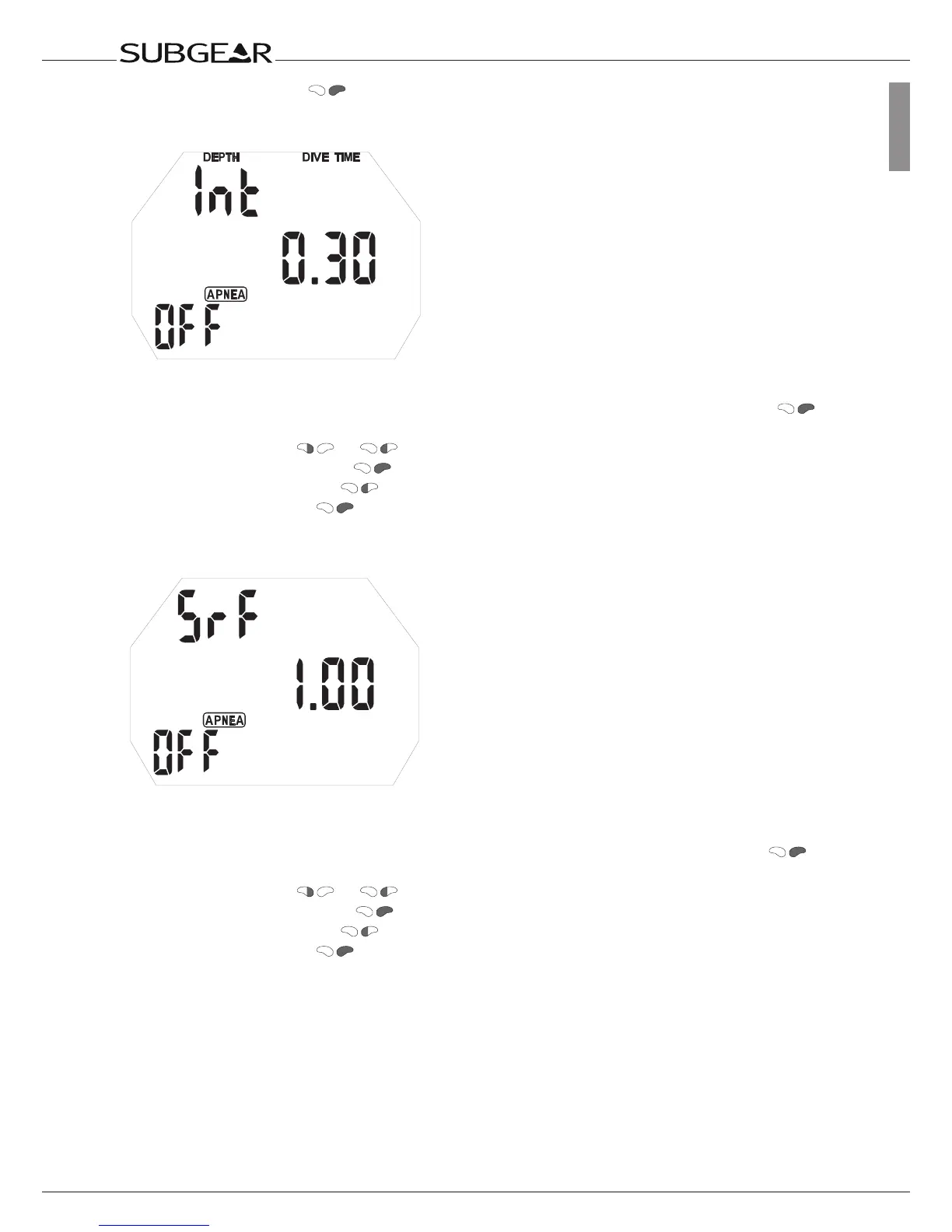
Setting the dive time interval warning
With this alarm you can set time alarm that repeats on given intervals.
1. Confirm that you wish to change the settings of the dive time interval warning by pushing .
Interval value starts to flash.
2. Scroll time value with or .
3. Confirm the interval time with . On/off starts to flash.
4. Switch between on/off with .
5. Confirm the setting with .
Setting the Surface Interval warning
With this alarm you can set a time for recovery or start time for repetitive dive when training against
given tables.
1. Confirm that you wish to change the settings of the Surface Interval warning by pushing .
Time value starts to flash.
2. Scroll time value with or .
3. Confirm the surface time with . On/off starts to flash.
4. Switch between on/off with .
5. Confirm the setting with .



 To Next Page