98
Settings
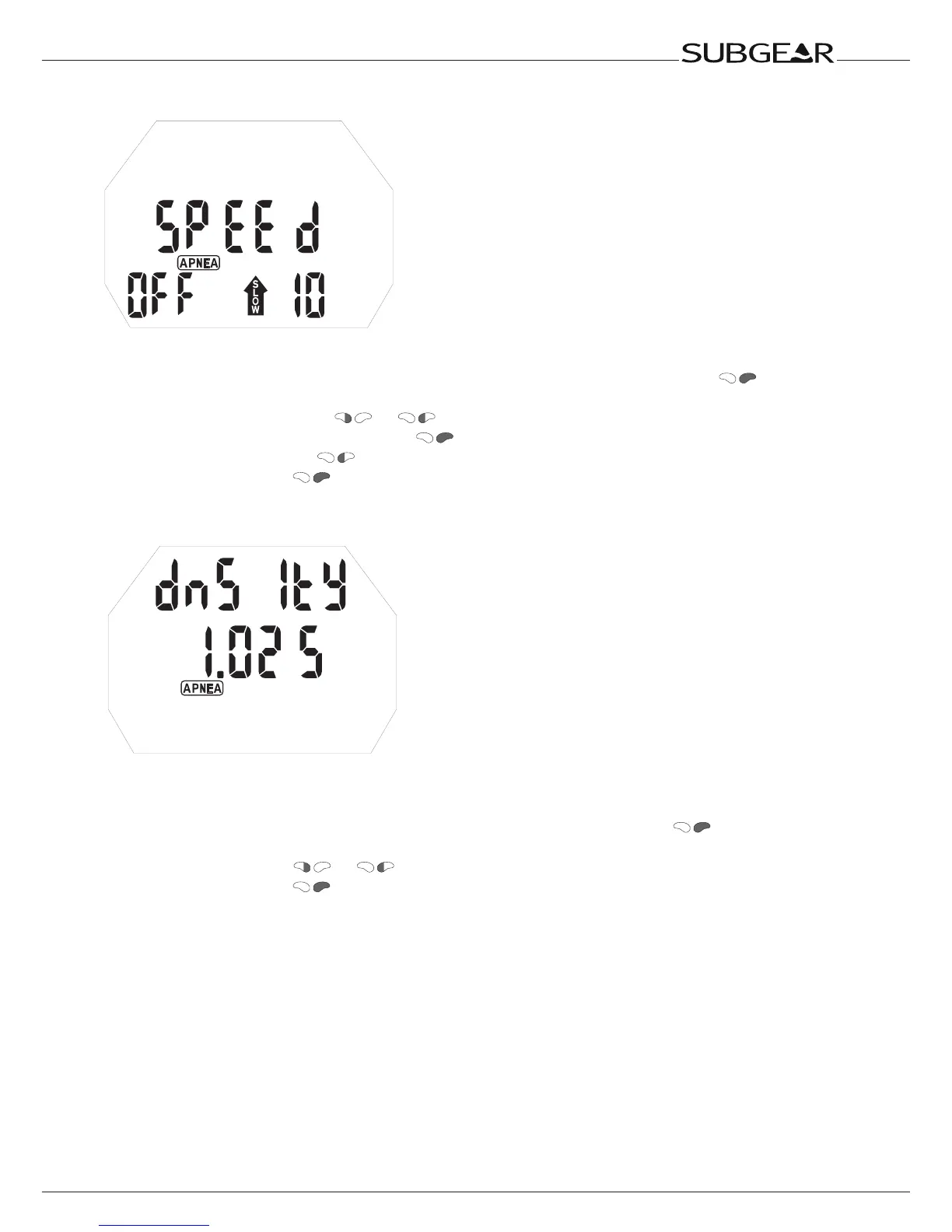
Setting the Ascent Speed alarm
With this alarm you can set ascent speed alarm.
1. Confirm that you wish to change the settings of the Ascent Speed alarm by pushing . Time
value starts to flash.
2. Scroll ascent speed value with
or .
3. Confirm the maximum ascent speed with
. On/off starts to flash.
4. Switch between on/off with .
5. Confirm the setting with .
Setting the Water Density
With this setting you can get optimized accuracy on depth reading when you know the salinity of the
water.
1. Confirm that you wish to change the settings of the Water Density by pushing
. Density value
starts to flash.
2. Scroll density value with or .
3. Confirm the setting with .



 To Next Page