7
English
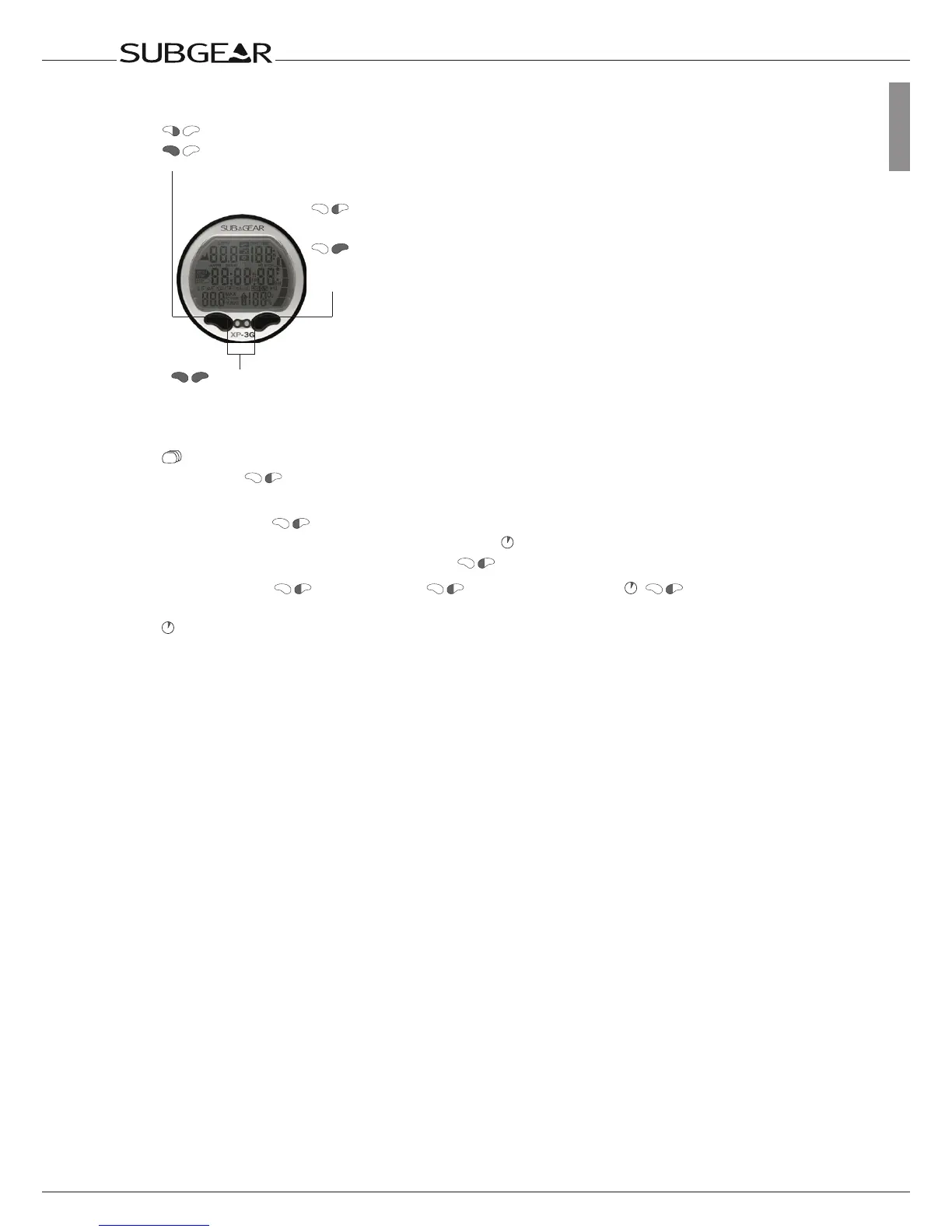
Instructions for manual input
Pressleftpushbutton
Pressandhold(1second)
leftpushbutton
Pressright
pushbutton
Press
andhold
(1second)
rightpush
button
Pressandhold(1second)both
pushbuttons
Alternate displays
By pushing
during the dive you can scroll through alternate displays.
How to get back to the first display:
•scrollingwith
throughthedisplays
•after5seconds:automaticallyifmarkedwith
•after5seconds:directlybypushing1x
E.g. Max depth
> Temperature > Temperature, Time > Max depth
Timeoutafter5secondswithoutoperation.Displayswitchesbacktooriginal
indication.



 To Next Page