90
Settings
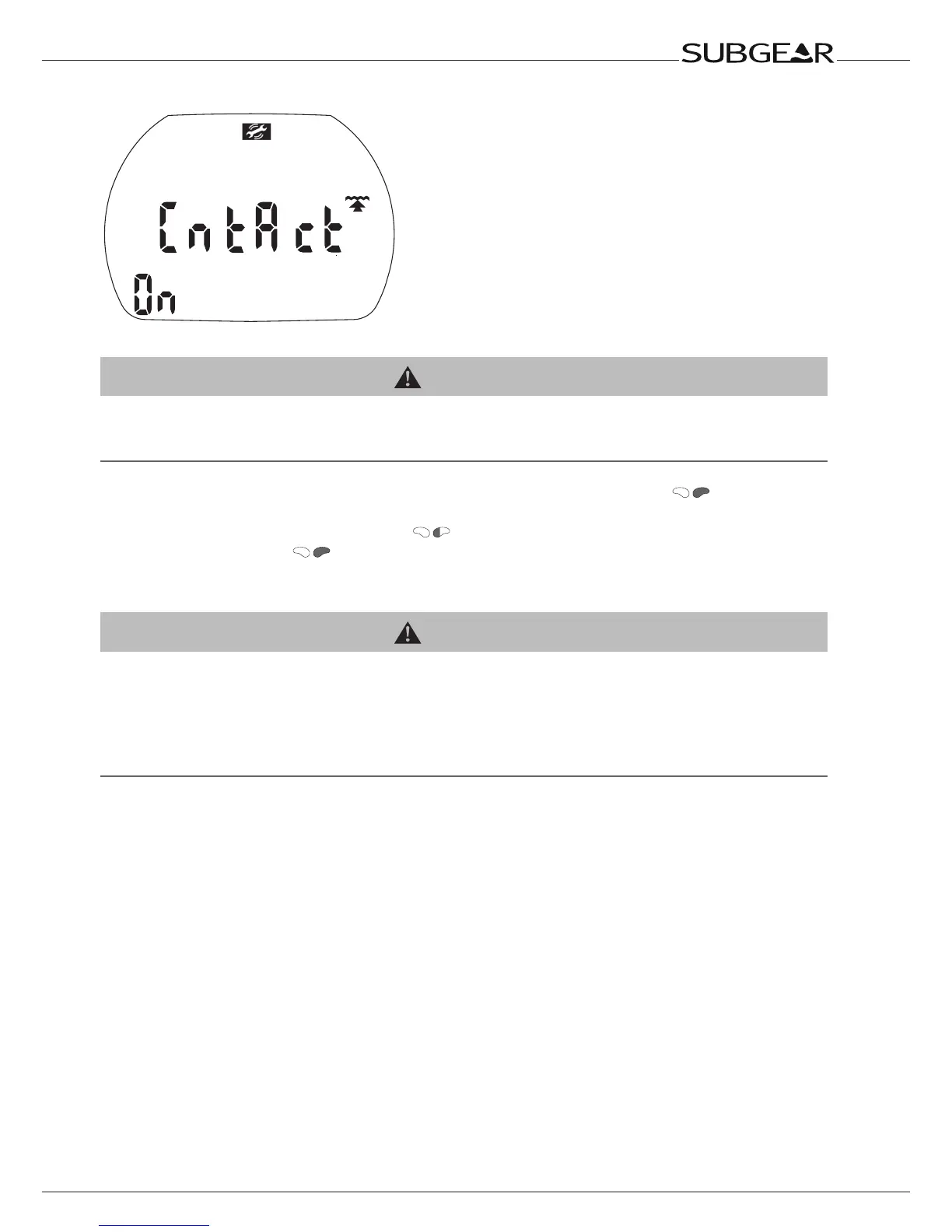
Switching the water contacts on and off
On submerging in water the water contacts switch on Subgear XP-3G automatically.
WARNING
If you chose the option “Water contacts off”, Subgear XP-3G will turn on with a delay of up to 1minute into the
dive. This will affect functioning of the computer.
Make sure that the computer is on before starting the dive.
1. Confirm that you wish to change the setting of the water contacts by pushing
. “On” or “off”
starts to flash.
2. Switch between “on” or “off” by pressing .
3. Confirm the setting with .
Resetting the remaining saturation
WARNING
Diving after a reset of the remaining saturation may lead you into potentially hazardous situations which could
result in death or serious injury.
After a reset of the remaining saturation do not dive for at least 48 hours.
If you dive after resetting the remaining saturation the computer will miscalculate your decompression, which
mayresultinseriousinjuryordeath.Resettheremainingsaturationonlyifyouknowyouwillnotbediving,ying
or going to higher altitude for the next 48 hours.
Resetting the desaturation should only be done when there is a valid reason, e.g. loaning the computer
to somebody who has not dived in 48 hours or more. When the computer itself has remaining saturation
you must assume full responsibility for the consequences of resetting the remaining saturation.



 To Next Page