CheckPoint Pharma and CheckPoint
e
Operation and Maintenance Manual
SUEZ © 2018 108 of 112 DLM 97200-03 EN Rev. A
4. Set the
Files of type
drop-down menu to
All Files (*.*)
.
5. Browse to the file containing the data exported from the Sensor and click
Open
. The
USB flash drive displays as a “Removable Disk” in the list of available drives.
6. If Excel opens the data in a spreadsheet, you do not need to continue with the next steps.
You can work with the file as you would any other Excel file.
7. Depending on the version of Microsoft Excel you have, Microsoft Excel may
automatically start the “Text Import Wizard” to help you create a spreadsheet from the
data in the file.
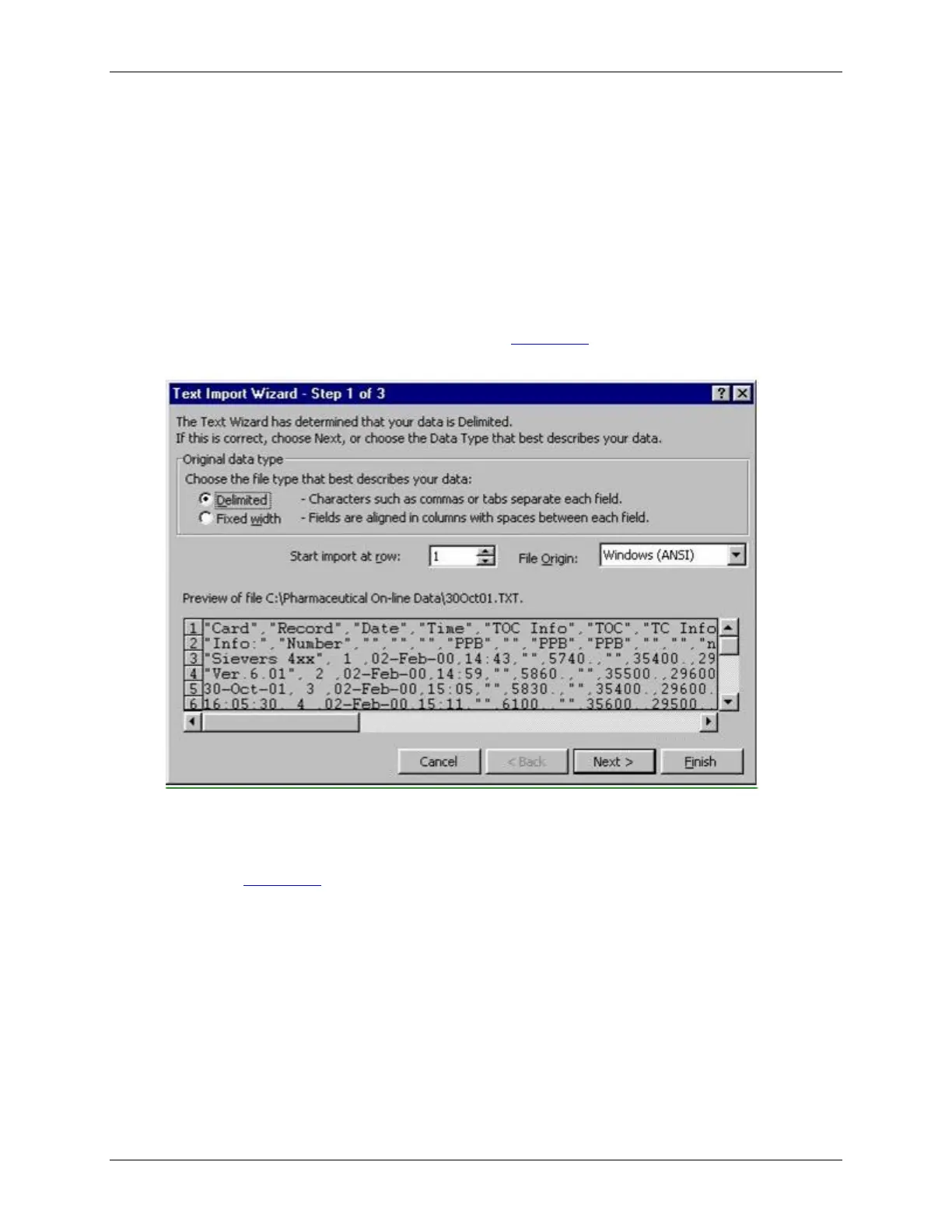
8. If the “Text Import Wizard” dialog box appears (Figure 48:
Text Import Wizard – Step 1 of
3
), verify that
Delimited
is selected, and then click the
Next
button.
Figure 48: Text Import Wizard – Step 1 of 3
9. Verify that the
Comma
check box is selected, to identify the file as being comma-
delimited (Figure 49:
Text Import Wizard – Step 2 of 3
).



 To Next Page