Operating procedures
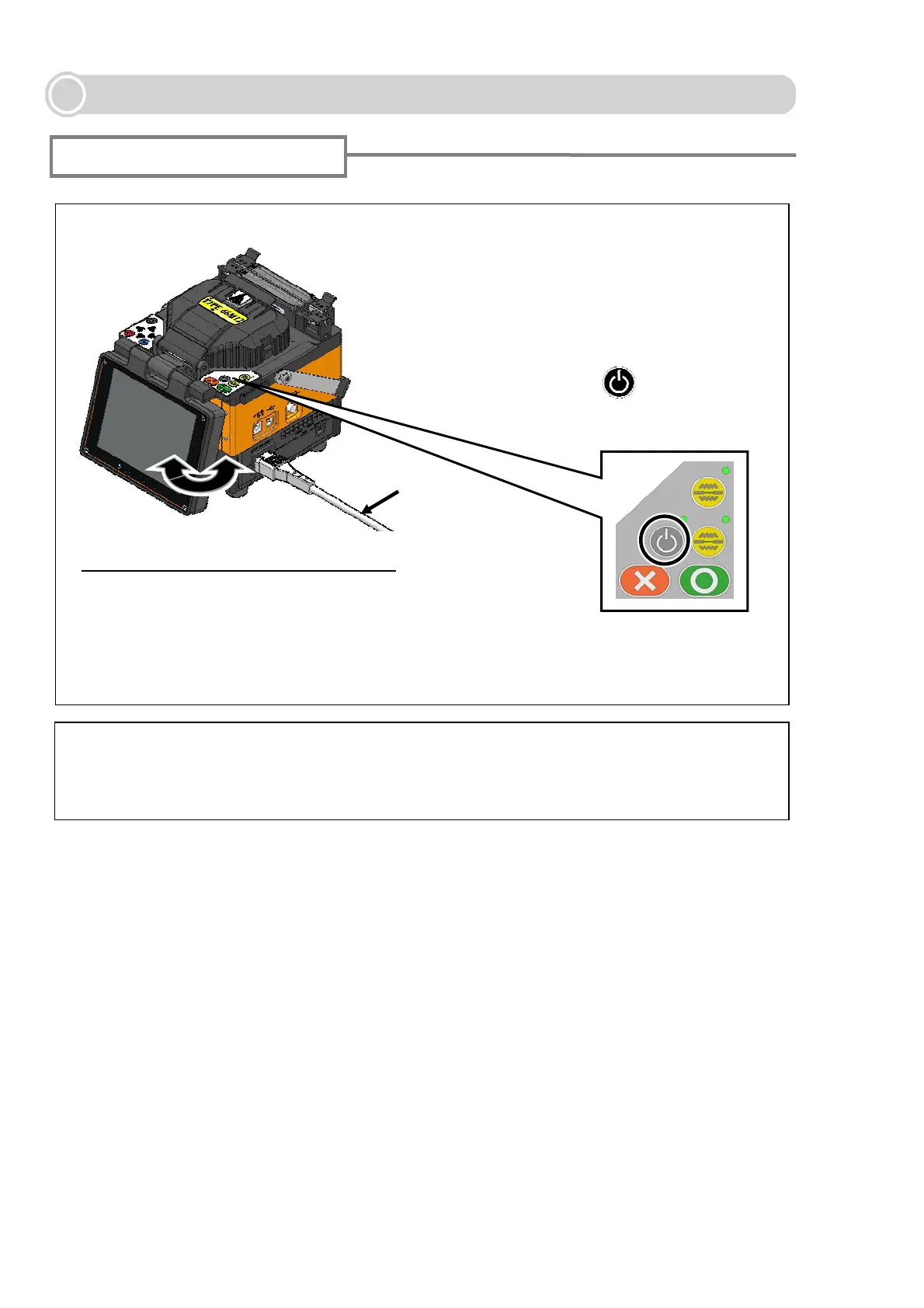
Turning on the TYPE-66
If you press the power key right after connecting the power cord to the power supply
module, it may take a few seconds until the splicer is powered on.
Special note on monitors
The monitor viewing angle can be adjusted.
Power cord
1: Prepare the power supply, referring to
page10-15.
2: Adjust the monitor for optimum viewing
angles.
3: Press the power ( ) key for more
than 1 second to turn on the power.
Although bright spots or dark spots may appear on the screen, this is a unique characteristic of
liquid crystal displays, and such do not constitute or imply a machine defect.
16



 To Next Page