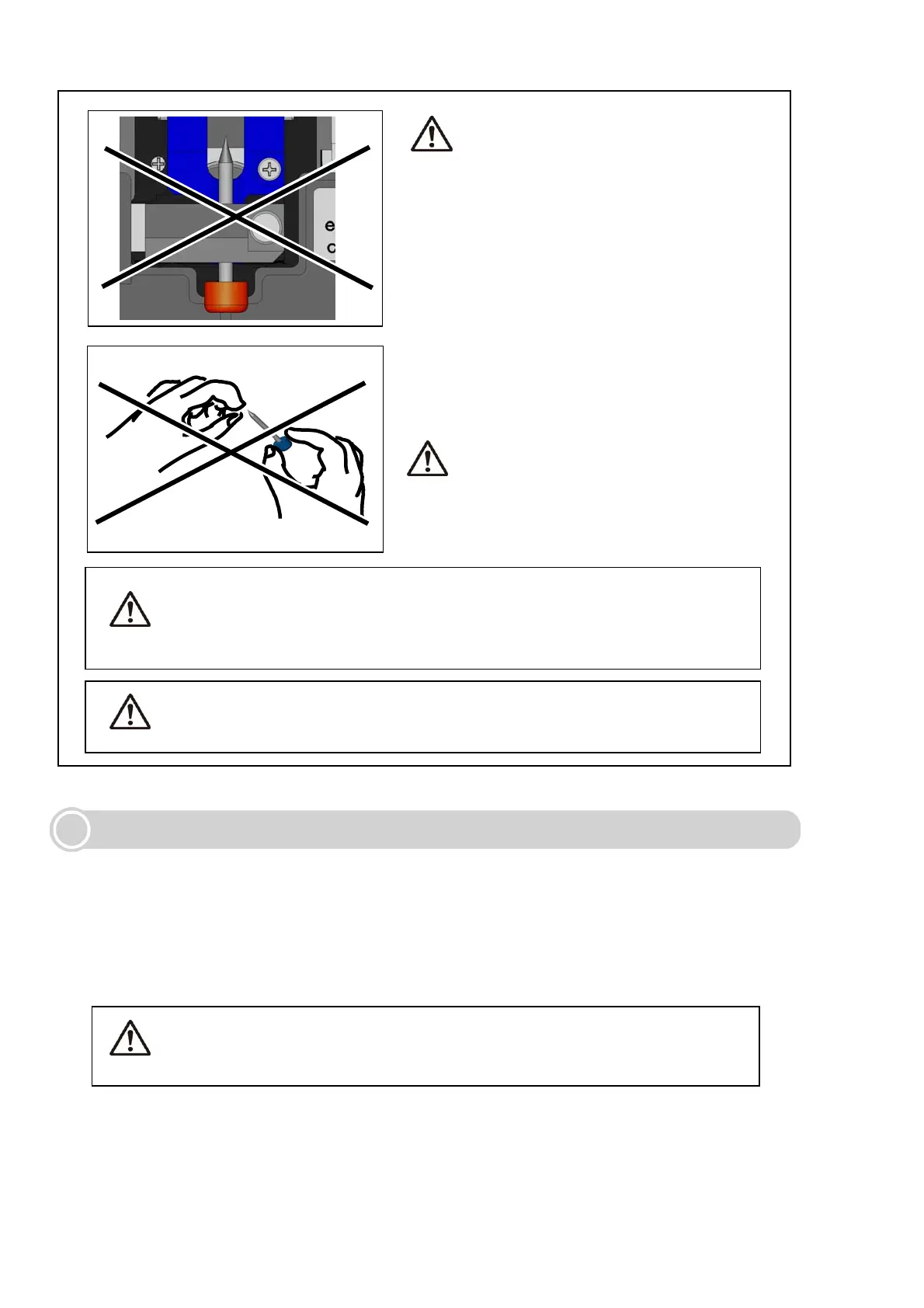
Caution
Ensure that the new electrode is fully
inserted with the plastic button against
the cover plate.
Failure to do so may cause splicer
malfunction or to lower splice
performance.
Caution
An electrode tip is extremely sharp.
Handle with care.
36
Caution
• Do not clean the electrode. Doing so may cause unstable arcing
performance.
Caution
Replacing monitor protection panel
The damaged or contaminated monitor protection panel can be replaced.
1: Unscrew the 4 screws to remove the monitor protection panel.
2: Fit a new monitor protection panel and tighten the 4 screws.
When fitting the panel to the monitor, pay attention not to let dust or
dirt into the panel.
• Be sure to turn off the splicer and unplug the power cord or
remove the battery before replacing the electrodes.
• Discard the old electrodes properly.
Caution



 To Next Page