The adjusted arc power level is stored even if the splicer is turned off.
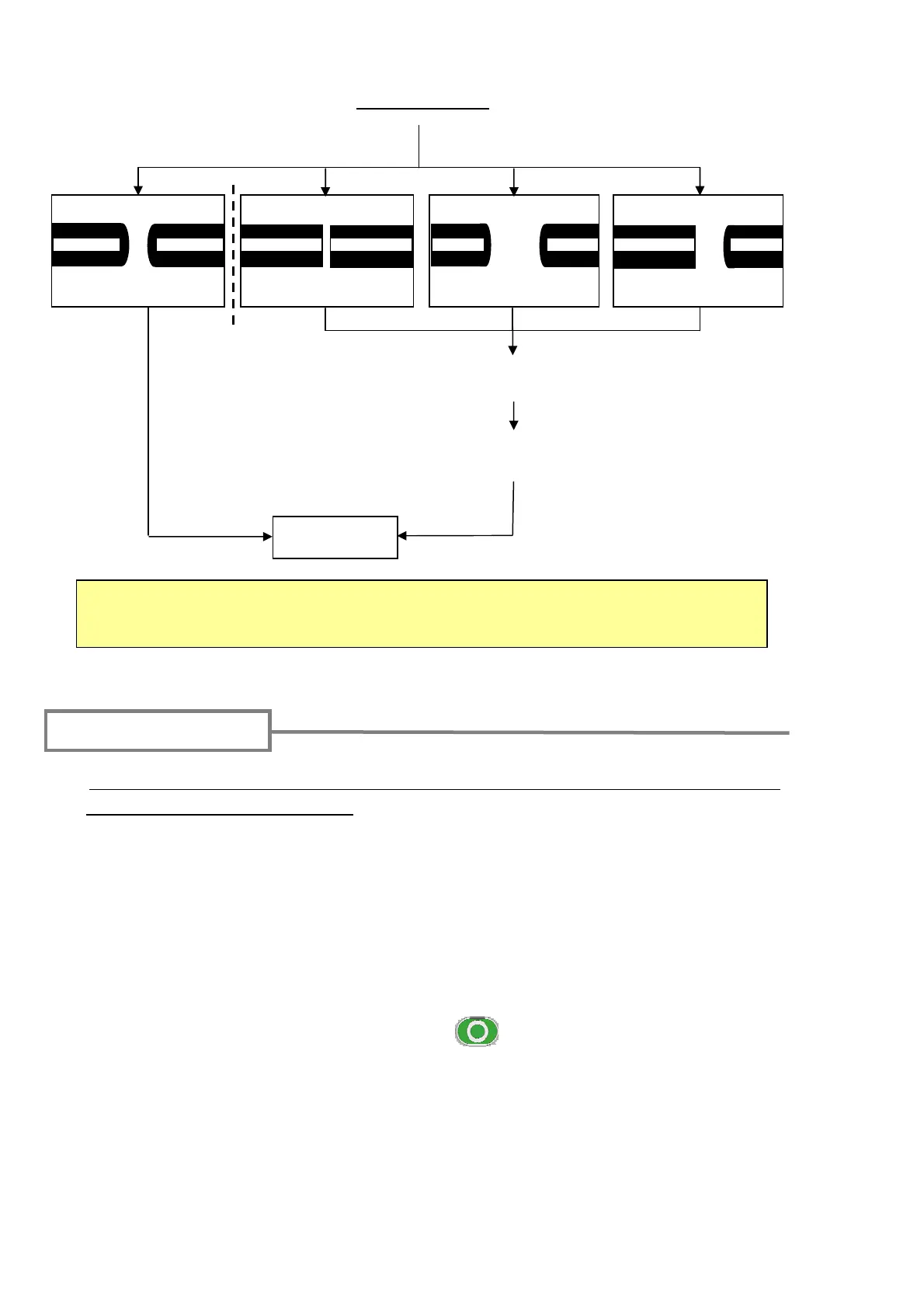
ARC OK
ARC TOO WEAK
ARC TOO STRONG
ARC CENTER
Arc test result
The arc power is automatically adjusted.
The arc power levels of before and after arc tests are displayed on the screen.
If “ARC OK” is not displayed, re-do the arc test.
Prepare the fiber again.
Start splicing
Fiber preparation
1: Be sure to slip the fiber protection sleeve over one of the fibers to be spliced before
stripping and cleaving the fibers. The fiber protection sleeve cannot be installed after
splicing.
2: Strip the fiber coating and clean the bare fiber.
Refer to page 17~18.
3: Cleave the bare fiber to proper cleave length.
Refer to page 19~20.
4: Insert the fiber into the splicer. Press the (SET) key to start the automatic
splicing process.
24



 To Next Page