23
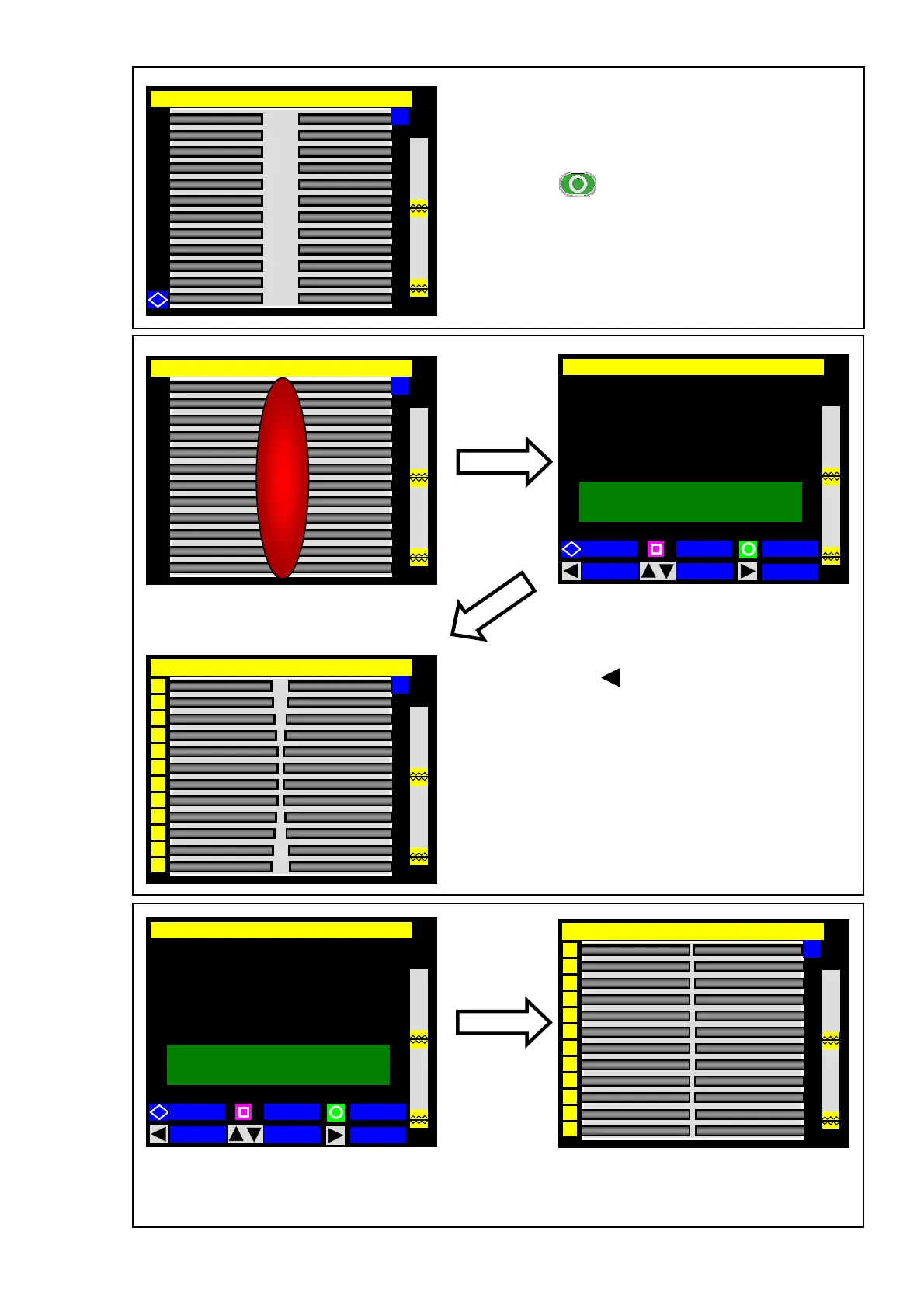
8: Ensure that “Arc Test Ready” is displayed at the
upper left corner of the screen.
9: Press the (SET) key.
The fibers are moved forward.
10: An arc test is started. (The fibers
are not spliced.)
12: If “ARC TOO WEAK”, “ARC TOO STRONG” or “ARC CENTER” is displayed, prepare the
fiber again and repeat the test until “ARC OK” is displayed.
Press the (FIBER) key. The arc test
result with fiber images will be displayed.
Arc Test Ready [SM:12c-40mm 12c]
Y
Arc [SM:12c-40mm 12c]
Y
Arc OK
FIBER
L : 030
R : 035
Good arc state. Can be done
11: If “ARC OK” is displayed, begin the fiber
preparation procedure to perform a
splice.
Arc OK
Y
6
8
4
10
5
3
1
2
7
9
11
12
Arc Too Weak
FIBER
Perform arc test again
035 → 050
L : 030
R : 035
Y
6
8
4
3
1
2
10
5
11
12
7
9
Arc Too Weak



 To Next Page