94 Netra 240 Server Service Manual • June 2004
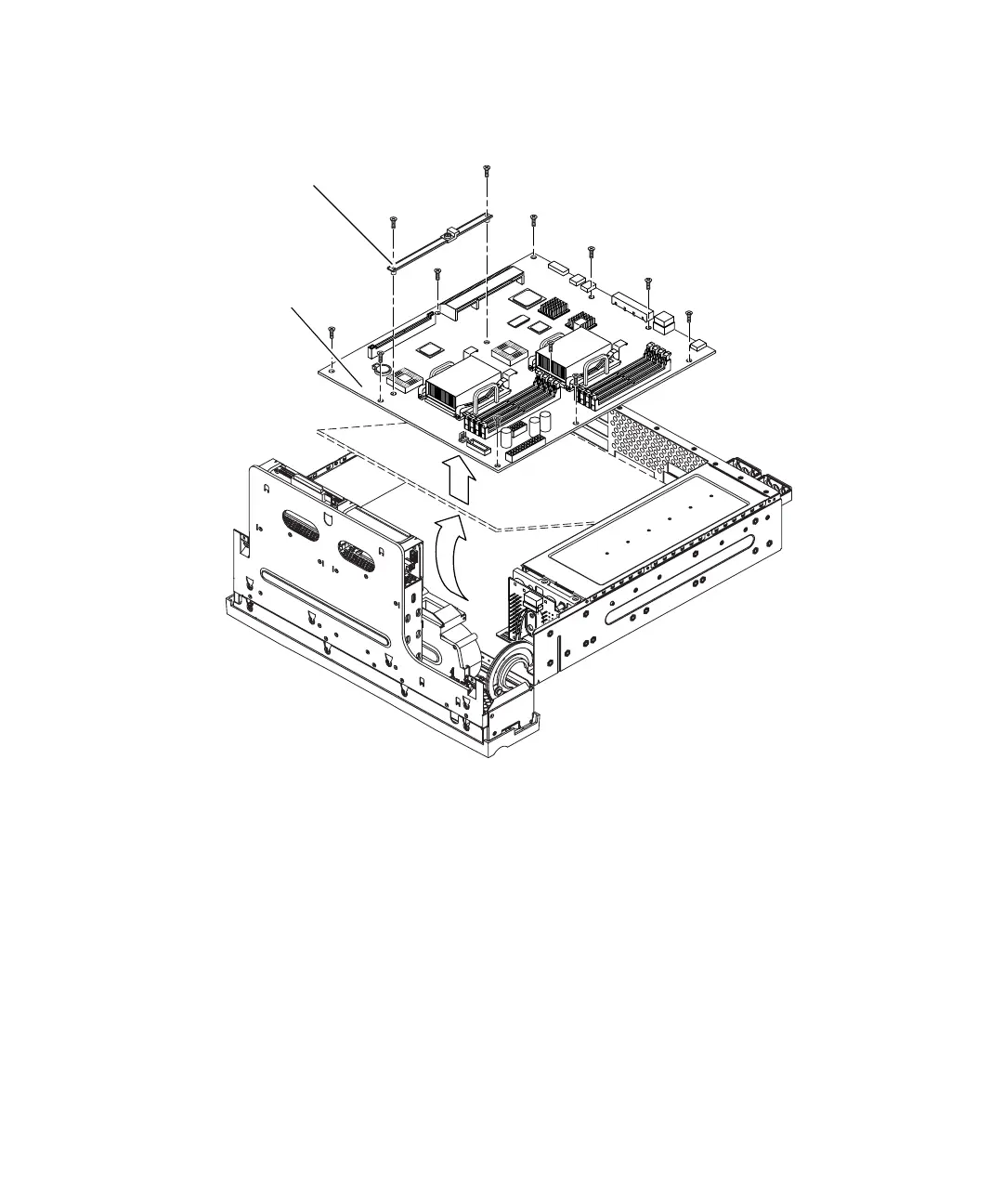
16. Remove the ten screws that secure the system board to the bottom of the chassis
(
FIGURE 5-17).
FIGURE 5-17 Removing and Installing a System Board
17. Lift the front of the system board slightly and slide the system board toward the
front of the chassis so that the SCSI, Ethernet, and serial connectors come free
from the chassis (
FIGURE 5-17).
18. Lift the system board out of the chassis.
System board
PCI card support














 To Next Page