46 Netra 240 Server Service Manual • June 2004
Removing a DVD Drive
1. Power off the server.
See “Powering Off the Server” on page 22.
2. Grip the bezel at the two finger holds and rotate it down to open (FIGURE 3-1).
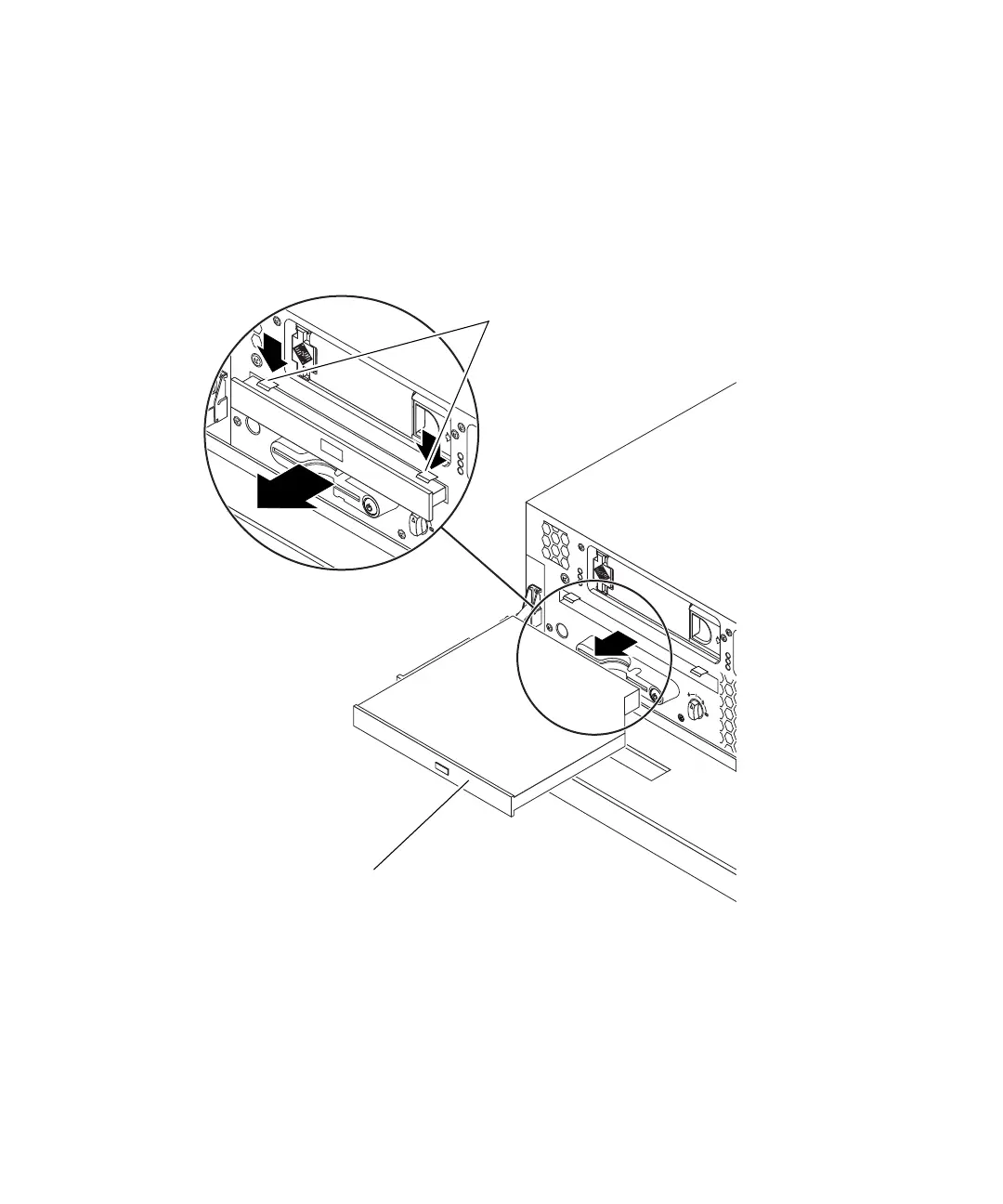
3. Unclip the catches that fasten the DVD drive to the chassis (FIGURE 3-6).
FIGURE 3-6 Removing a DVD Drive
4. Pull the DVD drive toward you until it is free of its connectors and out of the
server.
DVD drive
DVD drive catches














 To Next Page