Chapter 4 Removing and Replacing Rotating Service Module Components 63
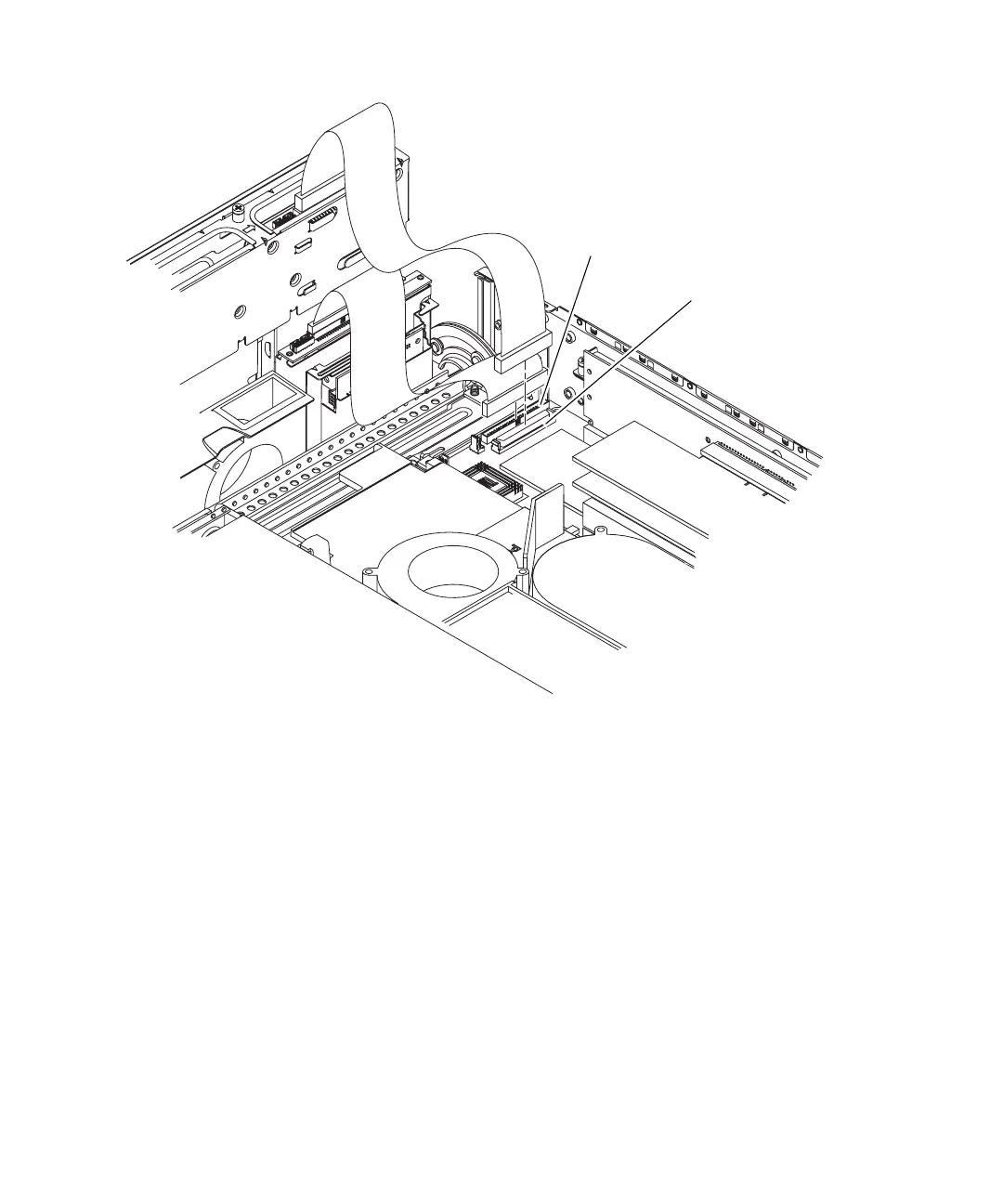
FIGURE 4-5 Removing the SCSI Interface Board Cable and the IDE Cable From the System Board
b. Unplug the IDE cable from the system board and leave the cable attached at the
other end (
FIGURE 4-5).
c. Unplug but do not remove the DVD power/I
2
C interface ribbon cable from the
SCSI interface board.
d. Unplug the bezel cables from the SCSI interface board and move them out of
the way.
10. Using a No. 2 Phillips screwdriver, loosen the two green captive screws at the
front of the system configuration card reader cluster (
FIGURE 4-6).
11. Grasp the system configuration card reader cluster on the two green grip points,
lift up and remove (
FIGURE 4-6).
The grip points are visible when viewed from the top of the system configuration
card reader cluster with the rotating service module open.
IDE cable
connector
SCSI interface
board cable
connector














 To Next Page