Chapter 4 Installing the Server Into a 31.5-Inch Cabinet 79
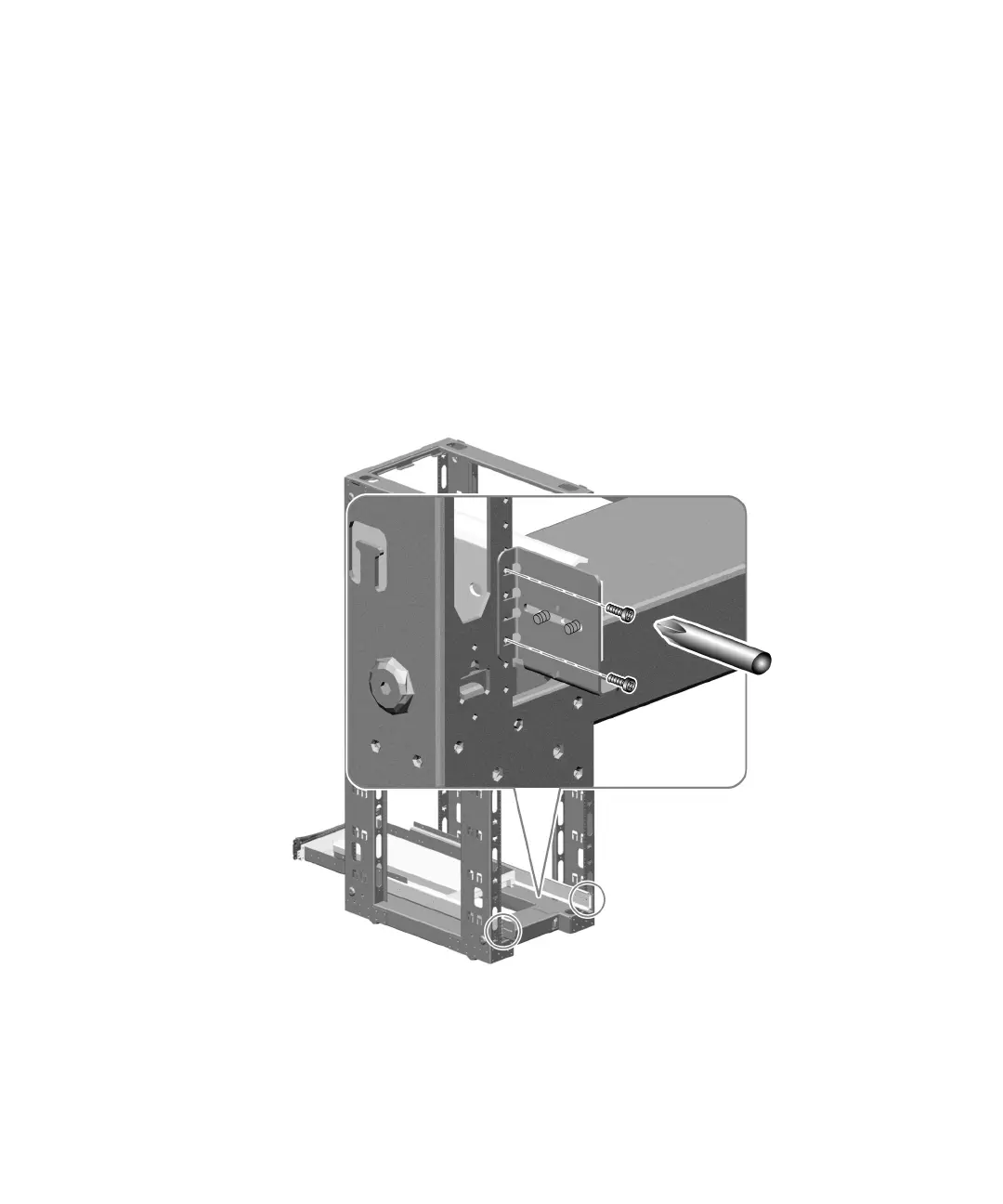
b. Attach the front brackets to the front rails of the cabinet using four 10-32
screws.
Align the lower hole of each front bracket with the front rail holes you marked in
“Determine the Vertical Position of the Server in the Cabinet” on page 77.
Secure the front brackets using one 10-32 screw in the lower hole of each bracket.
Finger-tighten the screws.
Align the upper hole of each front bracket with the corresponding hole in the
cabinet rail. Secure the brackets to the rails using one 10-32 screw in each upper
hole. Finger-tighten the screws.
Do not tighten the screws completely until all the screws are in place and the tray
assembly is level.











 To Next Page