28
5
iEnergyCharge App
iEnergyCharge App is a tool that allows users to operate and manage their EV chargers.
Users can complete account settings and charger configuration, manage charge cards,
operate the charger, and reach customer service on the App.
Depending on the version of iEnergyCharge you are using, the user interface
might be slightly different.
5.1 Download and Installation
Operating System:
• Android 6.0 or later
• iOS 11 or later
Option 1
Download the App from the below application stores and install it on your device:
• Google Play
• App Store
Option 2
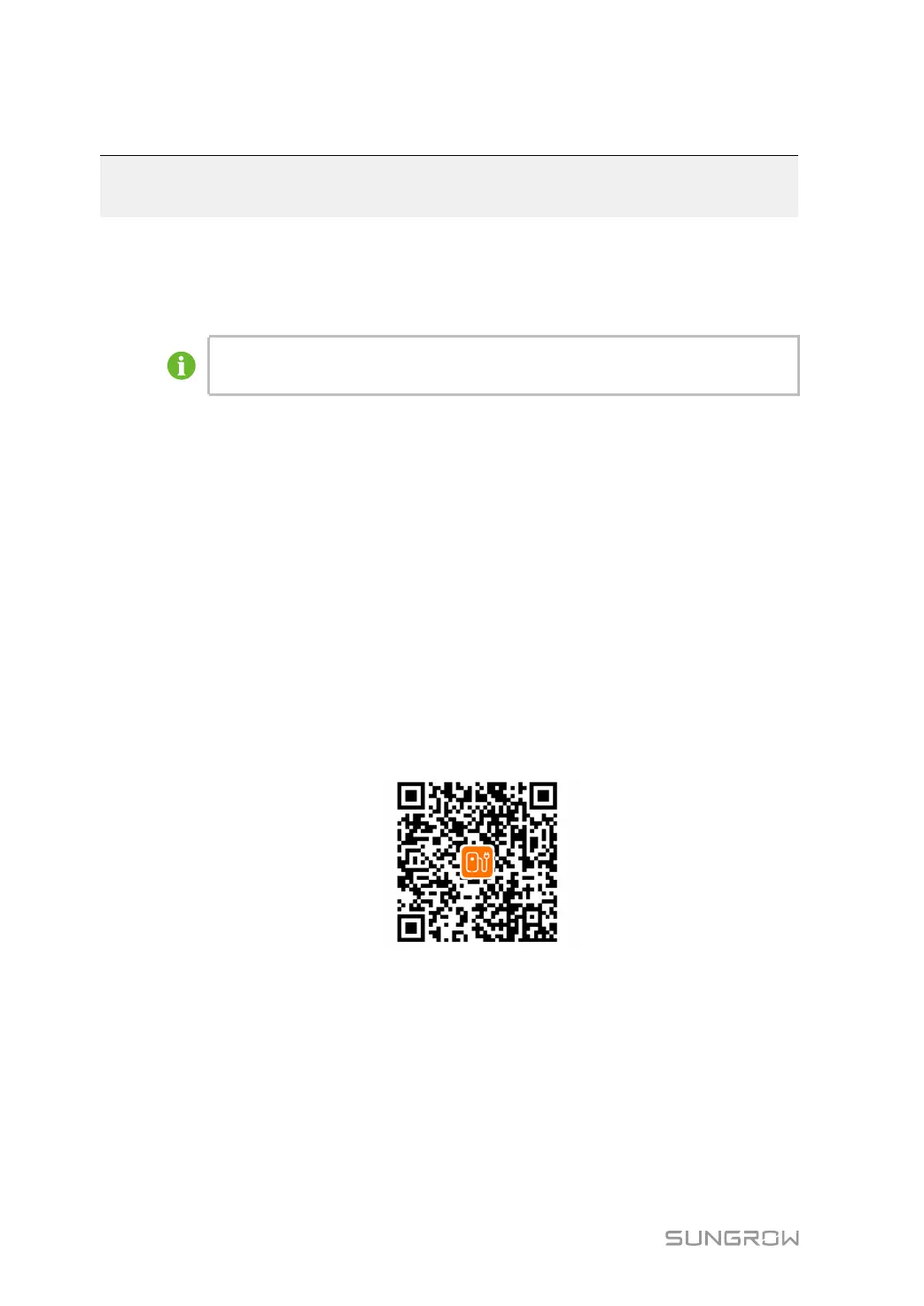
Scan the QR code below, and download and install the App by following the onscreen
instructions.
5.2 Sign-up and Log in
Step 1 Open the iEnergyCharge App, and tap Sign up.
Step 2 Enter an email address, and tap Next.
Step 3 Find the verification code sent by the system in your email inbox. Then, go back to the App,
enter the verification code, and tap Next.
Step 4 Enter a password, and the sign-up process is now completed. You will then go to the App’s
Home screen.


 To Next Page