36
Firmware upgrade
Requirements:
• Your phone and the charger have connection to the Internet.
• The charger is available.
• There is a new version of the firmware.
Tap Firmware upgrade. Tap Update to start remote firmware upgrade.
To ensure proper functionality of the charger, it is recommended to keep the firm-
ware up to date.
5.5 Account
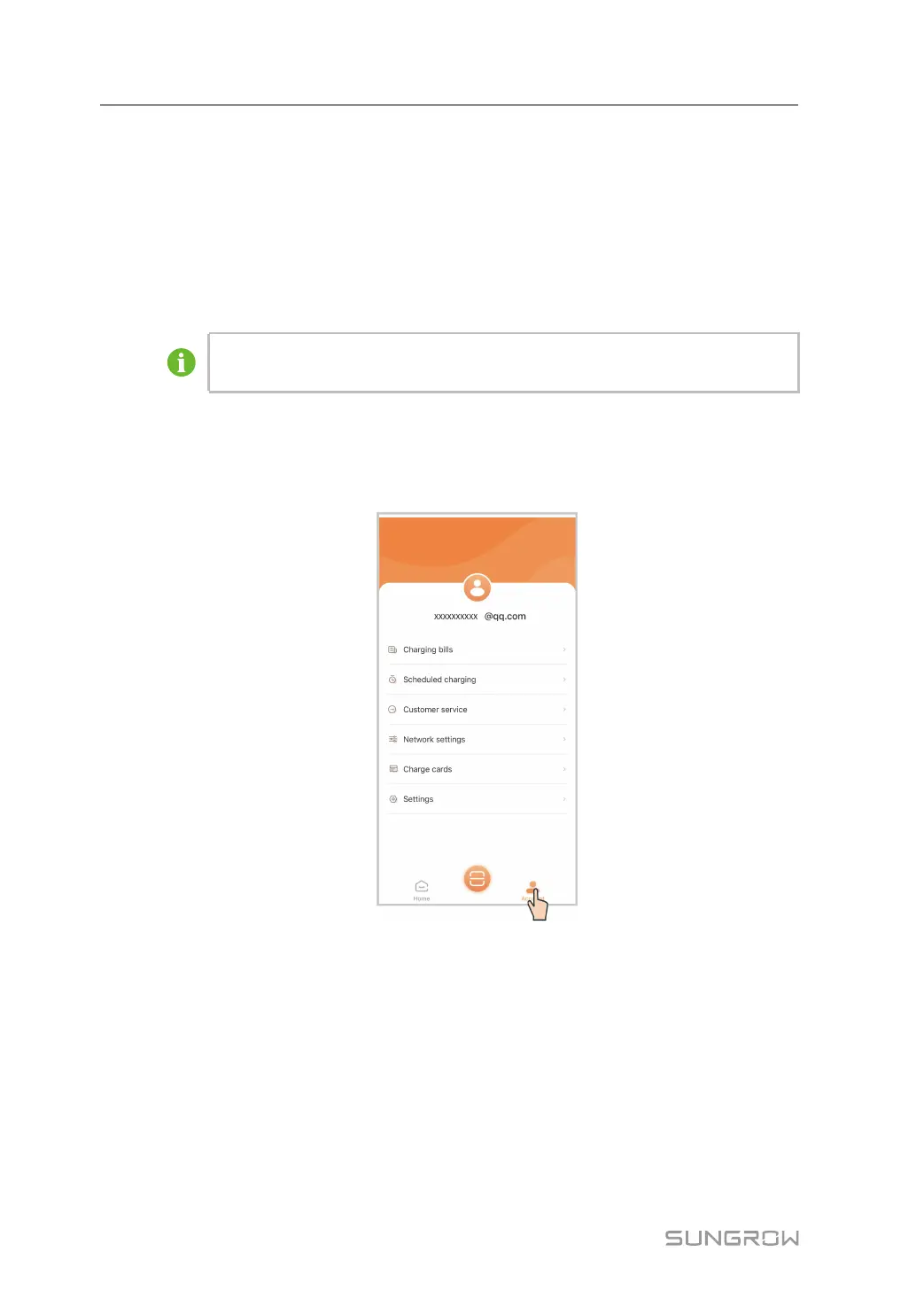
Tap Account in the bottom navigation bar. You will then see the screen shown below.
5.5.1 Charging Bills
Step 1 Tap Charging bills.
5 iEnergyCharge App User Manual


 To Next Page